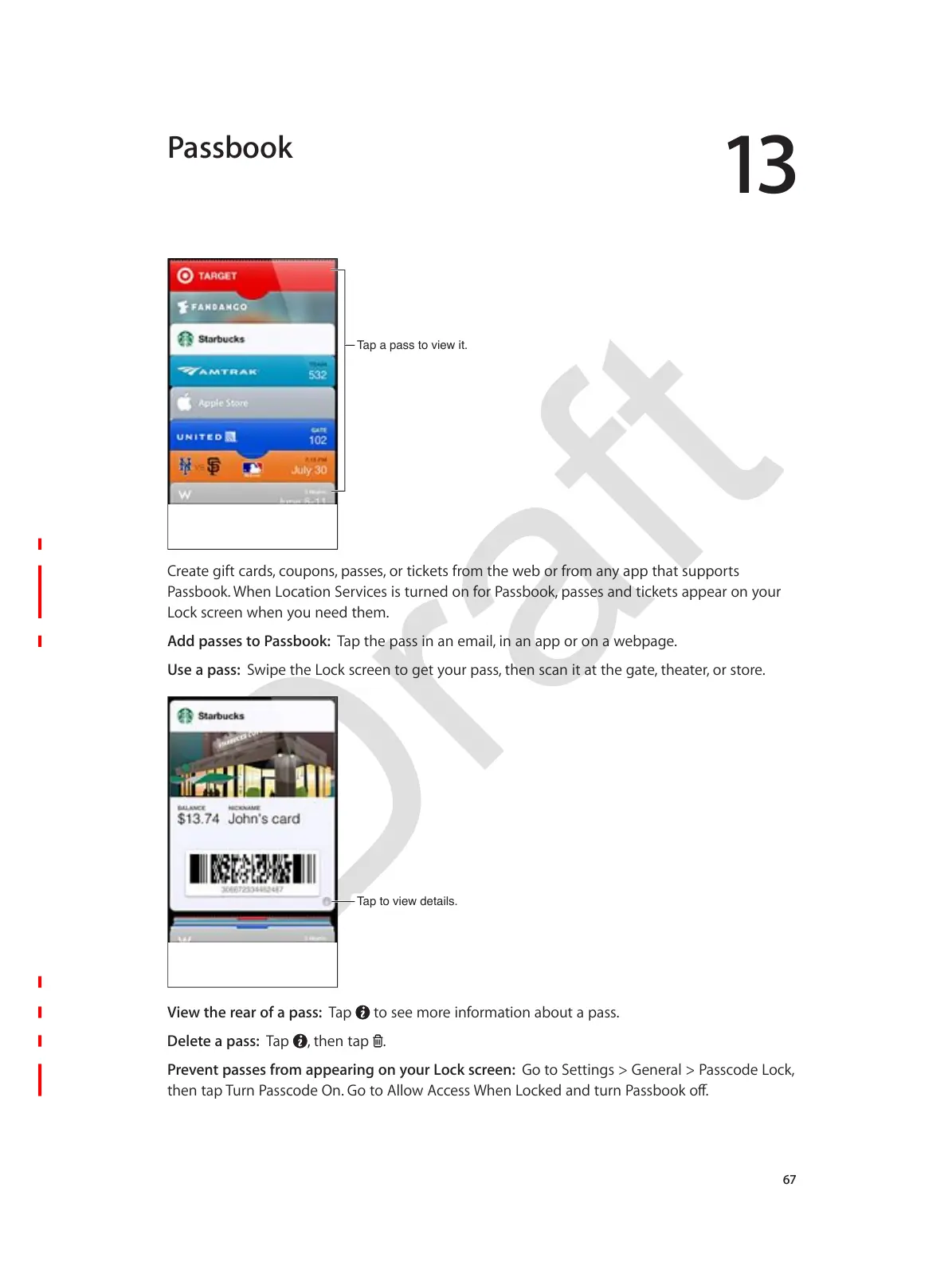
7DSDSDVVWRYLHZLW
<#-,*-$:%)*$1,#/5L$1"0;"75L$;,55-5L$"#$*%1K-*5$)#"=$*2-$+-J$"#$)#"=$,79$,;;$*2,*$50;;"#*5$
.,55J""KX$82-7$R"1,*%"7$'-#3%1-5$%5$*0#7-/$"7$)"#$.,55J""KL$;,55-5$,7/$*%1K-*5$,;;-,#$"7$9"0#$
R"1K$51#--7$+2-7$9"0$7--/$*2-=X$
Add passes to Passbook: B,;$*2-$;,55$%7$,7$-=,%?L$%7$,7$,;;$"#$"7$,$+-J;,:-X
Use a pass: '+%;-$*2-$R"1K$51#--7$*"$:-*$9"0#$;,55L$*2-7$51,7$%*$,*$*2-$:,*-L$*2-,*-#L$"#$5*"#-X
7DSWRYLHZGHWDLOV
View the rear of a pass: B,;$ $*"$5--$="#-$%7)"#=,*%"7$,J"0*$,$;,55X
Delete a pass: B,;$ L$*2-7$*,;$ X
Prevent passes from appearing on your Lock screen: I"$*"$'-**%7:5$_$I-7-#,?$_$.,551"/-$R"1KL$
VJGPVCR6WTP2CUUEQFG1P)QVQ#NNQY#EEGUU9JGP.QEMGFCPFVWTP2CUUDQQMQÒ
Passbook



 To Next Page