Chapter 1 '(")*$"+,-*1$*1*231#,%* 8
4,,%&&"/'%&
B2-$)"??"+%7:$,11-55"#%-5$,#-$%71?0/-/$+%*2$%."/$*"012Y
Apple EarPods (iPod touch 5th generation, shown above) or Apple Earphones (iPod touch 4th
generation): R%5*-7$*"$=05%1L$3%/-"5L$!,1-B%=-$1,??5L$'%#%L$,0/%"J""K5L$;"/1,5*5L$,7/$:,=-5X
Lightning to USB Cable (iPod touch 5th generation, shown above) or Dock Connector to USB
Cable (iPod touch 4th generation): <"77-1*$%."/$*"012$*"$9"0#$1"=;0*-#$*"$5971$,7/$12,#:-L$
"#$*"$*2-$D'6$;"+-#$,/,;*-#$Z5"?/$5-;,#,*-?9[$*"$12,#:-X$B2-$1,J?-$1,7$,?5"$J-$05-/$+%*2$*2-$
";*%"7,?$/"1K$Z5"?/$5-;,#,*-?9[X
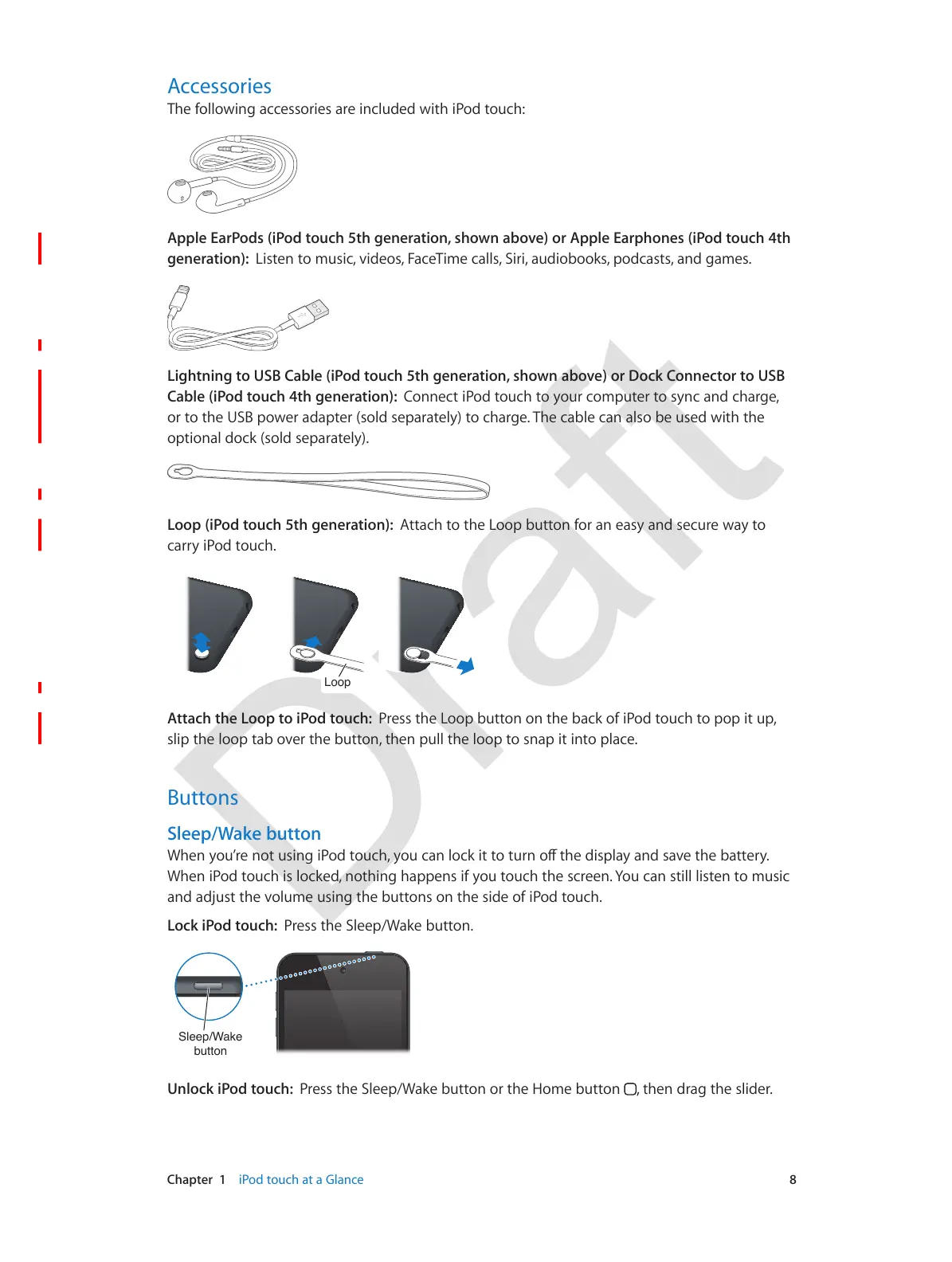
Loop (iPod touch 5th generation): 4**,12$*"$*2-$R"";$J0**"7$)"#$,7$-,59$,7/$5-10#-$+,9$*"$
1,##9$%."/$*"012X
/RRS
Attach the Loop to iPod touch: .#-55$*2-$R"";$J0**"7$"7$*2-$J,1K$")$%."/$*"012$*"$;";$%*$0;L$
5?%;$*2-$?"";$*,J$"3-#$*2-$J0**"7L$*2-7$;0??$*2-$?"";$*"$57,;$%*$%7*"$;?,1-X
5+$$"#&
Sleep/Wake button
9JGP[QW¨TGPQVWUKPIK2QFVQWEJ[QWECPNQEMKVVQVWTPQÒVJGFKURNC[CPFUCXGVJGDCVVGT[
82-7$%."/$*"012$%5$?"1K-/L$7"*2%7:$2,;;-75$%)$9"0$*"012$*2-$51#--7X$\"0$1,7$5*%??$?%5*-7$*"$=05%1$
,7/$,/]05*$*2-$3"?0=-$05%7:$*2-$J0**"75$"7$*2-$5%/-$")$%."/$*"012X
Lock iPod touch: .#-55$*2-$'?--;^8,K-$J0**"7X



 To Next Page