QuickBooks for Mac 2014 User’s Guide 143
When you receive your goods
When you receive goods you ordered with the PO, you also record that in QuickBooks. The transaction you use
depends on when you pay for the items.
• Item receipt— You've received the goods, but won't get the bill until later.
• Bill— You've received the goods and the bill at the same time.
• Check or credit card charge— You've received the goods and paid for them at the same time.
Other things to know about POs
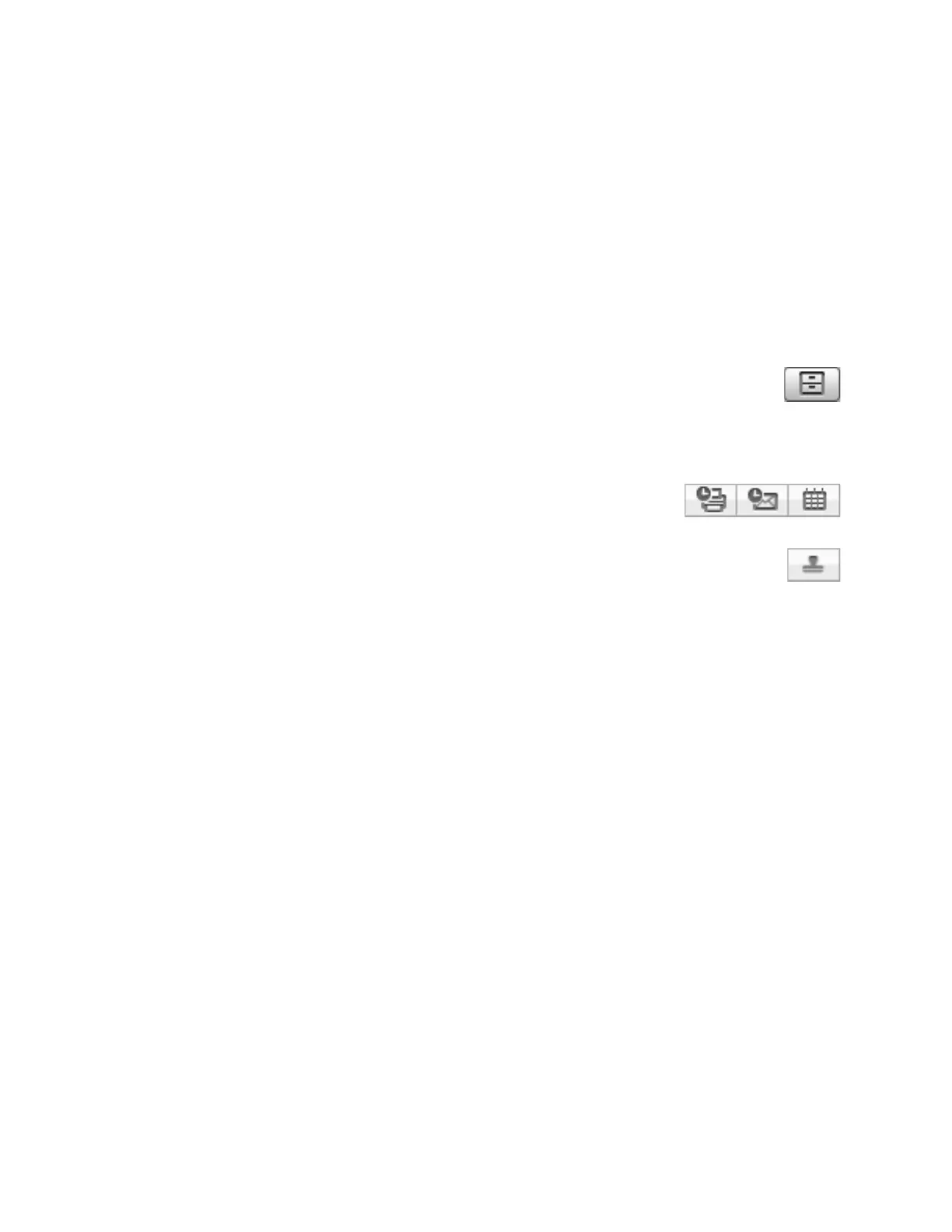
• View history for the purchase order. Click history to see the history for this invoice.
• Print, email, add to iCal/Calendar. You can mark the PO to be printed or emailed
later. Then choose File > Print forms or File > Email forms. You can also add a
reminder to iCal/Calendar that the items on the PO are due to arrive.
• Close the purchase order. When you receive all the items on the purchase order, QuickBooks marks
the PO as "Received in Full." If you do not expect to receive all the items you ordered, you can close
part or all of the PO manually so that QuickBooks doesn't show the items as "on order" anymore.
When you close a PO manually, QuickBooks marks the PO as "Closed."



 To Next Page