QuickBooks for Mac 2014 User’s Guide 14
Why enter my historical transactions?
Entering historical transactions gives you an accurate look at how your company is doing in the present and over
time. After you enter your transactions from your start date up to today, you'll have:
• Accurate balances in your bank accounts and all other accounts
• The ability to reconcile your bank and credit card statements with your QuickBooks bank and credit card
accounts
• Up-to-date records of what customers owe you and what you owe vendors
• Accurate year-to-date profit and loss statements
• Accurate sales tax reports for any period after your start date
Do I wait to enter current transactions until I get the historical data
in?
No. Just because you starting to use QuickBooks doesn't mean your business has stopped running. You probably
have current transactions happening right now that you need to record, as well as get your historical data into
QuickBooks. So this is important to know: You can enter historical transactions at any time. You don’t have to enter
all your past transactions before you start using QuickBooks.
Go ahead and start entering current transactions as they occur so you don’t get behind. Then catch up with
historical transactions when you can. Try breaking them into digestible chunks, like a week or month's worth at a
time. Remember, though, that your account balances may be off until you’ve entered all the transactions back to
your start date.
Order matters
There are two important guidelines to keep in mind as you enter historical transactions:
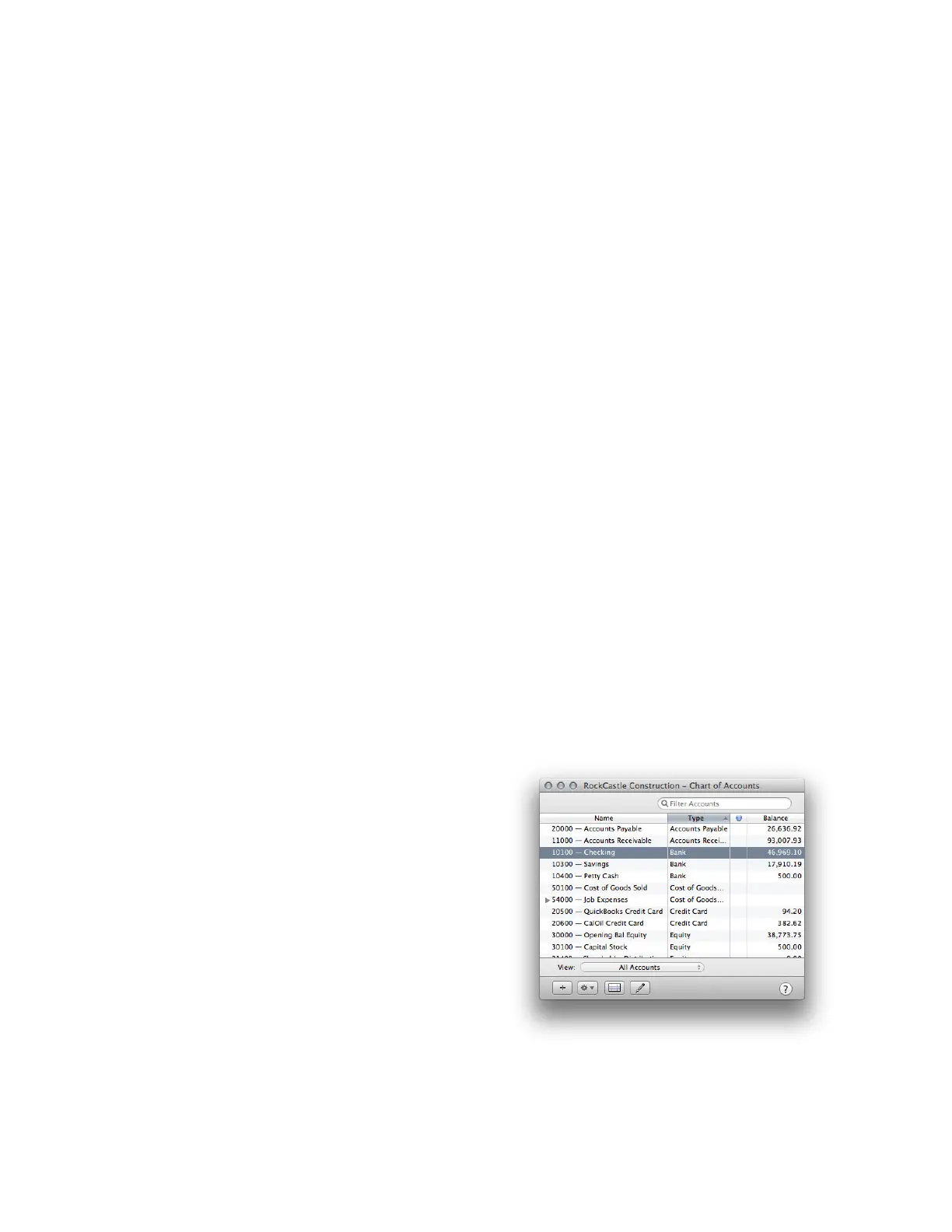
Enter transactions in your bank accounts last. This may
seem counterintuitive, but stay with me here. You
want to do this because your Accounts Payable and
Accounts Receivable accounts affect your QuickBooks
bank accounts (but not the actual account at your
bank). So the only bank transactions you’ll have to
enter in your bank account are those that are still
missing after you finish entering transactions for
accounts payable, accounts receivable, and payroll.
You must enter bills and invoices first before you enter
payments. If you tell QuickBooks you've made a
payment, QuickBooks needs to know what bill that
payment is for. Likewise, if a customer has sent you
their payment, then QuickBooks needs to know what
invoice the payment is for. That way QuickBooks knows which bills you've paid and what invoices your customers
have paid.



 To Next Page