QuickBooks for Mac 2014 User’s Guide 15
Paying attention to these two guidelines will pay off big for you later on. You'll have an accurate view of which
invoices and bills are paid in full, which are partially
paid, and which aren't paid at all. As you record your bill
payments and your customers’ invoice payments,
QuickBooks updates your bank balance. Then you can
fill in any other transactions you haven't recorded
previously.
Entering vendor transactions
Strictly speaking, there’s no rule
that says you have to enter your
transactions in a particular order.
But I recommend that you enter
your vendor-related transactions
first, especially if you invoice
customers for expenses you want
to be reimbursed for. Here's why:
You won’t be able to include expenses on an
invoice for reimbursement unless that expense is
accounted for with a purchase-related transaction.
So, it’s a good idea to get those vendor
transactions in first.
Let’s get started! The first thing to do is enter all your transactions related to buying items and services from your
vendors. You only need to enter transactions from the start date you used for your company file until
today.
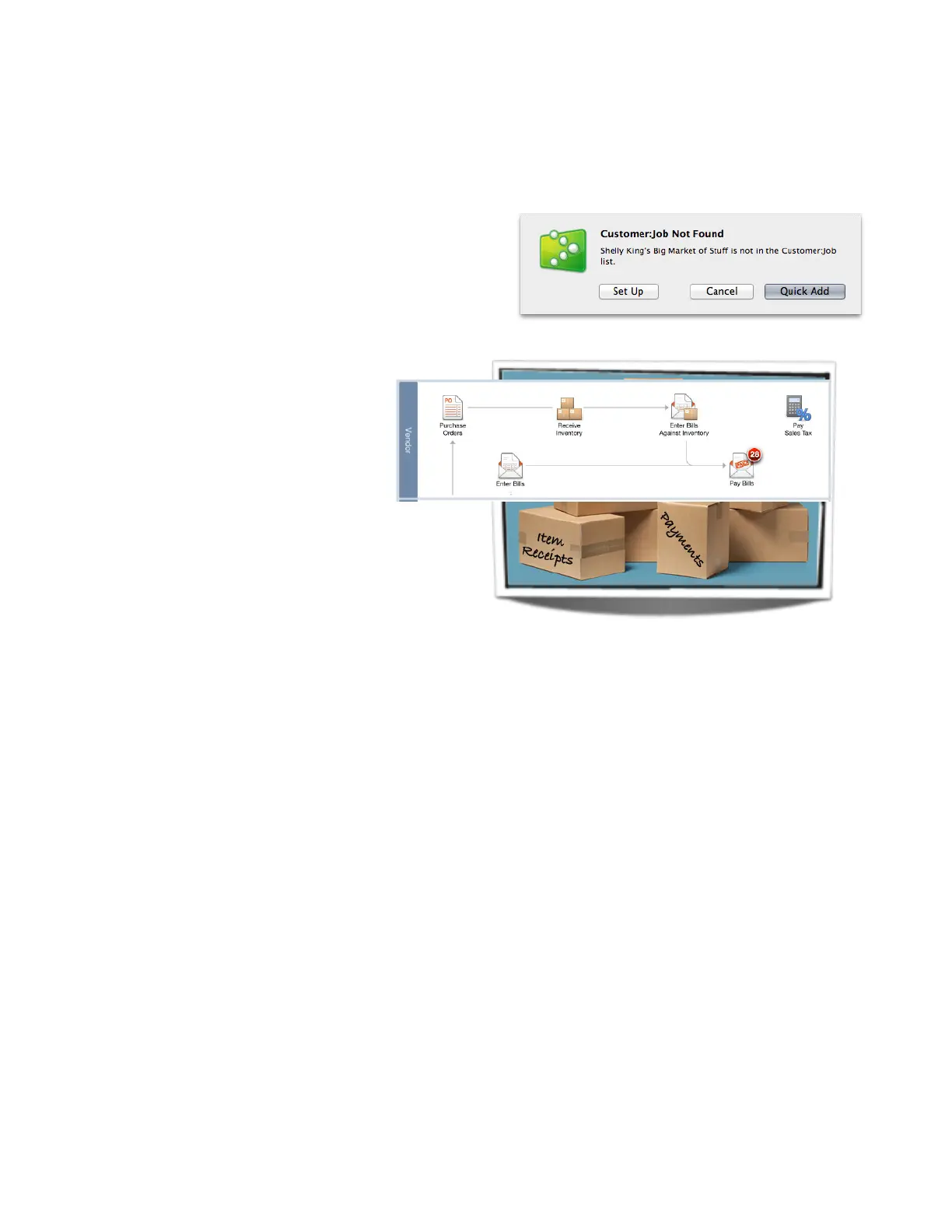
Vendor transactions to enter are:
• Purchase orders
• Item receipts
• Bills
• Payments you made to your vendors
Gather the information you'll need
To get started, you’ll need this information for the timeframe between your company file’s start date and today:
• Details of any POs you’ve sent to vendors, if you use purchase orders
• A list of inventory items you’ve received
• Any bills you’ve received
• Records of bill payments you made
Entering transactions
Now you’re ready to enter your transactions. If you haven’t set up your Items or Vendors lists yet, you’ll be asked
to add these as you go along. For example, if you’re entering a bill and enter the name of a vendor not in your



 To Next Page