QuickBooks for Mac 2014 User’s Guide 31
CHAPTER 2
Lists
Lists are one of the most important areas in QuickBooks. Your lists are where the things you use in just about any
transaction live. Take an invoice, for example. The "Bill
to" name, item, description, rate, tax, payment terms,
customer message, anything you select from a
dropdown list, are all set up on a list.
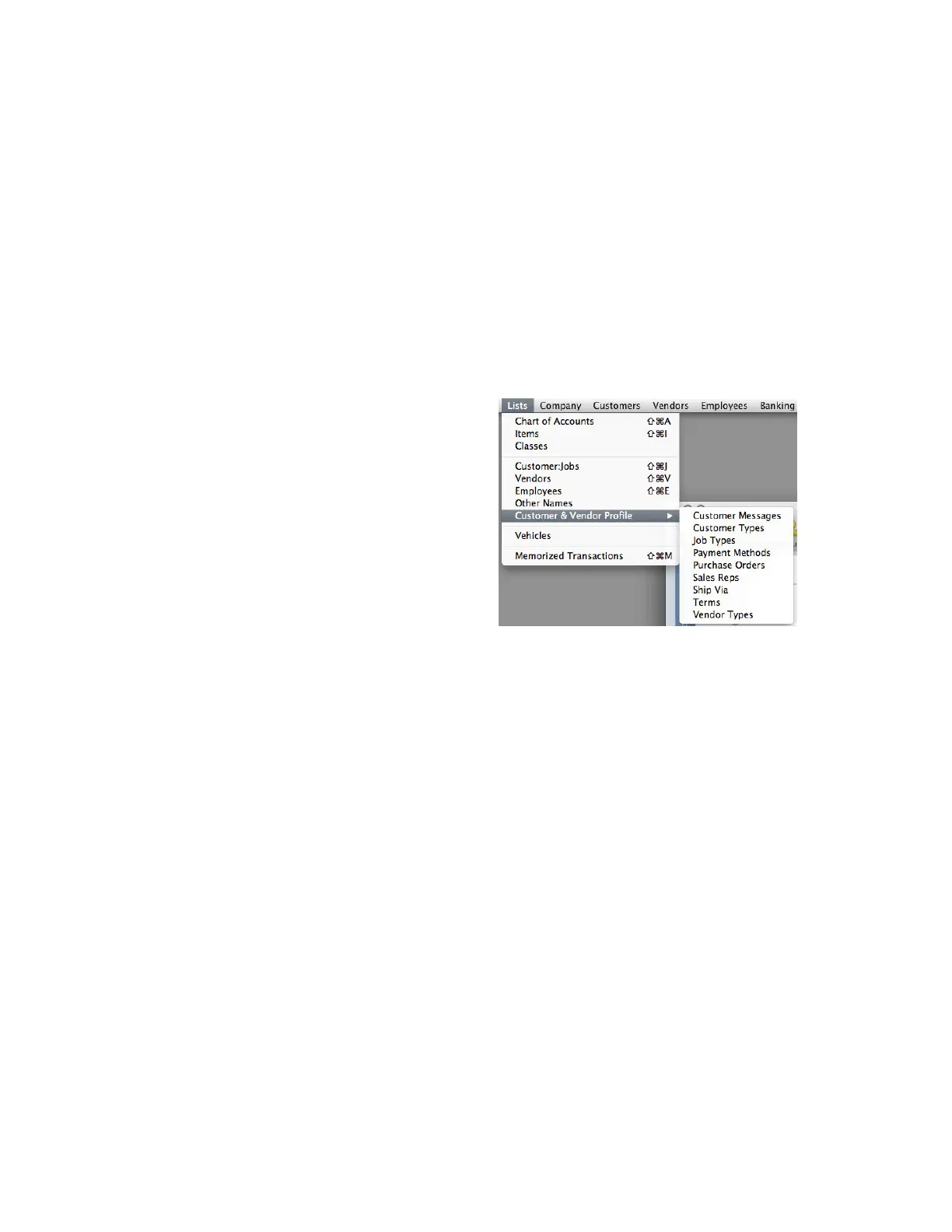
You can get to any list from the List menu.
In subsequent chapters, I go into more detail about
specific lists like Chart of Accounts, Items,
Customer:Jobs, and Vendors. In this chapter, I’ll talk
about everything else:
• Classes
• Employees
• Other Names
• Customer & Vendor Profile
o Customer Types
o Vendor Types
o Terms
o Customer Messages
o Payment Methods
o Ship Via
• Vehicles
• Memorized Transactions
!
!



 To Next Page