Step 2
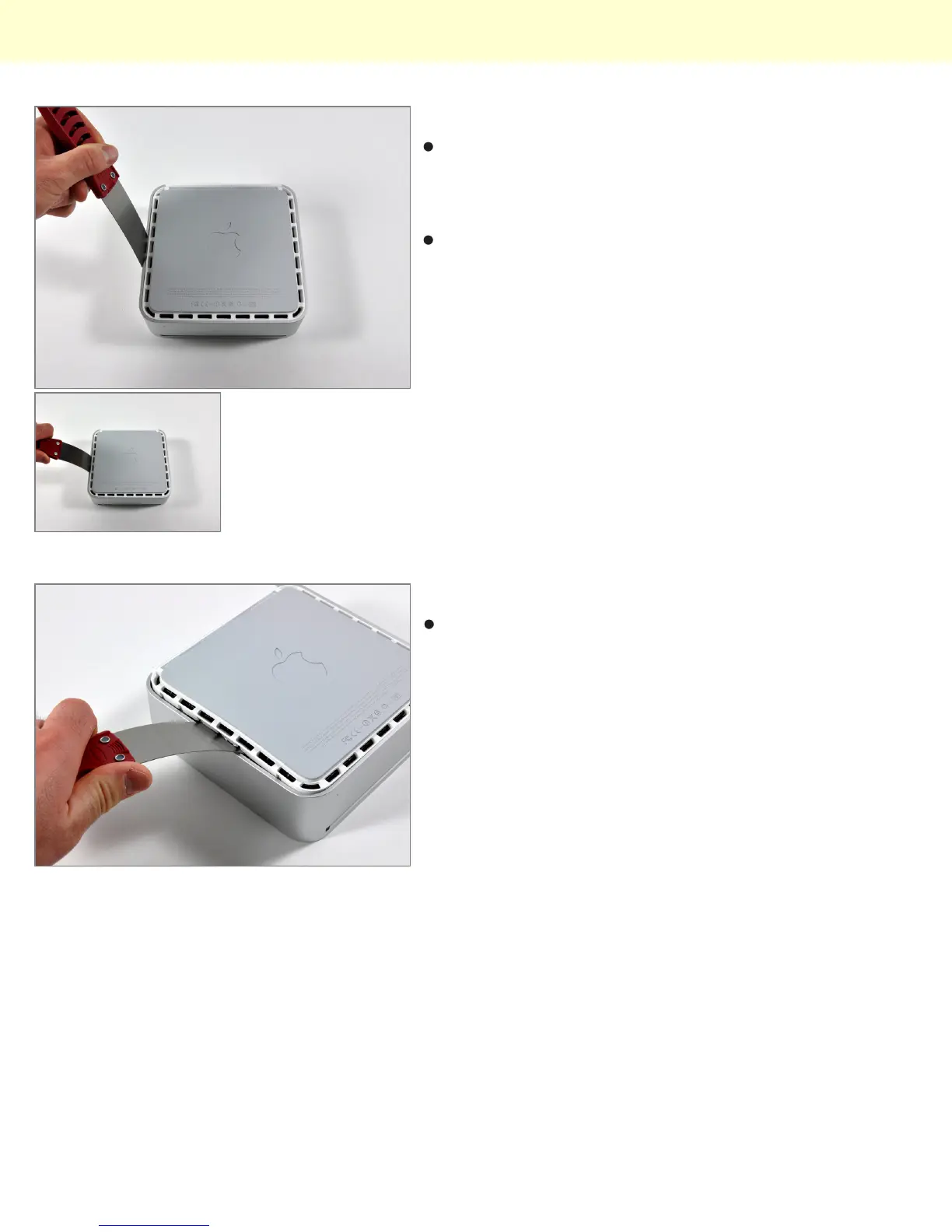
Carefully insert a putty knife into the crevice in between
the top cover and bottom housing. Start on the left side
first. Push the blade down until you meet firm
resistance (roughly 3/8 of an inch).
Gently enlarge the existing crevice by rotating the putty
knife downward and away from the mini.
Step 3
Repeat the prying motion until a portion of the bottom
housing has been nudged upward.
Installing Mac mini Model A1283 Optical Drive Replacement
© 2010 iFixit — CC BY-NC-SA www.iFixit.com Page 2 of 9



 To Next Page