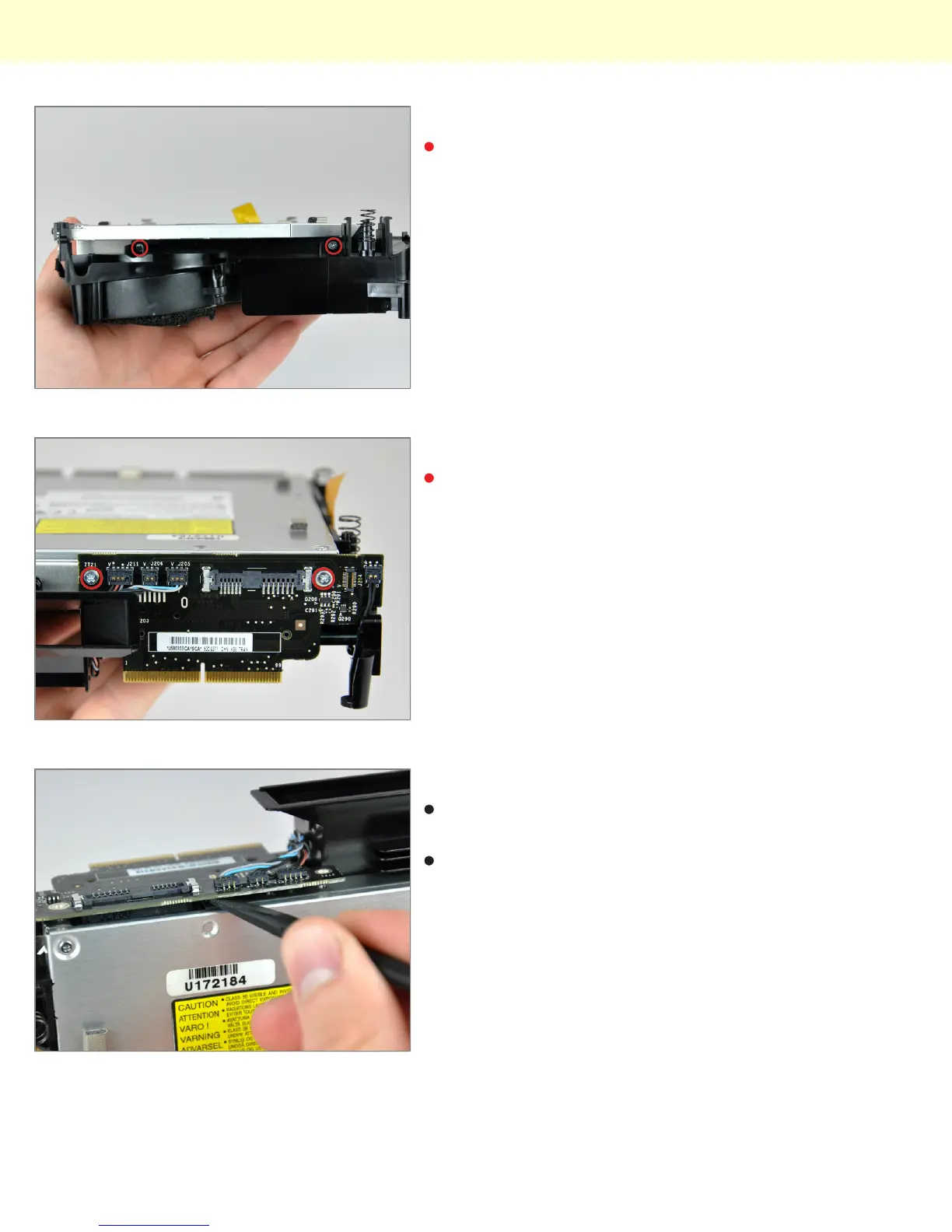
Step 17
Turn the mini 180 degrees and remove the two Phillips
screws securing the optical drive to the internal frame
on the other side.
Step 18
Remove the two Phillips screws securing the
interconnect board to the optical drive.
Step 19
Insert the flat end of a spudger into the crevice between
the optical drive and the interconnect board.
Carefully increase the crevice to disconnect the optical
drive from the interconnect board.
Installing Mac mini Model A1283 Optical Drive Replacement
© 2010 iFixit — CC BY-NC-SA www.iFixit.com Page 8 of 9



 To Next Page