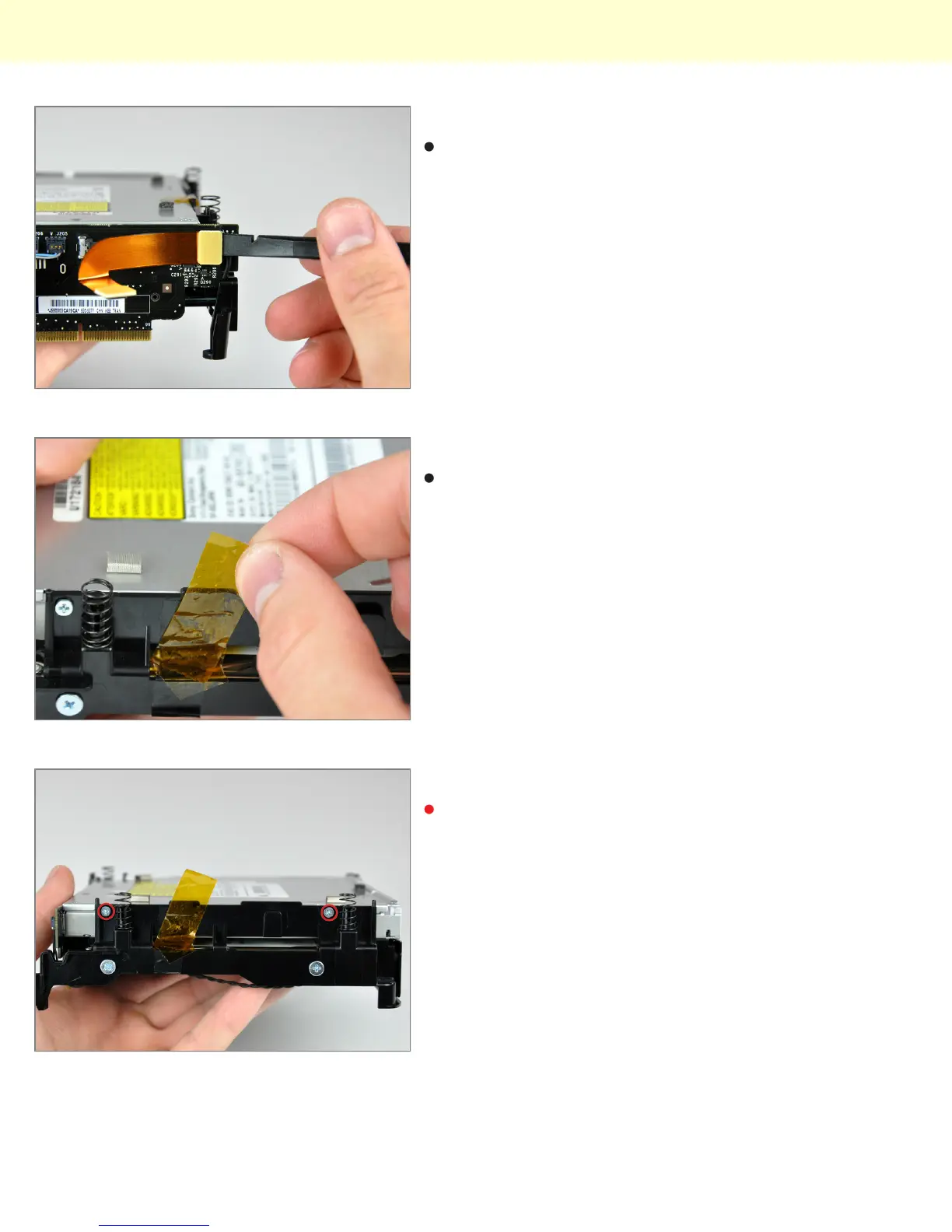
Step 14
Use the flat end of a spudger to disconnect the audio
ribbon cable from the interconnect board.
Step 15
If necessary, remove the yellow kapton tape covering
the internal frame and the optical drive.
Step 16
Remove the two Phillips screws securing the optical
drive to the internal frame.
Installing Mac mini Model A1283 Optical Drive Replacement
© 2010 iFixit — CC BY-NC-SA www.iFixit.com Page 7 of 9



 To Next Page