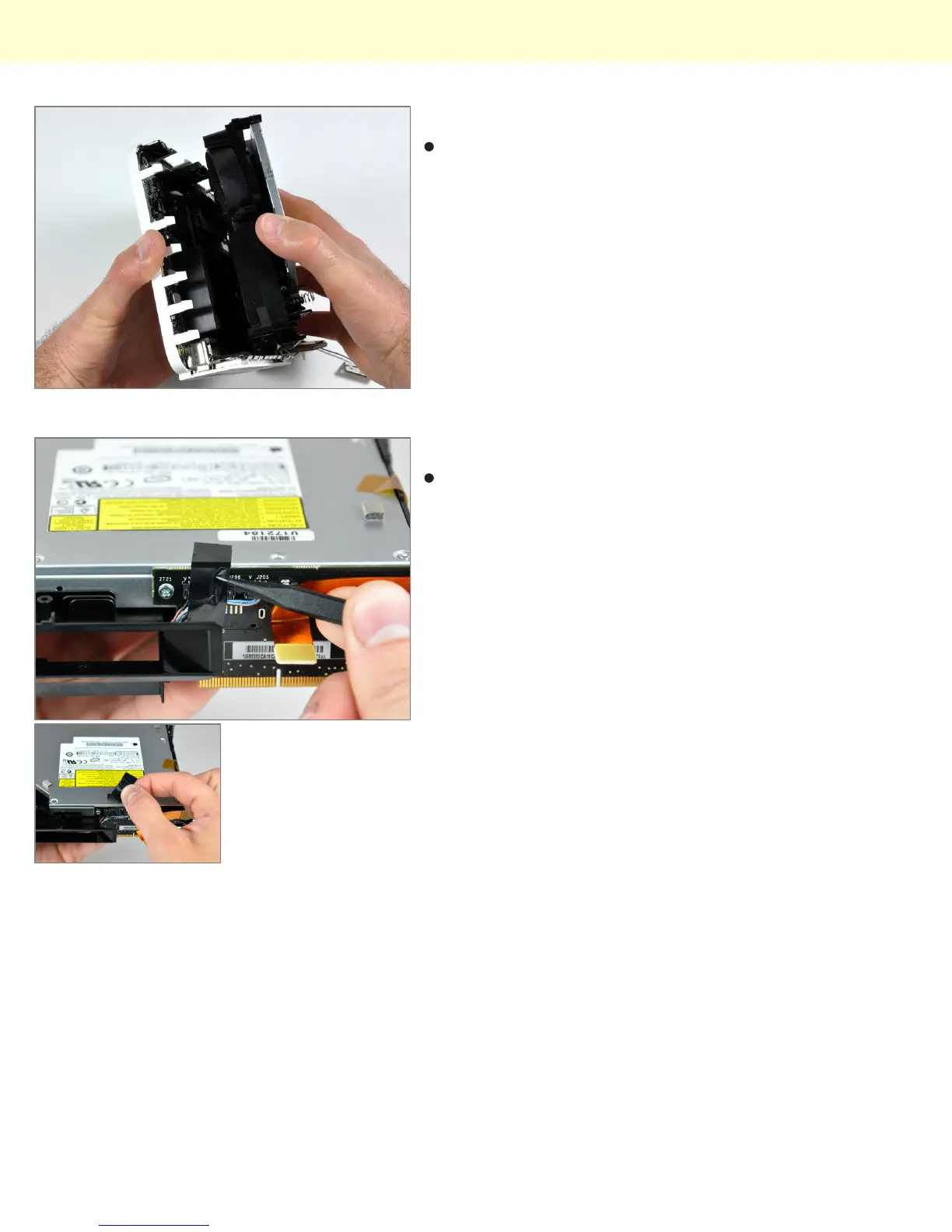
Step 12
Lift the internal frame off the bottom housing, minding
any cables that may get caught.
Step 13 - Optical Drive
Use the tip of a spudger to remove the black electrical
tape spanning the interconnect board and optical drive.
Installing Mac mini Model A1283 Optical Drive Replacement
© 2010 iFixit — CC BY-NC-SA www.iFixit.com Page 6 of 9



 To Next Page