Mac mini Take Apart - 107
Logic Board
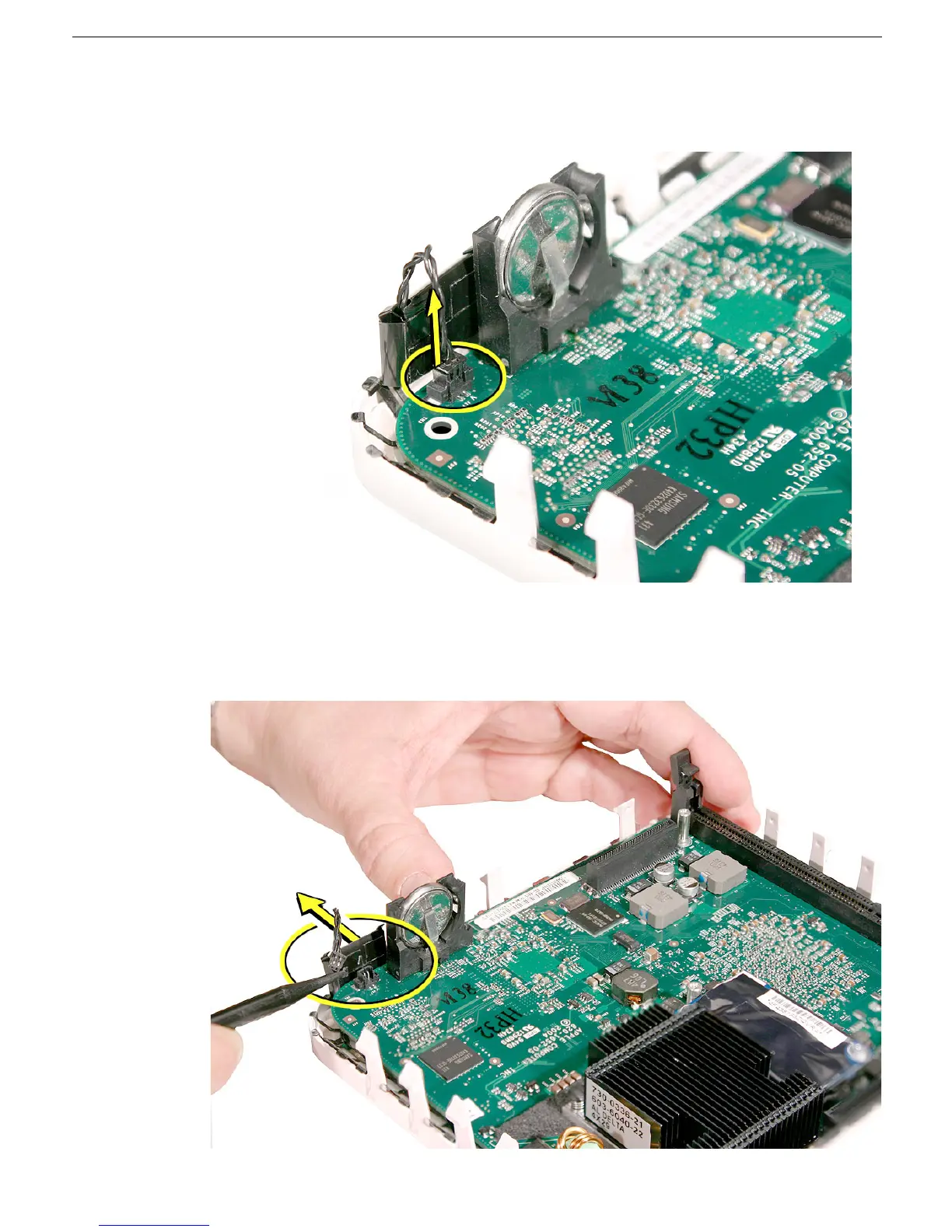
3. Using a black stick or other nonconductive tool, disconnect the LED cable from the
connector on the logic board. Note: This connector is very small. Don’t pull on the
cable; pull on the connector.
4. After disconnecting the LED cable, gently push the LED away from the board to free
the logic board from the bottom housing. Note: Don’t bend the LED too much or it
could snap off the bottom housing.



 To Next Page