20 -
Mac mini Take Apart
AirPort Antenna and AirPort Extreme Card
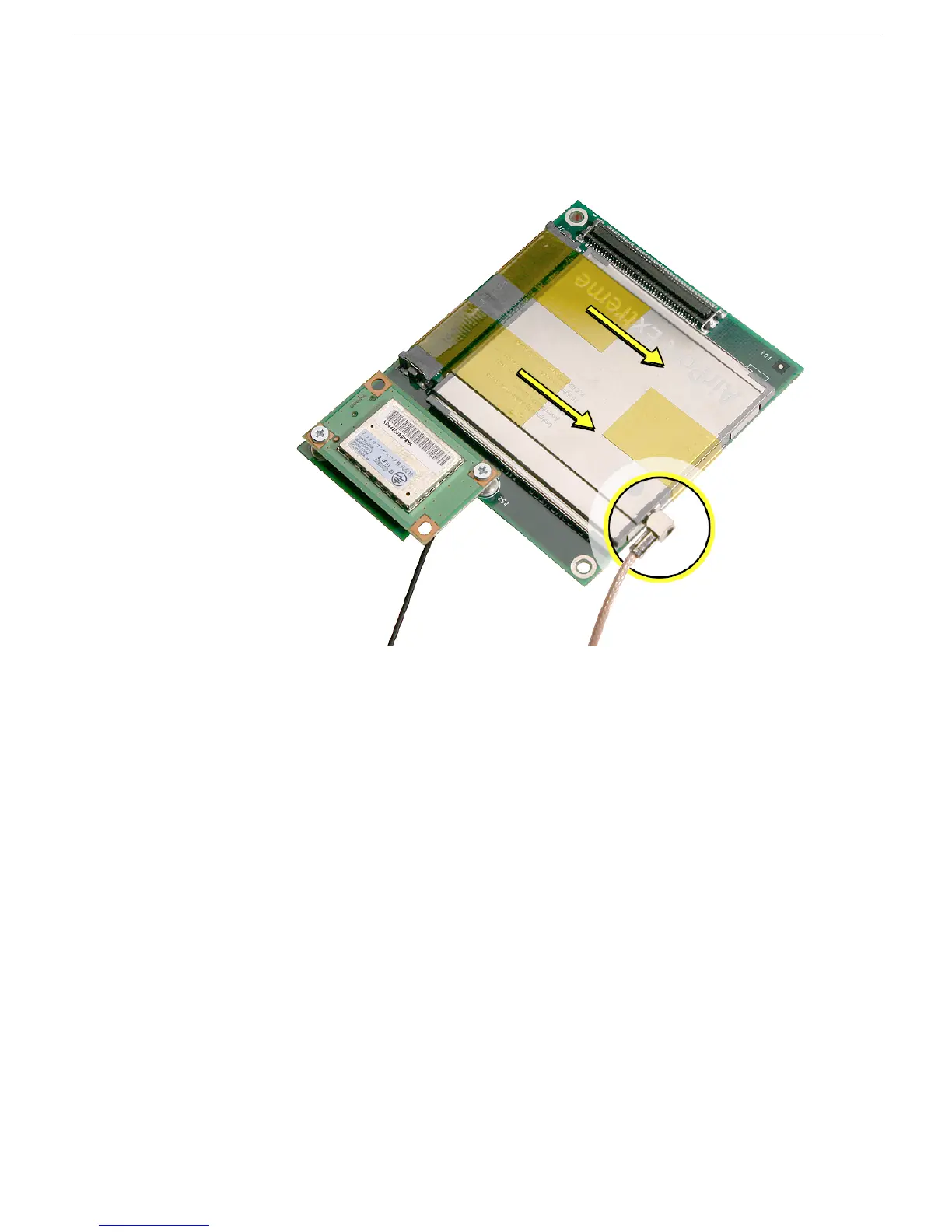
16. Turn over the mezzanine board. With your fingernail or black stick, remove the AirPort
antenna cable (circled) from the AirPort Extreme card. Remove the kapton tape that
secures the card to the mezzanine board. Pull the AirPort Extreme card out of the
connector on the mezzanine board.



 To Next Page