Mac Pro (Early 2008) Take Apart — Front Panel Board 11 3
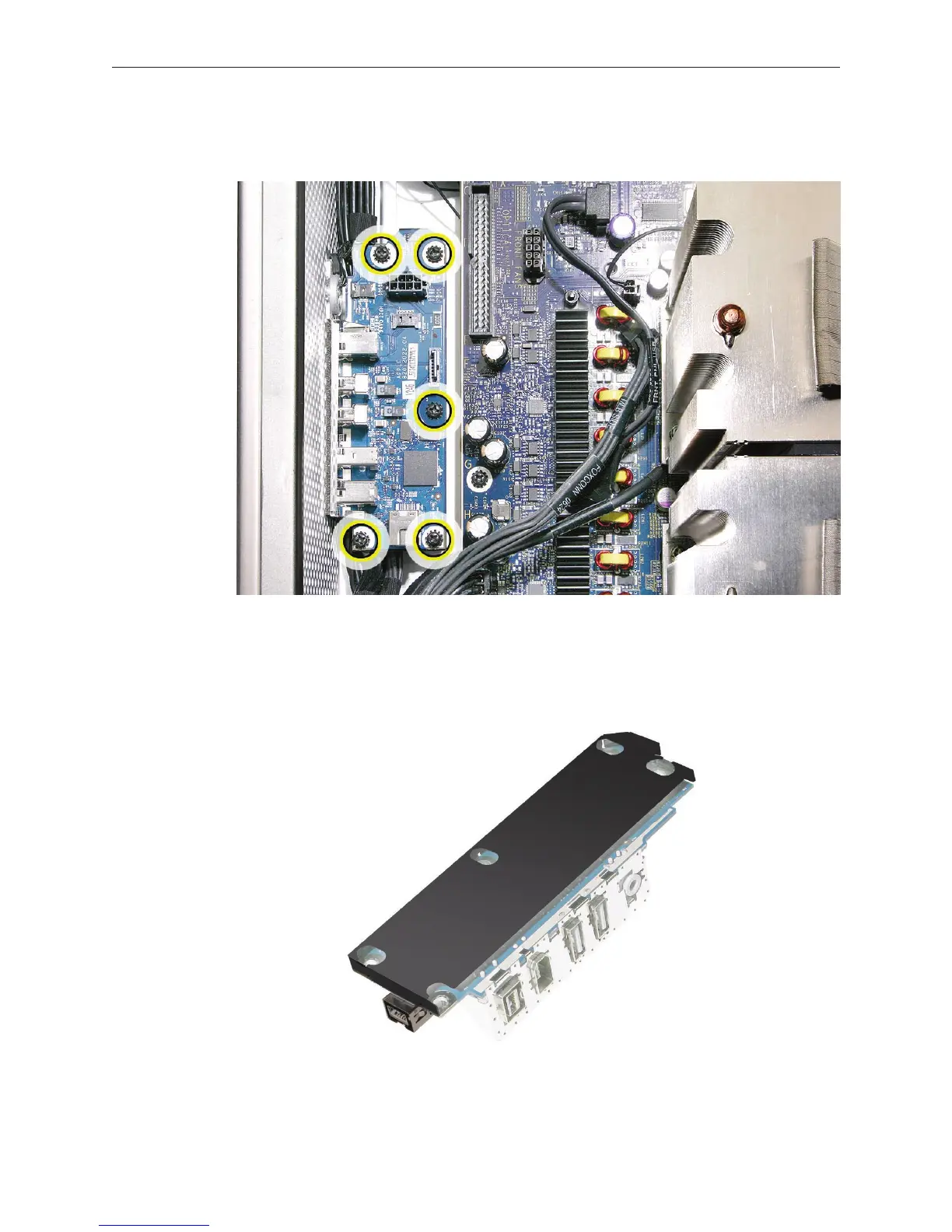
Using a magnetized #1 Phillips screwdriver, remove the ve front panel board mounting 3.
screws.
Lift the front panel board out of the computer.4.
Note: If you are replacing the front panel board with a new front panel board, separate the EMI
shield from the back of the board and transfer it to the new front panel board.


 To Next Page
 Loading...


