Mac Pro (Early 2008) Take Apart — AirPort Antenna Board with Cables 11 9
Part Location
Procedure
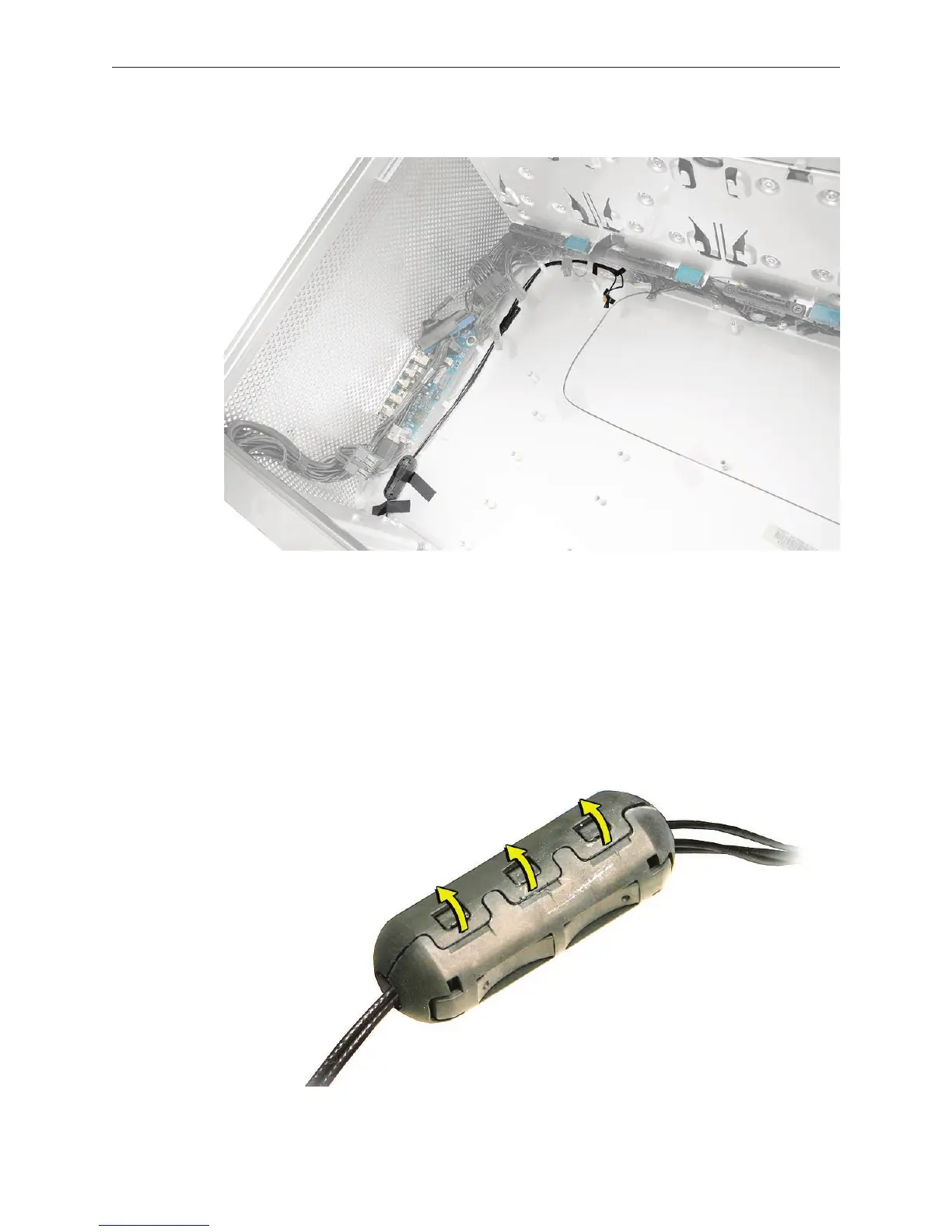
Place the computer so that the bottom panel is facing you. 1.
Remove the tape holding the antenna cables to the enclosure.2.
Using a jeweler’s at-blade screwdriver, pry open the three latches on the antenna cables 3.
ferrite bead and remove the bead from the cables.


 To Next Page
 Loading...


