Mac Pro (Early 2008) Take Apart — Optical Drive Power Cable 12 2
Optical Drive Power Cable
Tools
The only tool required for this procedure is a magnetized #1 Phillips screwdriver.
Preliminary Steps
Before you begin, open the computer, lay it on its side with the access side facing up, and remove
the following:
Optical drive carrier and optical drive• s
H• ard drives and hard drive carriers in drive bays 1 and 2
Any 12-inch • PCI Express cards
Processor heatsink cove• r
Front fan assembl• y
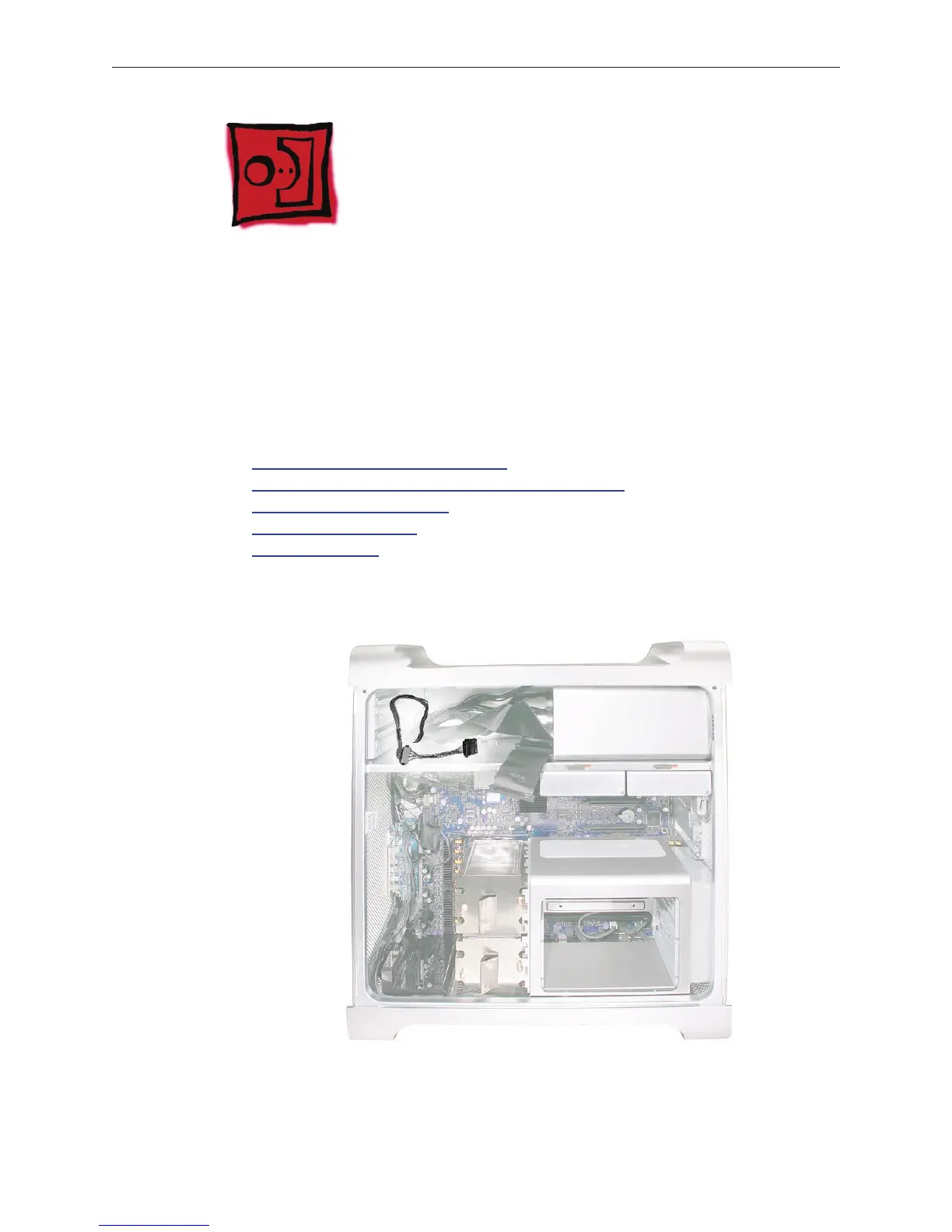
Part Location


 To Next Page
 Loading...


