Mac Pro (Early 2008) Take Apart — Optical Drive Carrier and Optical Drives 21
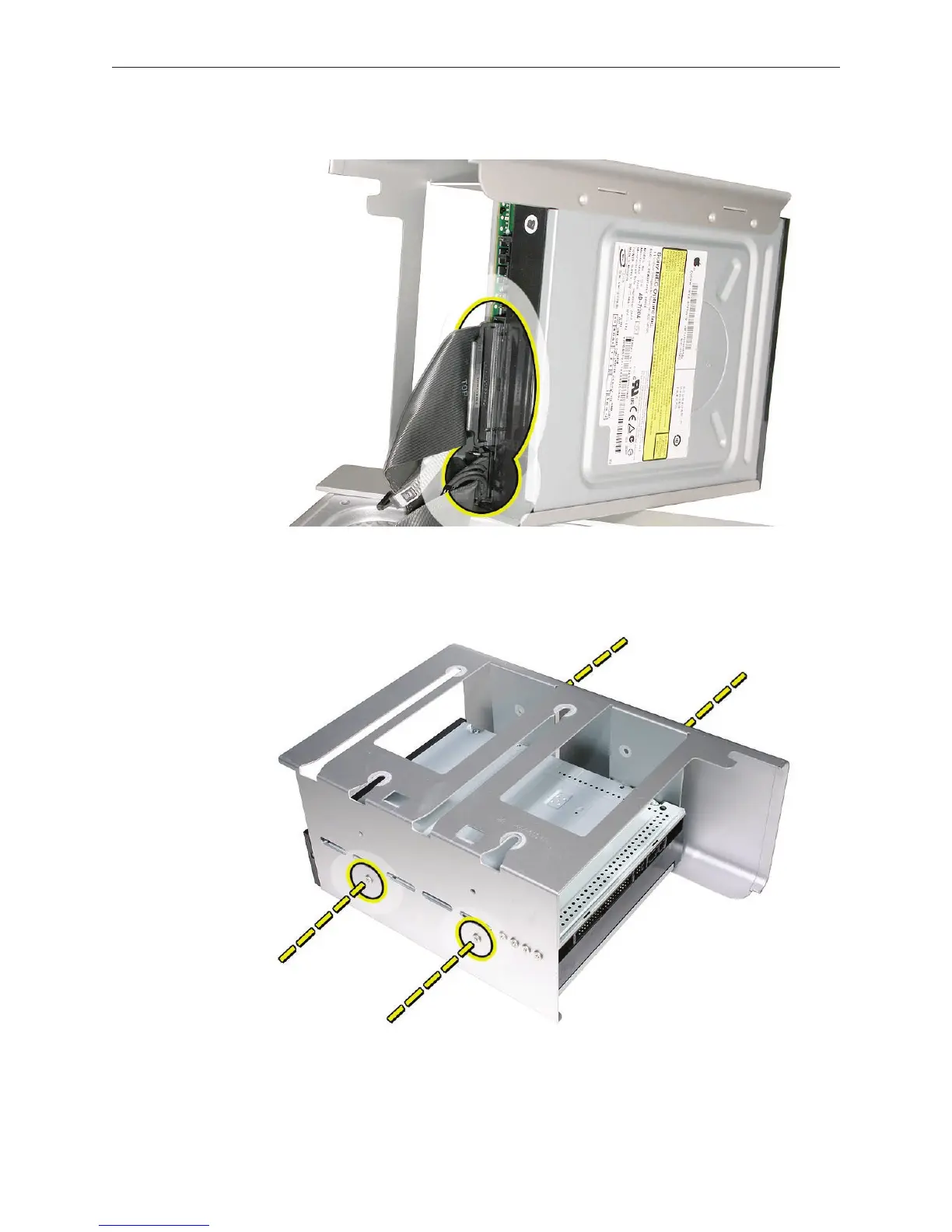
Disconnect the power and ribbon cables from the optical drive(s) and remove the carrier. 3.
If you are replacing the optical drive with a new optical drive, do the following:4.
Remove the four mounting screws and remove the optical drive from the carrier.•
Use the four screws to mount the replacement drive in the carrier.•
Note: If you are adding a second drive to the carrier, use the four screws stored on the back of
the drive carrier to secure the drive to the carrier.



 To Next Page