Mac Pro (Early 2008) Take Apart — Power Supply 35
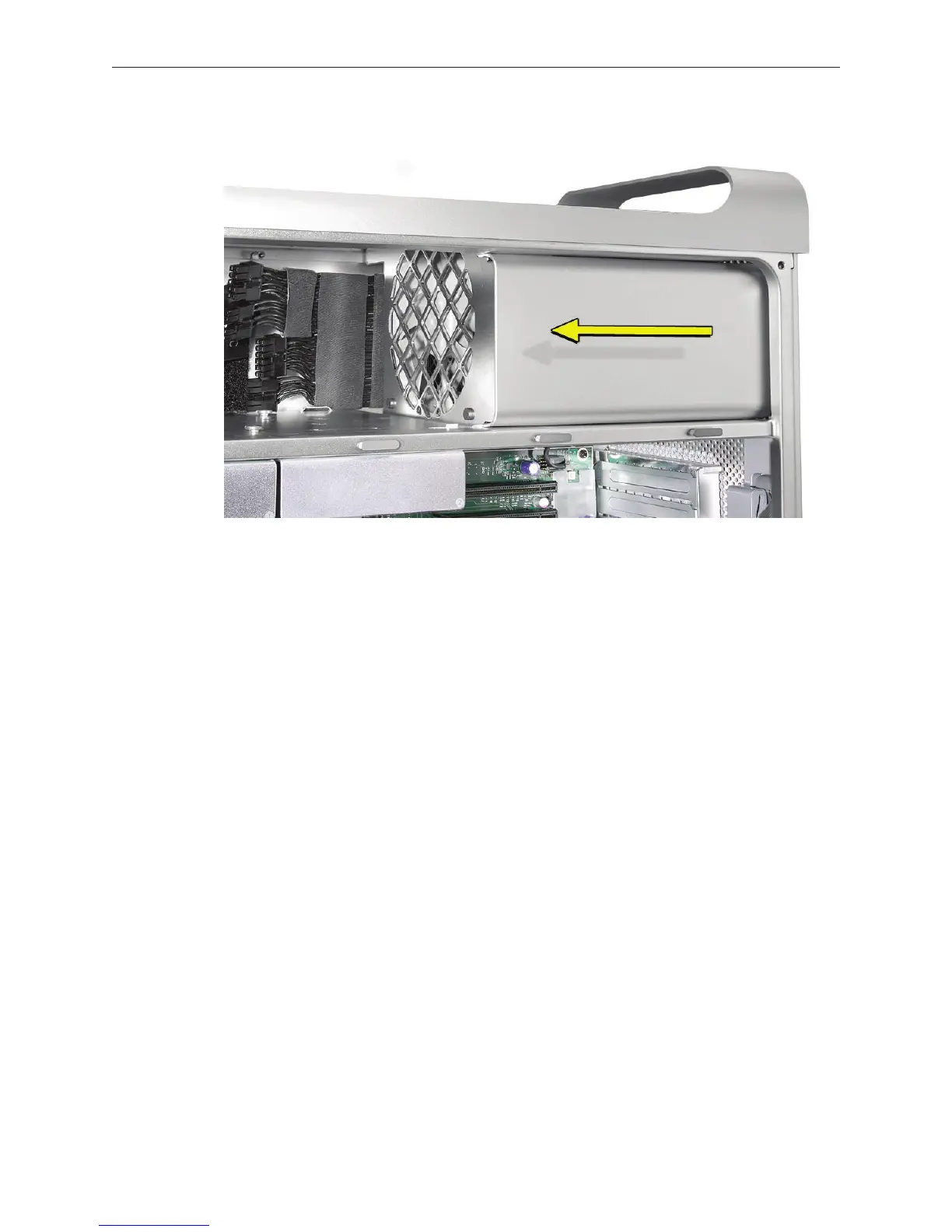
Slide the power supply toward the front of the computer. 6.
Lift the power supply and cables out of the enclosure. 7.
Replacement Note: When replacing the power supply, be sure to slide it toward the back of the
computer as far as possible. The power receptacle must align with the opening in the enclosure’s
back panel and the four screw holes in the power supply must align with the screw holes in the
media shelf.



 To Next Page