Mac Pro (Early 2008) Take Apart — Bluetooth Card 45
Procedure
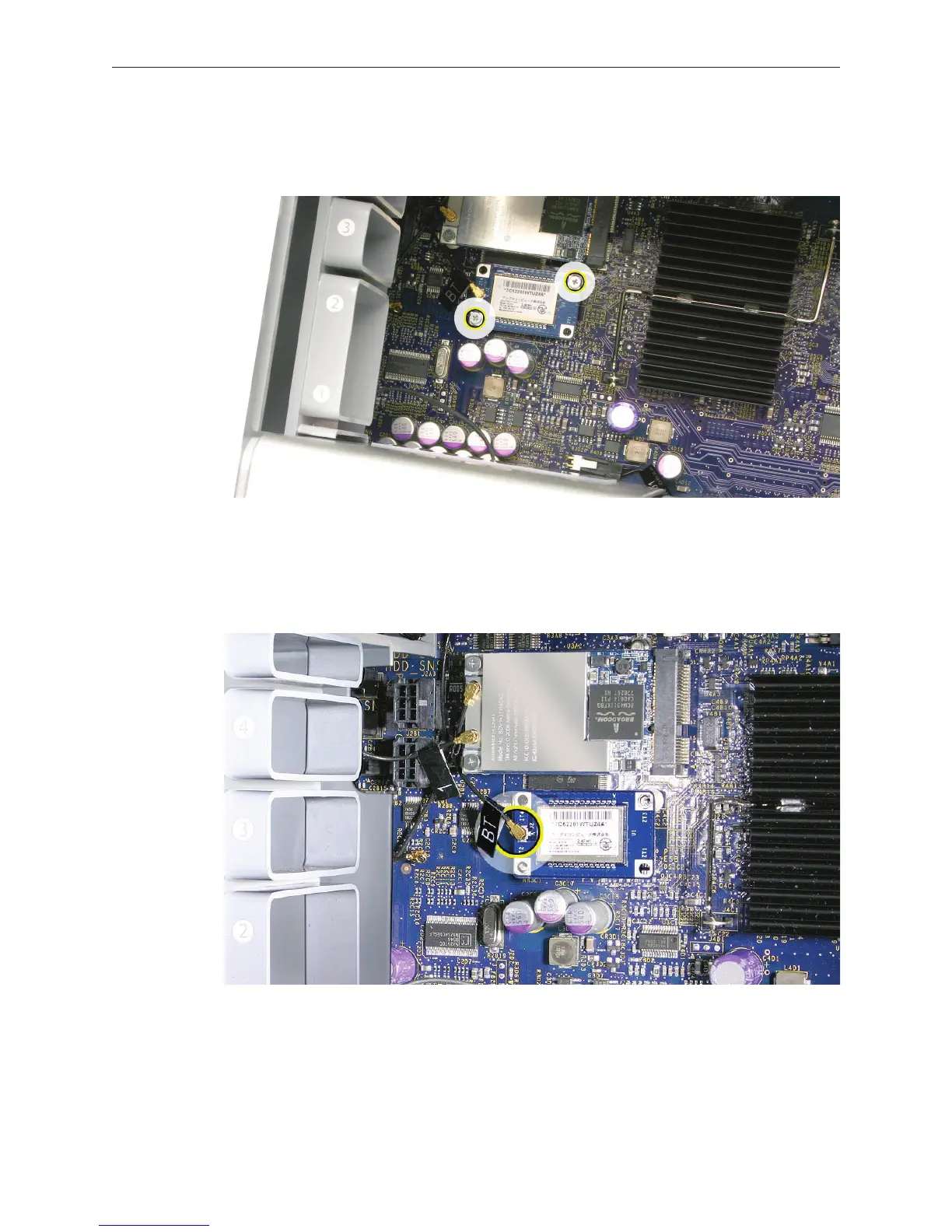
Remove the two Bluetooth card mounting screws. 1.
Lift the Bluetooth card a short distance from the logic board.2.
Disconnect the Bluetooth antenna wire from the card.3.
Remove the card from the enclosure. 4.
Note: If you are not replacing the Bluetooth card, cover the connector on the Bluetooth antenna
wire with Kapton or other non-conductive tape to prevent it from shorting out components on
the logic board.



 To Next Page