Mac Pro (Early 2008) Take Apart — Battery 46
Battery
Tools
No tools are required for this procedure. You may, however, nd a at-blade screwdriver useful in
removing the battery from its holder.
Preliminary Steps
Before you begin, open the computer, lay it on its side with the access side facing up, and remove
any PCI Express cards that block access to the battery.
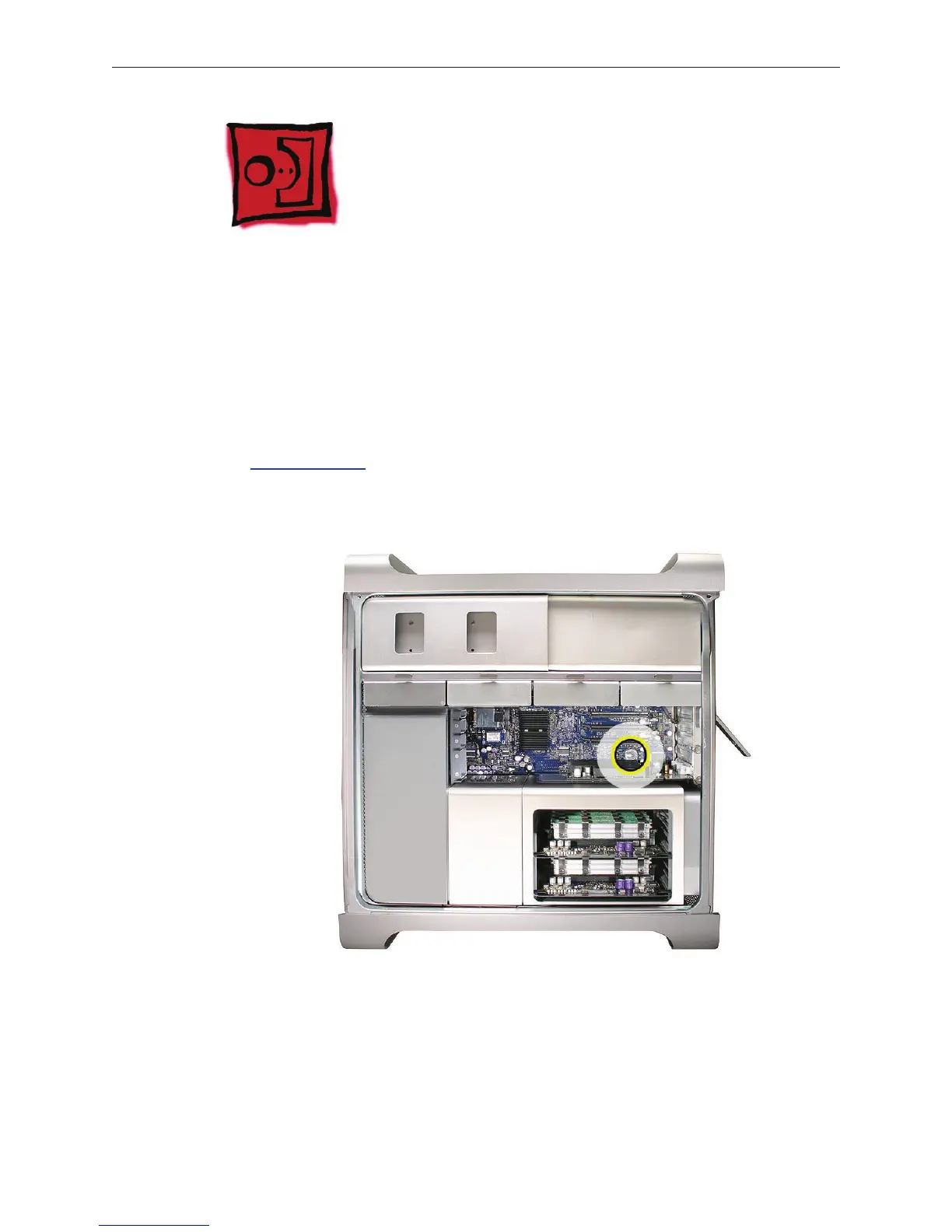
Part Location



 To Next Page