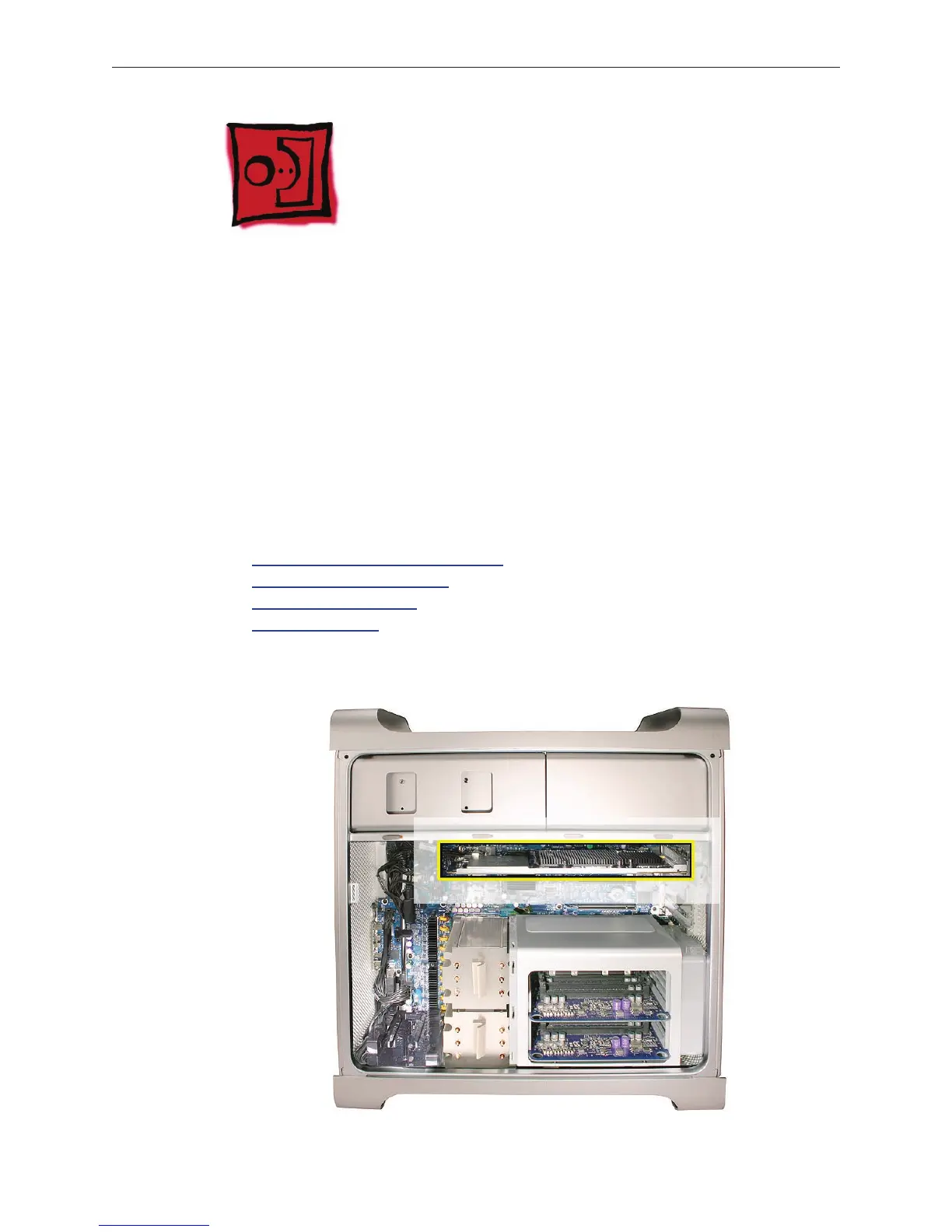
Mac Pro (Early 2008) Take Apart — Mac Pro RAID Card and Battery 56
Mac Pro RAID Card and
Battery
Note: If a Mac Pro RAID Card is installed in a Mac Pro (Early 2008), the standard iPass cable
routing has been changed so that the cable connects to the card, rather than to the logic board.
Tools
The only tool required for this procedure is a Phillips #1 screwdriver. You might also nd a small
at-blade screwdriver helpful in releasaing the iPass cable connector.
Preliminary Steps
Before you begin, open the computer, lay it on its side with the access side facing up, and remove
the following:
All h• ard drives and hard drive carriers
A• ny 12-inch PCI Express cards
Processor heatsink cove• r
Front fan assembl• y
Part Location



 To Next Page