Mac Pro (Early 2008) Take Apart — Memory Cage with Rear Fan 64
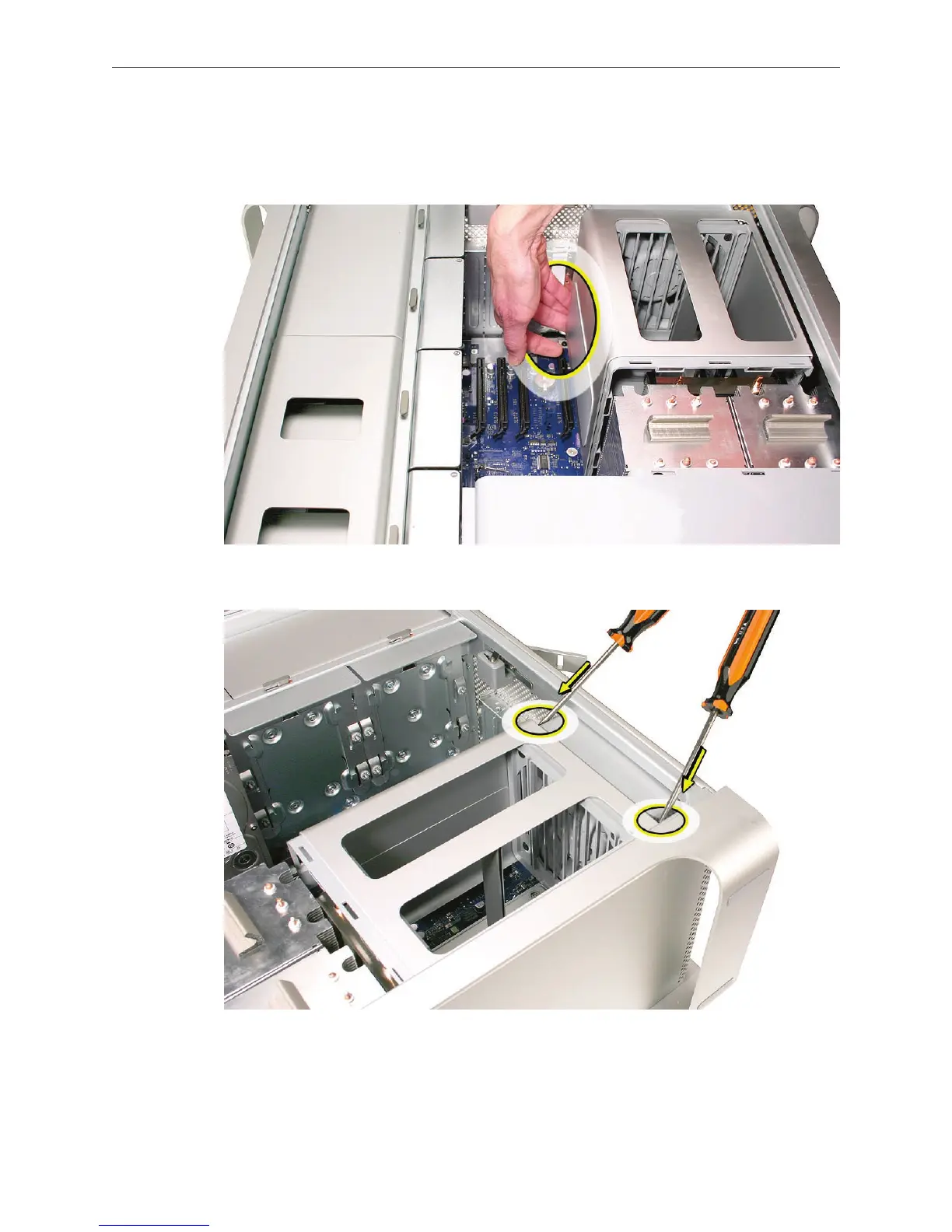
Note: To remove the memory cage and fan, you must rst slide the fan partway into the
cage. The fan is held in place by three latches, which you must release before sliding the fan.
Using your forenger, reach below the fan and release the latch nearest the logic board.4.
Using a at-blade screwdriver, release the two latches nearest the front of the computer. 5.


 To Next Page
 Loading...


