Mac Pro (Early 2008) Take Apart — Memory Cage with Rear Fan 67
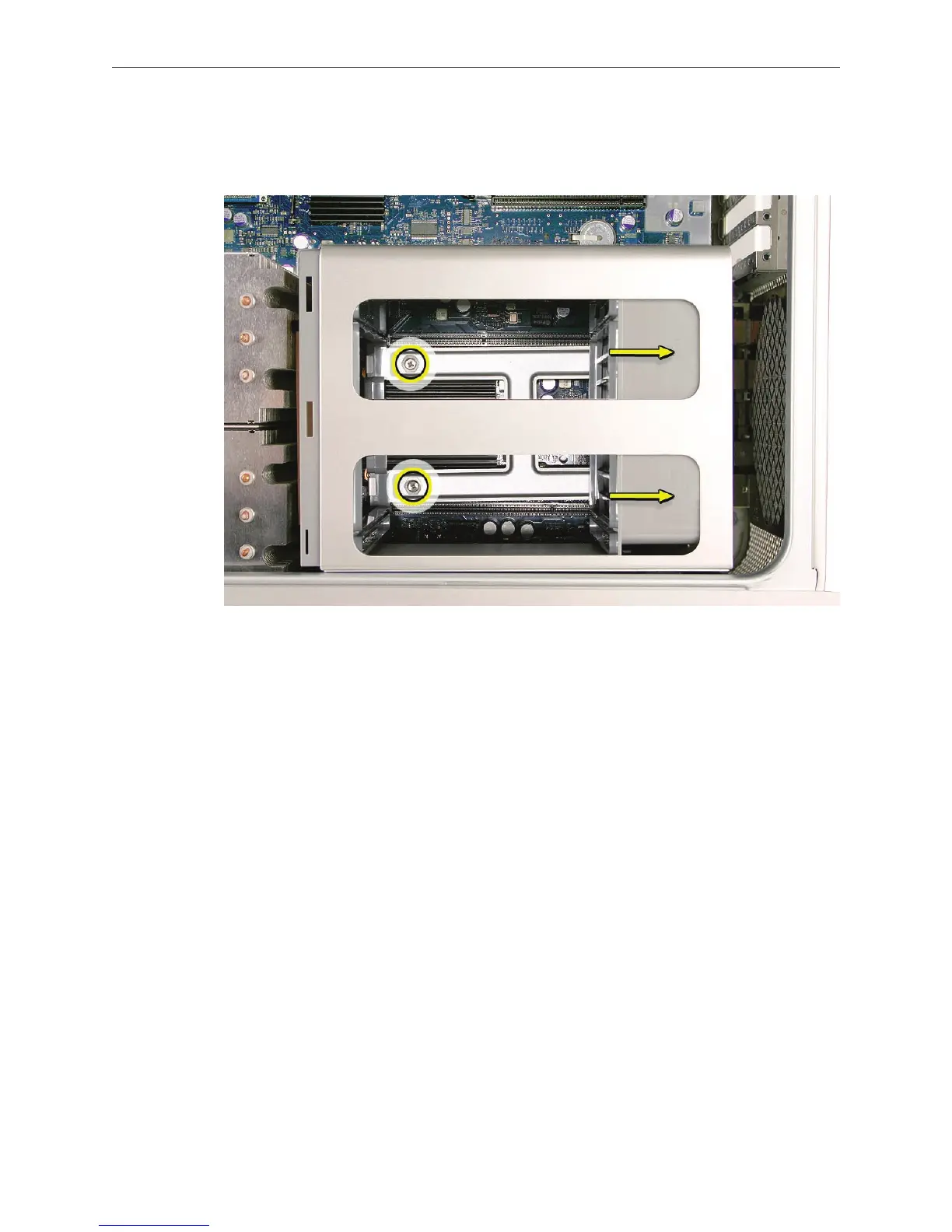
Replacement Note: To install the memory cage and fan, maneuver the cage into position in the
enclosure. Tighten at least two of the captive mounting screws. Then slide the fan toward the
back panel, until you hear it snap into place.
Tighten the remaining captive screws, replace the two screws that mount the cage to the
enclosure’s bottom panel, and reconnect the rear fan cable to the logic board.


 To Next Page
 Loading...


