Mac Pro (Mid 2010) Basics — New Accessories 15
2010-08-31
New Accessories
Magic Trackpad
The wireless Magic Trackpad uses Bluetooth technology to connect to the Mac and comes with
two AA batteries installed. Use of the Magic Trackpad and its full features requires Mac OS X
version 10.6.4 or later and the latest trackpad software.
Note: If the Mac Pro (Mid 2010) has had system software reinstalled for any reason, pair the
Magic Trackpad and then run Software Update. If only basic functionality is present on Magic
Trackpad, ensure that it is paired correctly before launching Software Update. For more
information, refer to:
• HT4254 About Magic Trackpad and Multi-Touch Trackpad Update 1.0
• HT4273 About Magic Trackpad Update 1.0 for Windows
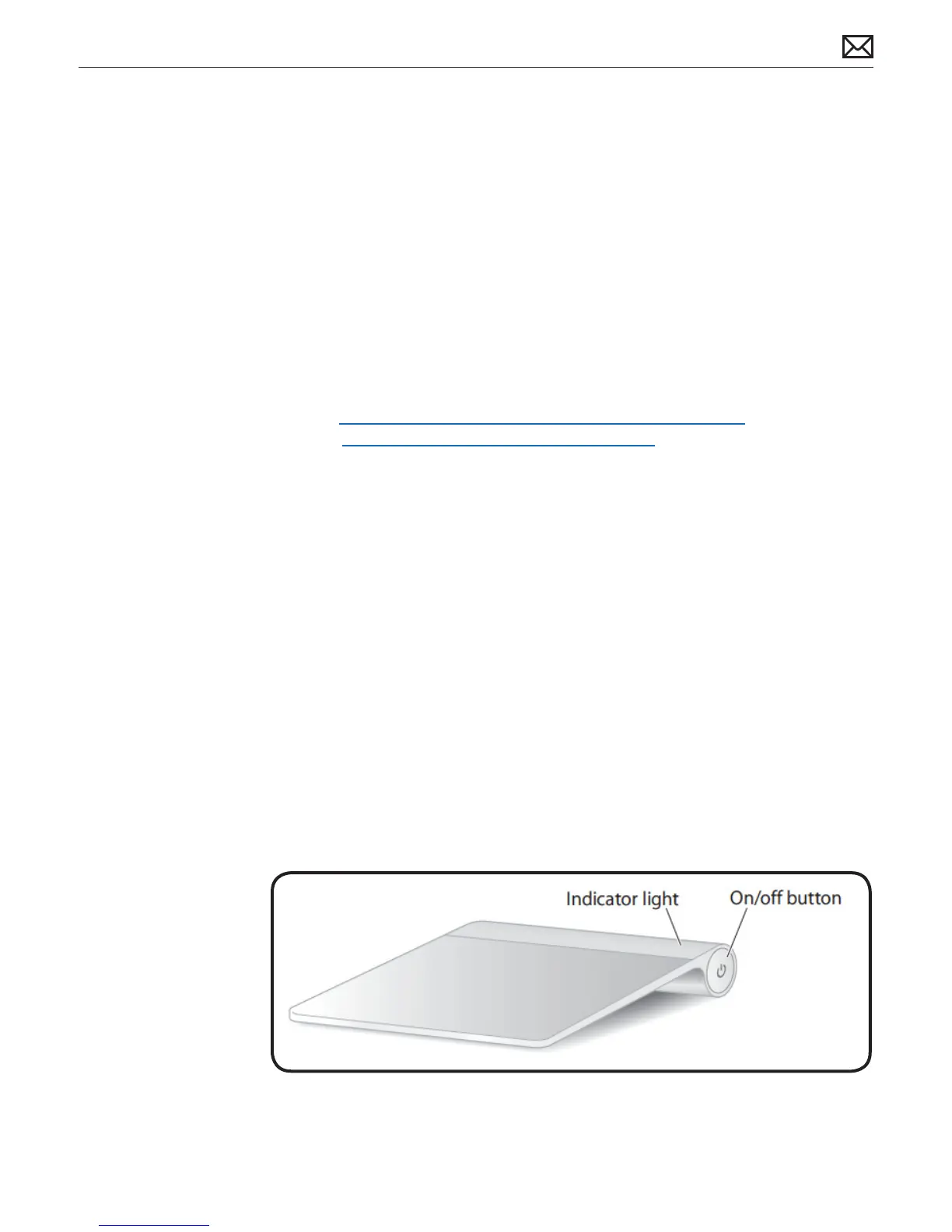
About the Indicator Light
The indicator light displays the status of the Magic Trackpad and the batteries.
• When you rst turn on the trackpad, the indicator light glows steadily for 2 to 3 seconds,
indicating the batteries are good.
• If the trackpad isn’t paired with a Mac, the light blinks, indicating the trackpad is in discovery
mode and ready to pair (pairing means connecting the trackpad and Mac to each other
wirelessly).
• If you don’t pair the trackpad with the Mac within 3 minutes, the light and trackpad turn o
to conserve battery life. Press the On/o button on the trackpad to turn it on again, allowing
you to pair it with the Mac.
• When the trackpad is on and connected, the indicator light turns o.
Turn on the Trackpad
• To turn on the trackpad, press rmly and release the on/o button.
• To turn on the trackpad and make it stay in discovery mode (prevent auto-pairing to
previous known host), press and hold the on/o button.



 To Next Page