13Chapter 1 Ready, Set Up, Go
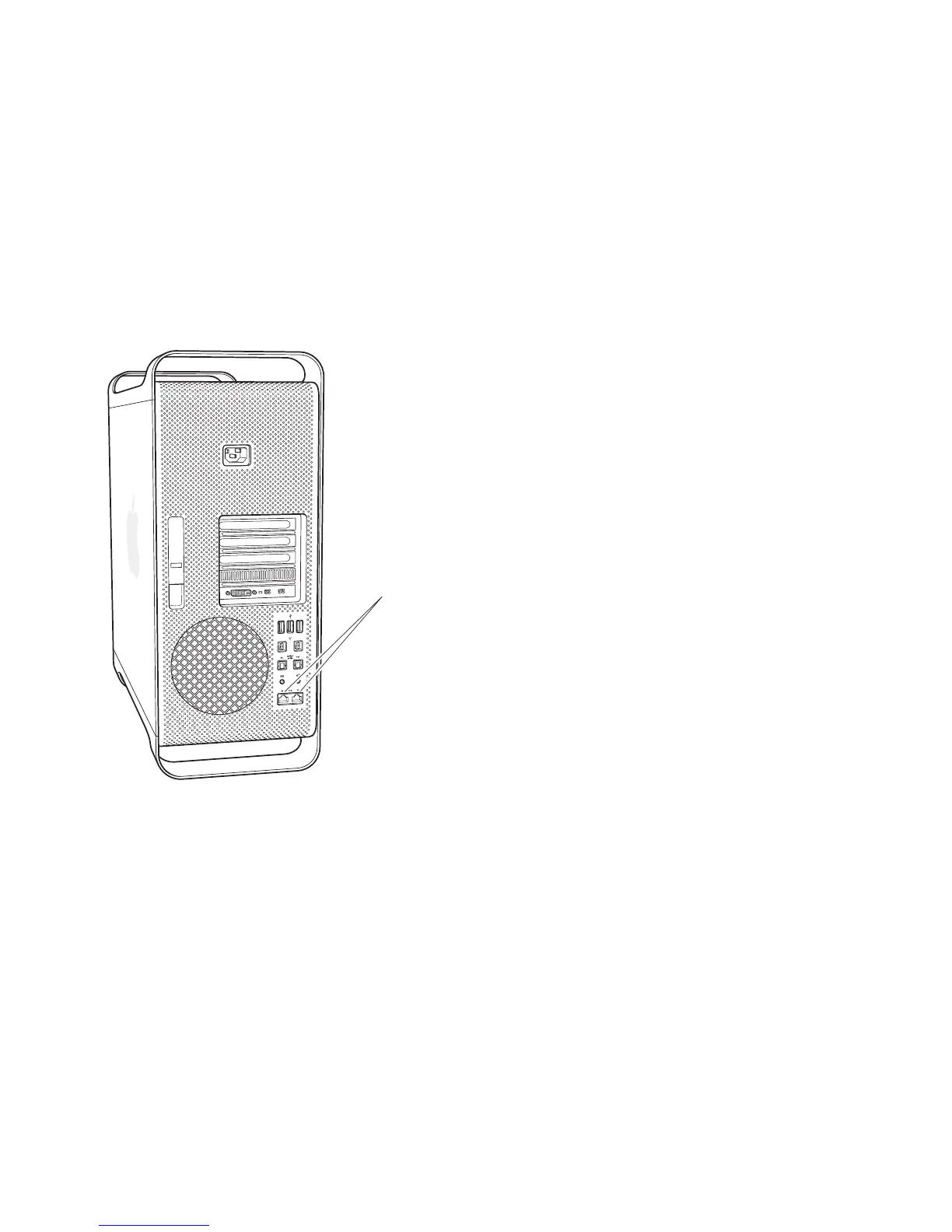
Step 4: Connect an Ethernet cable.
ToaccesstheInternetoranetworkusinganEthernetcable,connectoneendofan
EthernetcabletoeitheroftheGigabitEthernetportsonthebackofyourMacPro.
Connecttheotherendtoacablemodem,DSLmodem,orEthernetnetwork.
Gigabit Ethernet ports



 To Next Page