14 Chapter 1 Ready, Set Up, Go
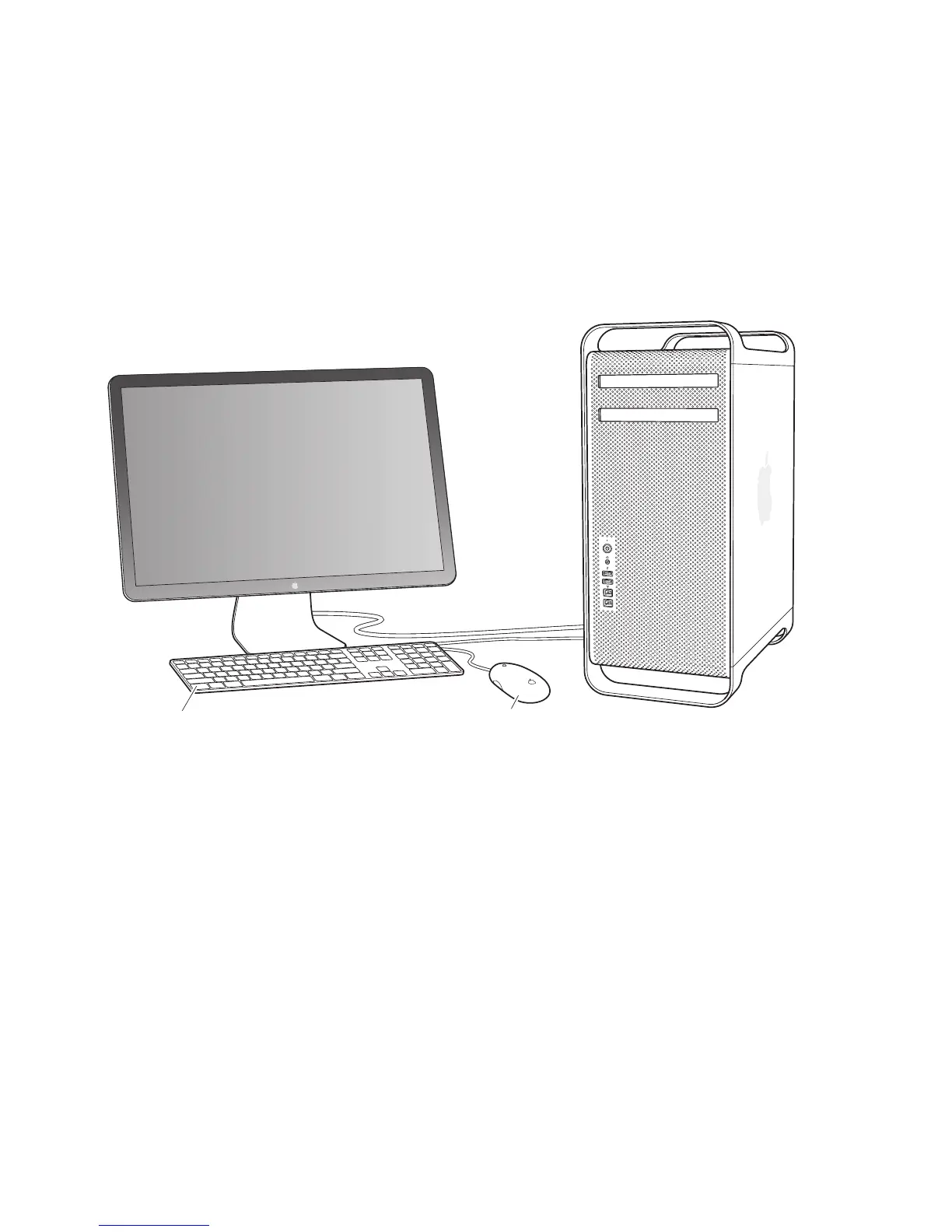
Step 5: Connect a keyboard and mouse.
IfyouareconnectingaUSBkeyboardandmouse,connecttheUSBcablestotheUSB
ports(d)onyourMacProoronadisplay.
MouseKeyboard
Note: YoucansetMacOSXLionServerupremotelyfromanothercomputer.For
information,opentheServerapplicationontheothercomputerandchooseServer
HelpfromtheHelpmenu.



 To Next Page