70 Chapter 3 Making a Good Thing Better
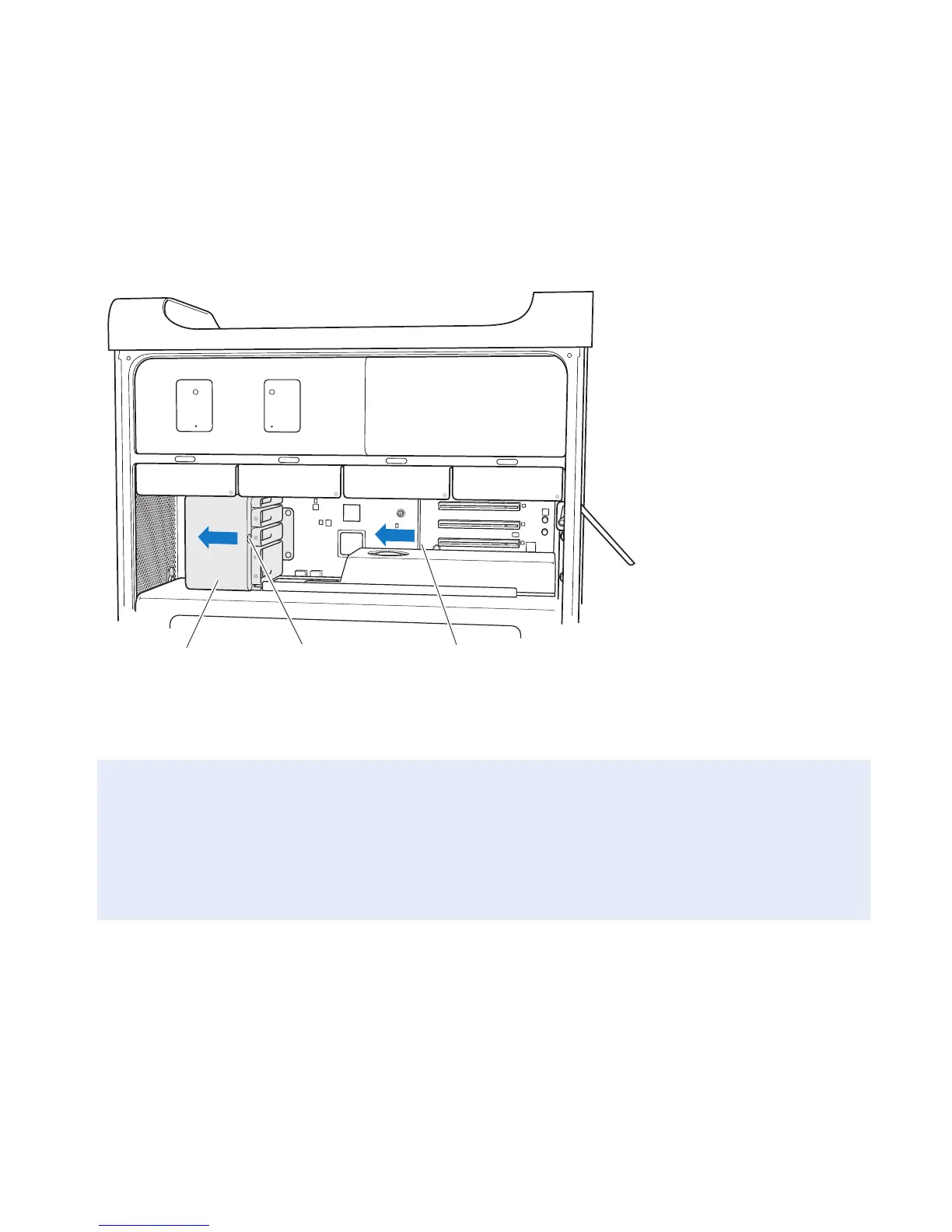
4 PressthebuttononthePCIsliderandmovetheslidertotheleft,whichmovesthe
retentionbar.
Button Retention barPCI slider
5 Removeyournewcardfromitsstatic-proofbagandholditbyitscorners.Don’ttouch
thegoldconnectororthecomponentsonthecard.
If You’re Installing a Full-Length PCI Card
ItmaybeeasiertoinstallaPCIcardifyouremovetheharddiskdrivesandcarriers
(seepage56),andremoveadjacentcards.Makesuretheendofthecardgoesinthe
appropriatecardguidebeforealigningthecardwiththePCIslotandcompleting
theinstallation.



 To Next Page