EasyManua.ls Logo

Apple Macintosh - Page 135

Apple Macintosh
321 pages
Print Icon
To Next Page IconTo Next Page
To Previous Page IconTo Previous Page
Loading...
Exploring MacWrite 137
.
,-_
--
--
-.:.:::_-_-
_-
the world
today
While
older adults tend
to
relate
it
to
the
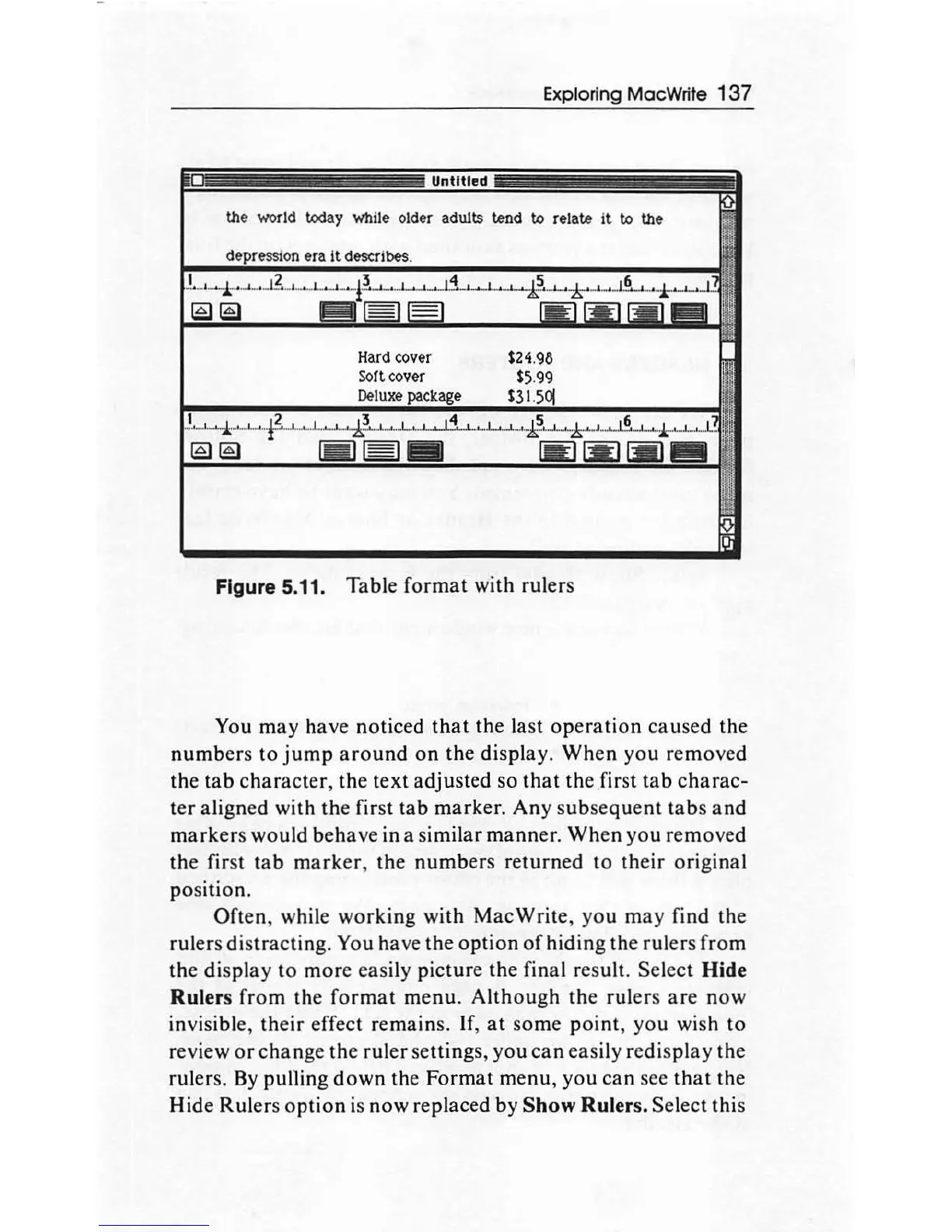
Figure 5.11. Table
format
with rulers
You may have noticed
that
the la
st
operation
caused
the
number
s
to
jump
around
on
the display.
When
you removed
the
tab
character
, the
text
adjusted so
that
the first
tab
charac-
ter
aligned with
the
first
tab
marker.
Any
subsequent
tabs
and
markers
would
beh
ave
in a similar
mann
er.
When
you
removed
the
first
tab
marker,
the
numb
ers returned
to
their o
ri
ginal
po
sition.
Often,
while
working
with
MacWrite
, you
may
find the
rulers distracting.
You
ha
ve
the
option
of
hiding
th
e rul
ers
from
the displ
ay
to
mor
e easily
pictur
e the final result. Select Hide
Rulers
from
the
format
menu.
Although
the rulers
are
now
invisible,
th
eir
effect remains. If,
at
some po
int
, you
wi
sh
to
review
or
change
the
ruler settings,
you
can
easily redis
play
the
rulers.
By
pulling
down
the
Format
menu,
you
can see
that
the
Hide
Rul
ers
opt
ion
is
now
replaced by Show Rulers. Sel
ect
this

Other manuals for Apple Macintosh

Related product manuals