EasyManua.ls Logo

Apple Macintosh - Page 144

Apple Macintosh
321 pages
Print Icon
To Next Page IconTo Next Page
To Previous Page IconTo Previous Page
Loading...
146 Macintosh
User's
Handbook
Untitled
action-packed
adv~ntu
r
~
story.
~o
nd
,
high sch
oo
l kids ofwn
Hard
cov~r
$24.93
So
ft
co
v~r
$5
.99
D&
luxe
packag~
$3
1.5
0
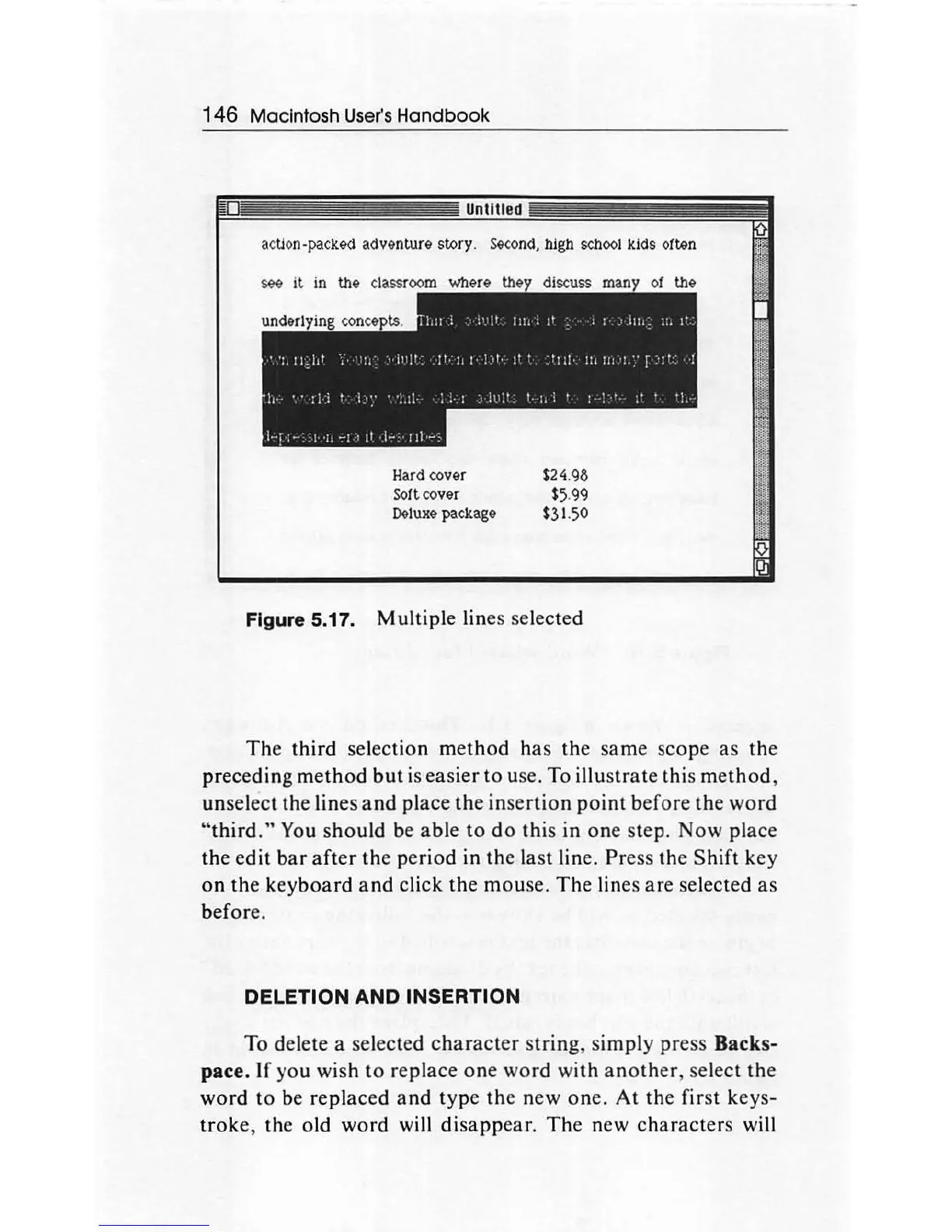
Figure 5.17. Multiple lines selected
The
third selection
method
ha
s the same scope
as
th
e
pr
e
cedin
g
method
but
is
ea
sier
to
use. To illus
trat
e this m
et
hod
,
unselect the lines
and
place
the
in
ser
tion
point
bef
ore the
word
"third."
You
sho
uld be
able
to
do
this
in
one
step. Now place
the edit
bar
after
th
e period in the la
st
line.
Pr
ess the
Shift
key
on
the key
board
and
click the mouse.
The
lines are selected
as
before.
DELETION AND INSERTION
To delete a selected c
har
ac
t
er
s
trin
g, simply press Backs-
pace. If you wish
to
replace
one
wor
d with an
ot
her, select the
word
to
be replaced
and
type
th
e new one.
At
t
he
first keys-
troke
,
th
e old
word
will
disapp
ear.
The
new char
ac
ters will

Other manuals for Apple Macintosh

Related product manuals