EasyManua.ls Logo

Apple Macintosh - Page 169

Apple Macintosh
321 pages
Print Icon
To Next Page IconTo Next Page
To Previous Page IconTo Previous Page
Loading...
Exploring MacPaint 171
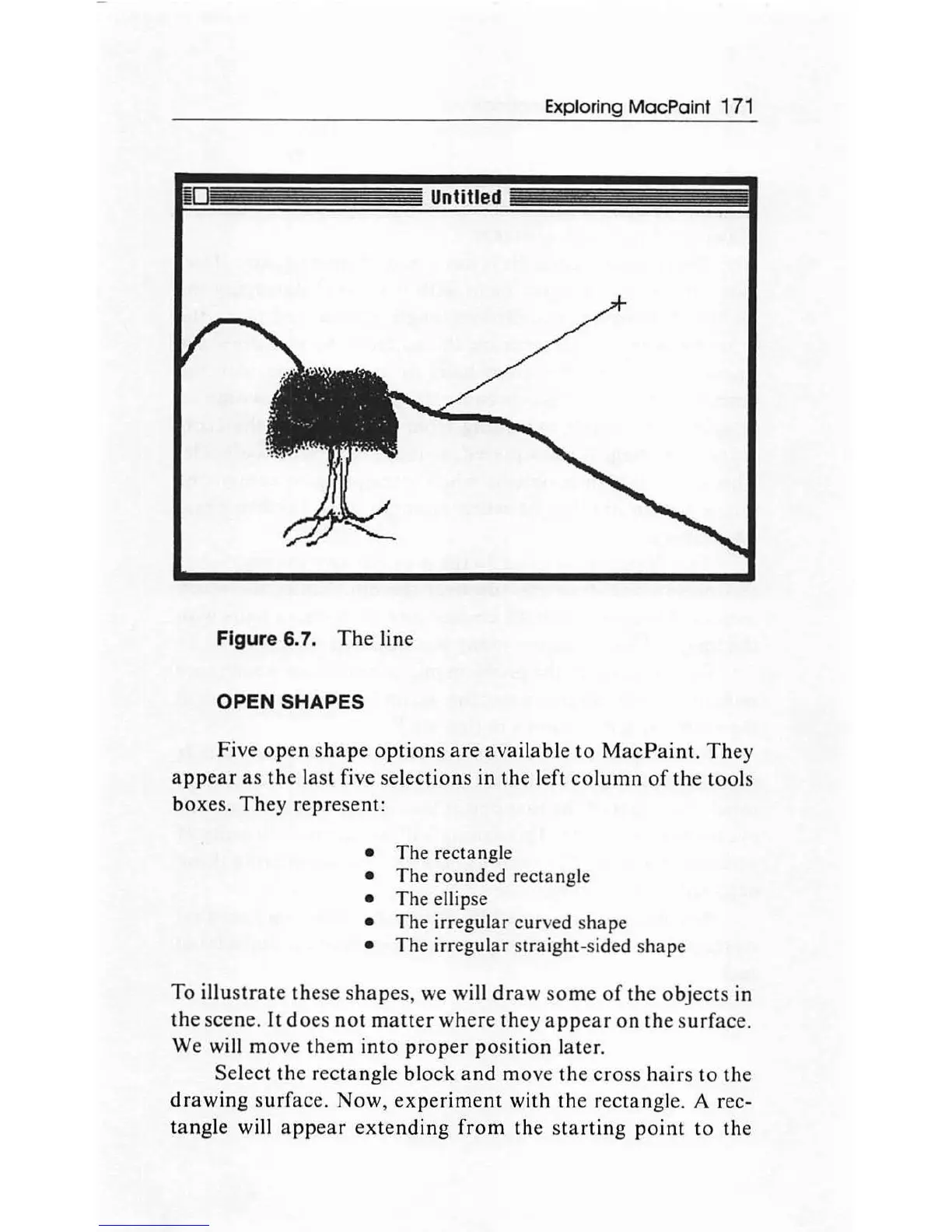
Figure 6. 7.
The
line
OPEN
SHAPES
Five
open
s
hape
options
are
available
to
M
ac
Paint.
Th
ey
a
ppear
as
the
last five selec
tion
s
in
the
l
ef
t
column
of
th
e t
oo
ls
box
es.
They
repre
se
nt
:
The rectangle
The rounded rectangle
The ellipse
The irregular cur
ved
shape
The irregular straight-sided shape
To
illustrate
th
ese s
hap
es,
we
will
draw
some
of
th
e ob
jects
in
the
sce
ne.
It
d
oes
no
t
matter
where
th
ey
appear
on
the
s
urf
ace.
We will
mo
ve
them
in
to
prop
er p
os
ition
later.
Select
th
e
rectangle
block
and
m
ove
the
cross
ha irs to
th
e
dr
a
wing
s
urf
ace
.
Now
,
ex
perim
e
nt
with
th
e r
ec
tangle. A rec-
tangle
will
appear
ex
tending
f
ro
m
the
s
tartin
g
point
to the

Other manuals for Apple Macintosh

Related product manuals