EasyManua.ls Logo

Apple Macintosh - Page 175

Apple Macintosh
321 pages
Print Icon
To Next Page IconTo Next Page
To Previous Page IconTo Previous Page
Loading...
Exploring MacPaint 177
-----
----- -
--~
-
-------
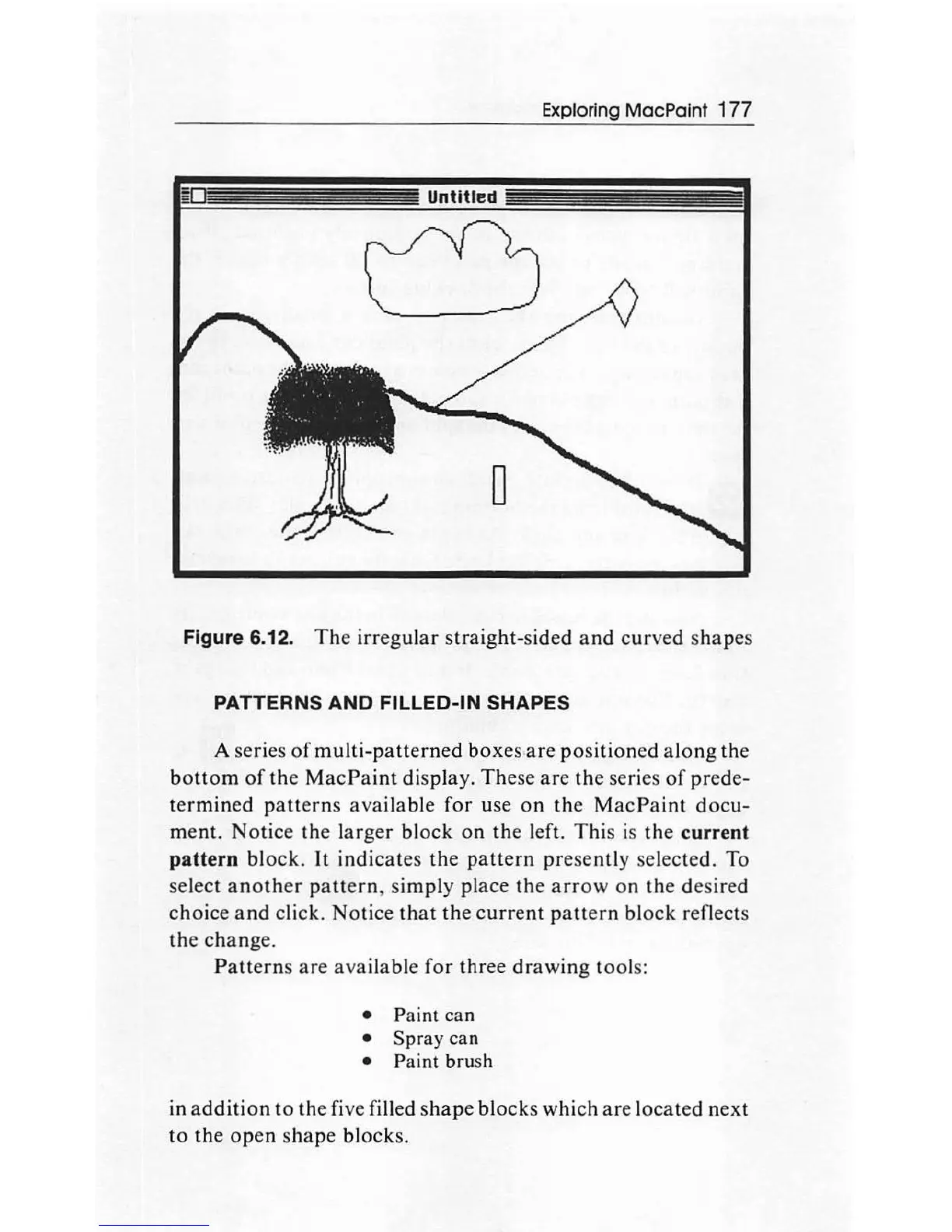
Figure 6.12.
The
irregular
straight-sided
and
curved
s
hapes
PATTERNS
AND
FILLED-IN SHAPES
A series
of
multi-patterned
boxes
-
are
positioned
along
the
bottom
of
the
Mac
Paint
display
.
These
are
the
series
of
prede-
te
rm
in
ed
patterns
avai
l
ab
le
for
use
on
the
MacPaint
docu-
ment.
Notice
the
larger
block
on
the
left.
This
is
the
current
pattern
block.
It
indicates
the
pattern
pres
ently selected. To
select
another
pattern
,
simply
place
the
arrow
on
th
e
desired
choice
and
click.
Notice
that
the
c
urr
ent
patt
ern
block reflects
the
change.
Patterns
are
ava
il
able
for
three
drawing
tools:
Paint can
Spray can
Paint brush
in
addi
ti
on
to
the five filled
shape
blocks
which
are
l
oca
ted n
ex
t
to
the
open
shape
blocks.

Other manuals for Apple Macintosh

Related product manuals