EasyManua.ls Logo

Apple Macintosh - Page 177

Apple Macintosh
321 pages
Print Icon
To Next Page IconTo Next Page
To Previous Page IconTo Previous Page
Loading...
Exploring MocPaint 179
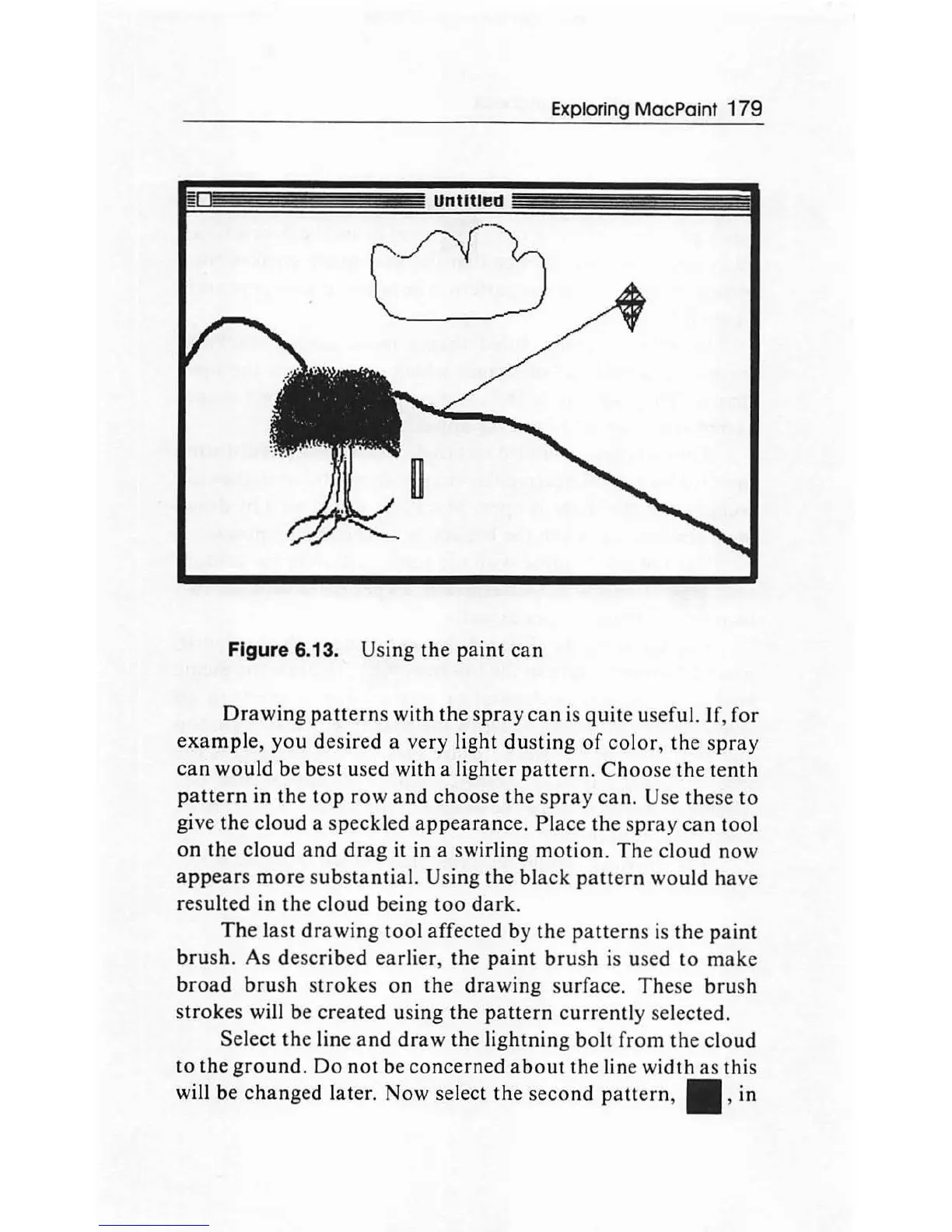
Figure 6.13. Using
the
paint
can
Drawing
patterns
with
the
spray
can
is
quite
useful.
If
,
for
examp
le,
you
desired
a
very
light
dusting
of
co
l
or,
the
spray
can
would
be best used
with
a
li
ghter
pattern.
Choose
the
tenth
pattern
in
the
top
row
and
choose
the
spray
can
. Use
the
se
to
give the
cloud
a
speckled
appearance
.
Plac
e
the
s
pra
y
can
tool
on
the
cloud
and
drag
it in a swirling
motion.
The
cloud
now
appears
more
s
ubstanti
a
l.
Using
the
black
patt
ern
would
have
resulted in
the
cloud
being
too
dark.
The
last
drawing
tool
affected by
the
patterns
is
the
paint
brush.
As d
escr
ibed earlier,
th
e
paint
bru
sh is used
to
make
broad
brush
st
rokes
on
the
drawing
surface.
These
bru
sh
strokes
will be
created
using
the
pattern
currently
selected.
Select
th
e line
and
draw
th
e lightning
bolt
from
the
cl
oud
to
the
ground.
Do
not
be
concerned
about
the
line
width
as
this
will be
changed
lat
er.
Now
select
the
second
pattern
,
II
, in

Other manuals for Apple Macintosh

Related product manuals