EasyManua.ls Logo

Apple Macintosh - Page 187

Apple Macintosh
321 pages
Print Icon
To Next Page IconTo Next Page
To Previous Page IconTo Previous Page
Loading...
Exploring MacPaint 189
1------------
-I
I I
1~1
I I
I I
I I
I I
I I
L------------.J
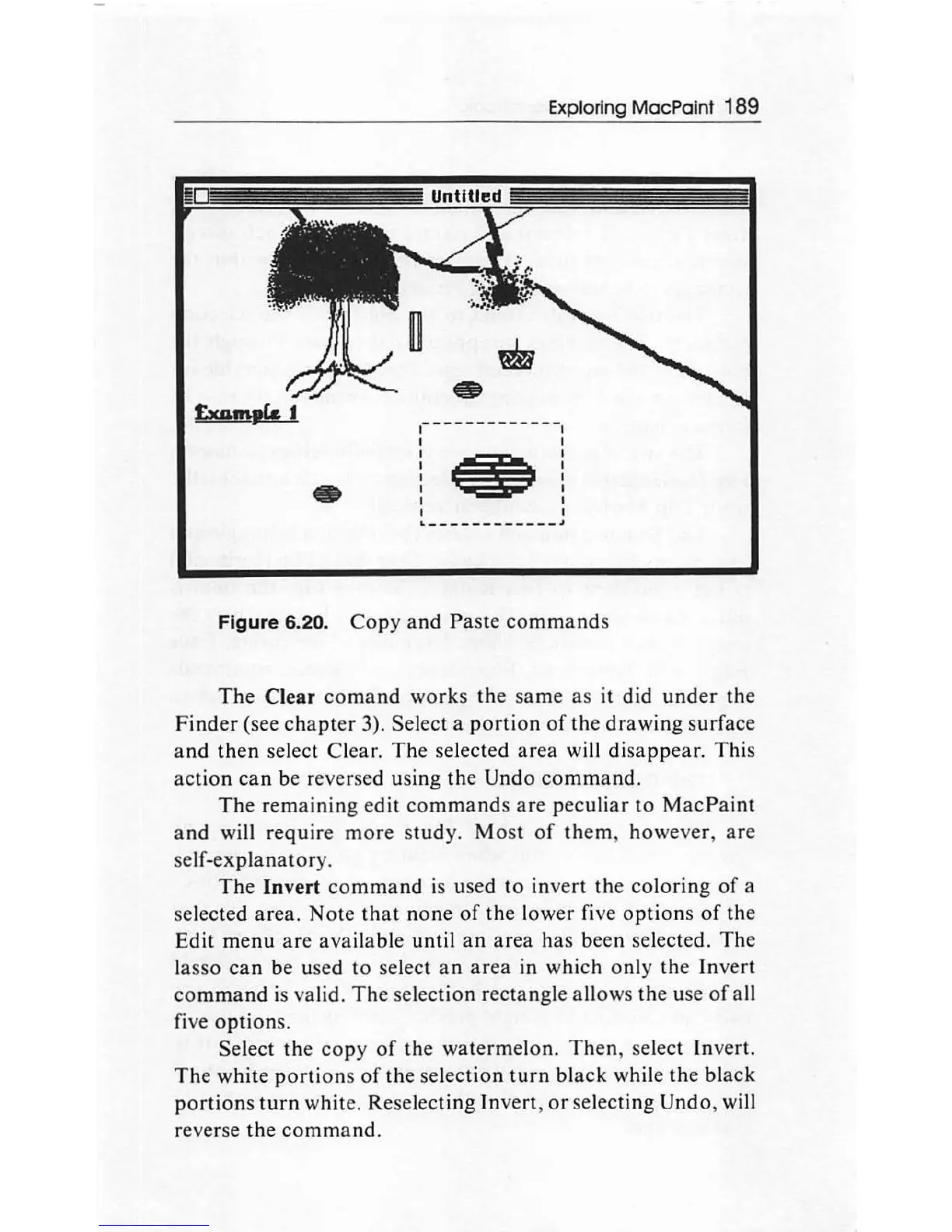
Figure 6.20.
Copy
and
Paste
commands
The
Clear
comand
works
the
same
as
it did
under
the
Finder
(see
chapter
3). Select a
portion
of
the
drawing
surface
and
then
select Clear.
The
selected
area
will
disappear.
This
action
can
be reversed using the Undo
command.
The
remaining
edit
commands
are
peculiar
to
MacPaint
and
will
require
more
study.
Most
of
them
, however,
are
self-explanatory
.
The
Invert
command
is used
to
invert the
coloring
of
a
selected
area.
Note
that
none
of
the
lower five
options
of
the
Edit
menu
are
available
until
an
area
has been selected.
The
lasso
can
be used
to
select
an
area
in which
only
the
Invert
command
is valid.
The
selection rectangle allows the use
of
all
five
options
.
Select
the
copy
of
the
watermelon.
Then,
select Invert.
The
white
portions
of
the
selection
turn
black
while
the
black
portions
turn
white. Reselecting Invert,
or
selecting Undo, will
reverse
the
command
.

Other manuals for Apple Macintosh

Related product manuals