EasyManua.ls Logo

Apple Macintosh - Page 191

Apple Macintosh
321 pages
Print Icon
To Next Page IconTo Next Page
To Previous Page IconTo Previous Page
Loading...
*'
Exploring MacPalnt 193
Untitled
........
__
..............
.....................
.....................
.
.....
.
.......
··=·
.........
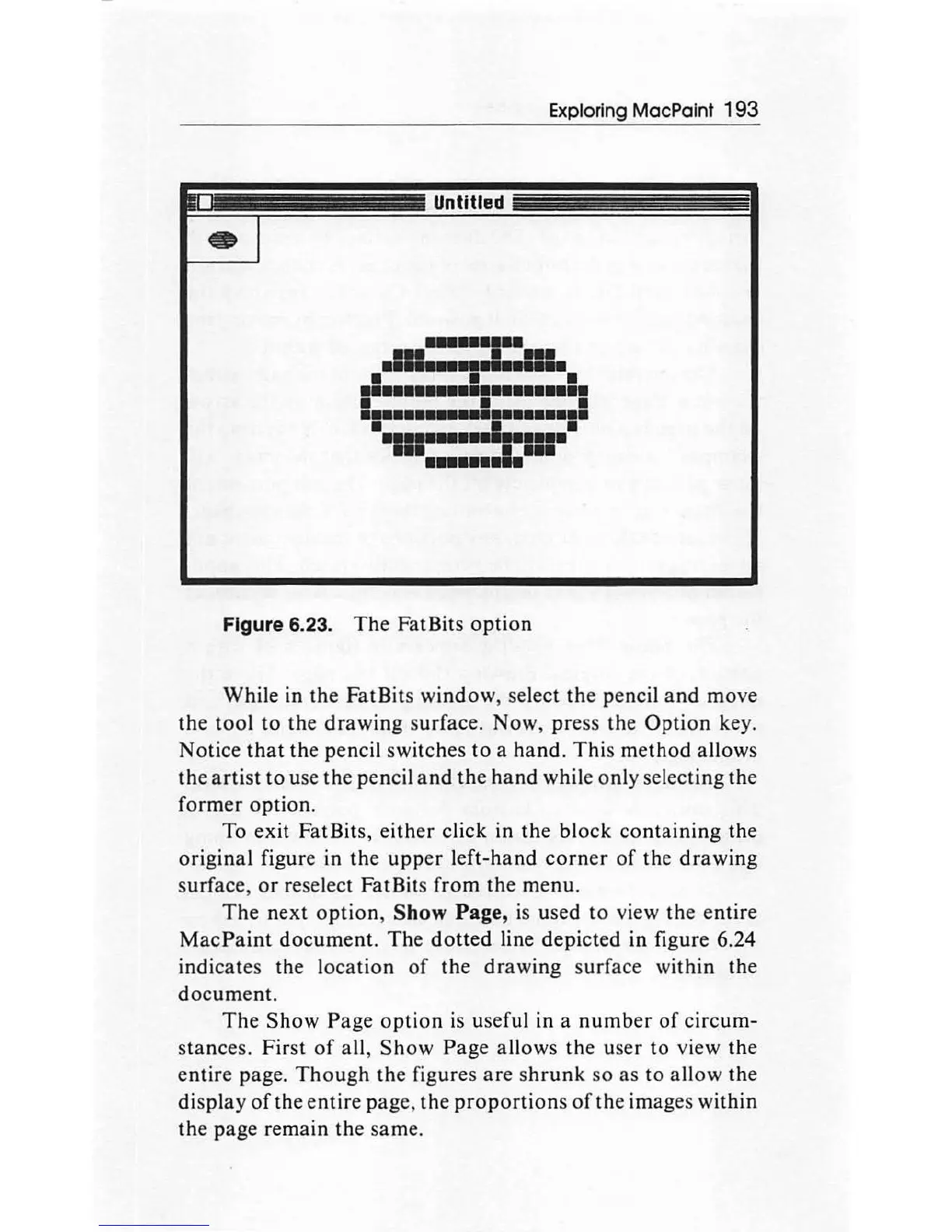
Figure 6.23.
The
Fat Bits
option
While in
the
FatBits window, select
the
pencil
and
move
the
tool
to
the
drawing
surface. Now,
pre
ss the
Option
key.
Notice
that
the pencil switches
to
a
hand.
This
me
thod
allows
the
artist
to
use the pencil a nd
the
hand
while only selecting the
former
option.
To exit FatBits,
either
cli
ck
in
the
block co
ntaining
the
original figure in
the
upp
er left-hand
corner
of
the
drawing
surface,
or
reselect FatBits from
th
e menu.
The
next
option
, Show Page,
is
used
to
view
th
e entire
MacPaint
document.
The
dotted
line depicted
in
figure 6.24
indicates the l
oca
tion
of
the
dr
aw
ing surface within
the
document.
The
Show
Page
option
is useful in a
number
of
circum-
s
tanc
es.
First
of
all,
Show
Page
allows
the
user to view the
entire page.
Though
the
figures
are
sh
runk
so
as
to allow
th
e
di
s
pla
y o
ft
he e
ntir
e
pa
ge,
the
proportions
of
the images within
th
e page rem
ain
th
e
sa
me.

Other manuals for Apple Macintosh

Related product manuals