196 Macintosh
User's
Handbook
Any
pattern
change will
be
made permanent for
that
document. The change will not affect patterns for other docu-
ments. Avoid altering a preset
pattern
unless you have
recorded the original for future reference. Creating new pat-
terns from the pure white
or
black choices may be the safest
option in this case.
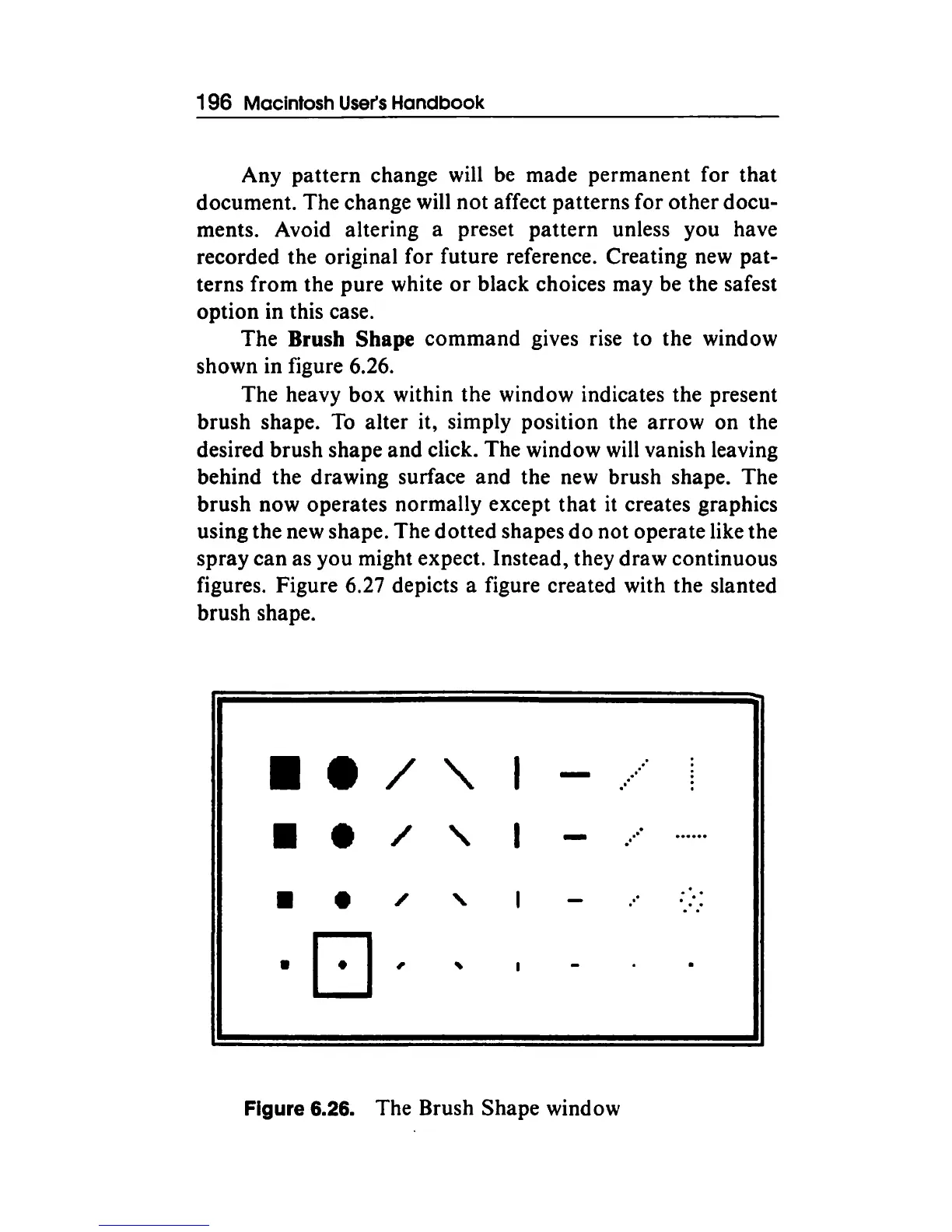
The Brush Shape
command
gives rise
to
the window
shown in figure 6.26.
The heavy box within the window indicates the present
brush shape.
To
alter it, simply position the arrow on the
desired brush shape and click. The window will vanish leaving
behind the drawing surface and the new brush shape. The
brush now operates normally except
that
it
creates graphics
using the new shape. The
dotted
shapes
do
not operate like the
spray can as you might expect. Instead, they draw continuous
figures. Figure 6.27 depicts a figure created with the slanted
brush shape .
• •
/
'
..
II
e
/
'
. ·
..
•
•
/
'
..
•
D
,
Figure 6.26. The Brush Shape window



 To Next Page