EasyManua.ls Logo

Apple Macintosh - Page 216

Apple Macintosh
321 pages
Print Icon
To Next Page IconTo Next Page
To Previous Page IconTo Previous Page
Loading...
More
on
MacPaint 219
Now
we
are
r
ea
dy
to
e
nter
th
e t
ex
t po
rtion
of
the
diagra
m.
Select
alpha-num
er
ics, set
th
e
Font
to
London
, a nd set the
Style
to
Underline. Al
so
sel
ec
t
Align
Middl
e since we
want
to
center
the
let
terin
g in
ea
ch
box
.
Now,
pl
ace
th
e
edit
b
ar
in
the
upp
er
middle
of
th
e
top
box
a
nd
click.
The
insertion
point
flashes
at
that
p
os
ition. Type in:
Pr
es
id
ent
Th
e le
tter
s will be dis
pla
yed
center
justified
with
the
sel
ec
ted
Font
and
Style
. Until
the
in
ser
tion
point
is
mo
ved,
th
e
text
ma
y
be
c
hanged
or
edited.
We will n
ee
d
to
reset
the
in
ser
tion
po
i
nt
for
the n
ame
since it is
di
s
played
with
a
diff
er
en
t Style.
Cente
r
the
point
below
th
e title a
nd
typ
e the
name
.
The
res
ult
is
depi
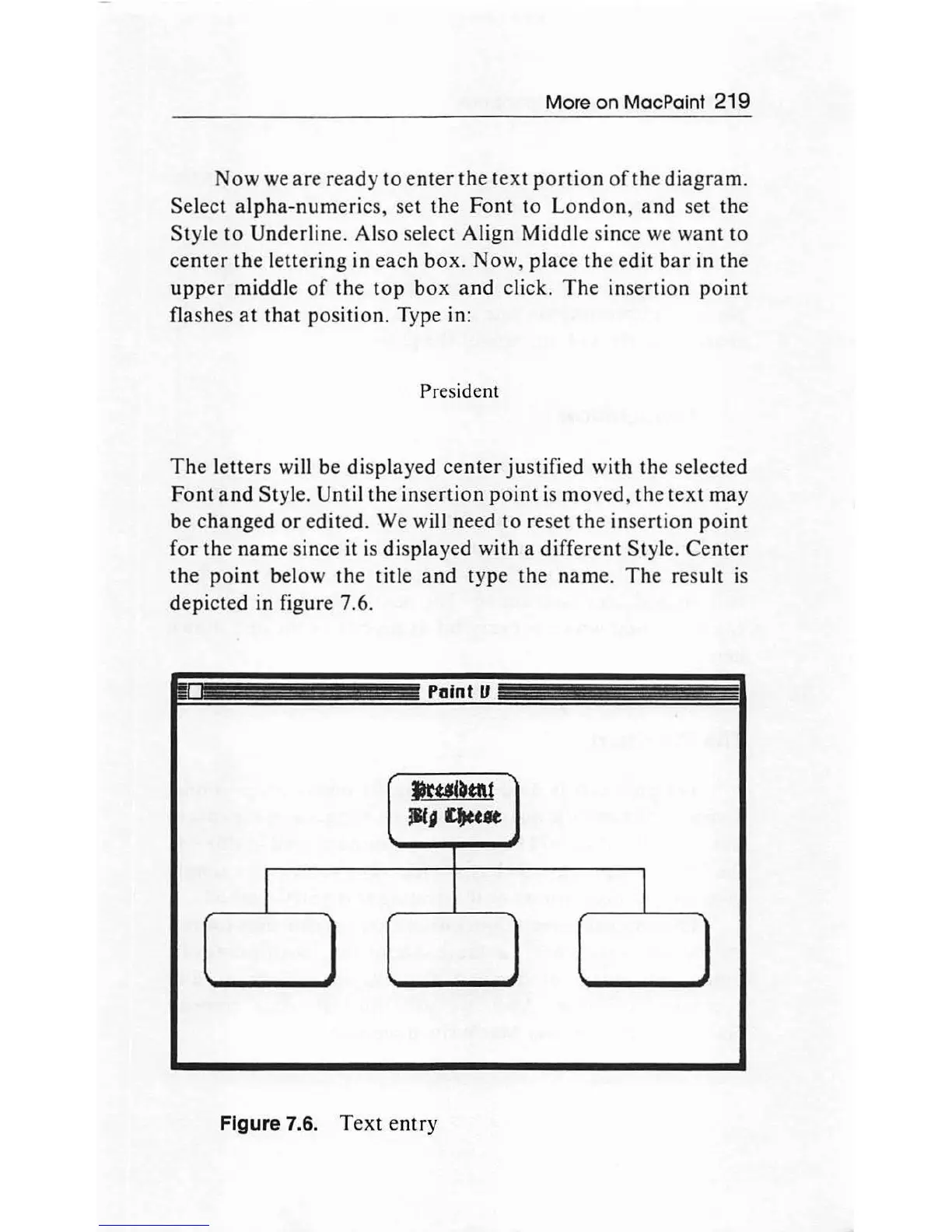
cted in figure 7.6.
Paint
ll
~~tt\t
iitJQuft
I I
Figure 7.6.
Text
entry

Other manuals for Apple Macintosh

Related product manuals