EasyManua.ls Logo

Apple Macintosh - Page 233

Apple Macintosh
321 pages
Print Icon
To Next Page IconTo Next Page
To Previous Page IconTo Previous Page
Loading...
236 Macintosh
User's
Handbook
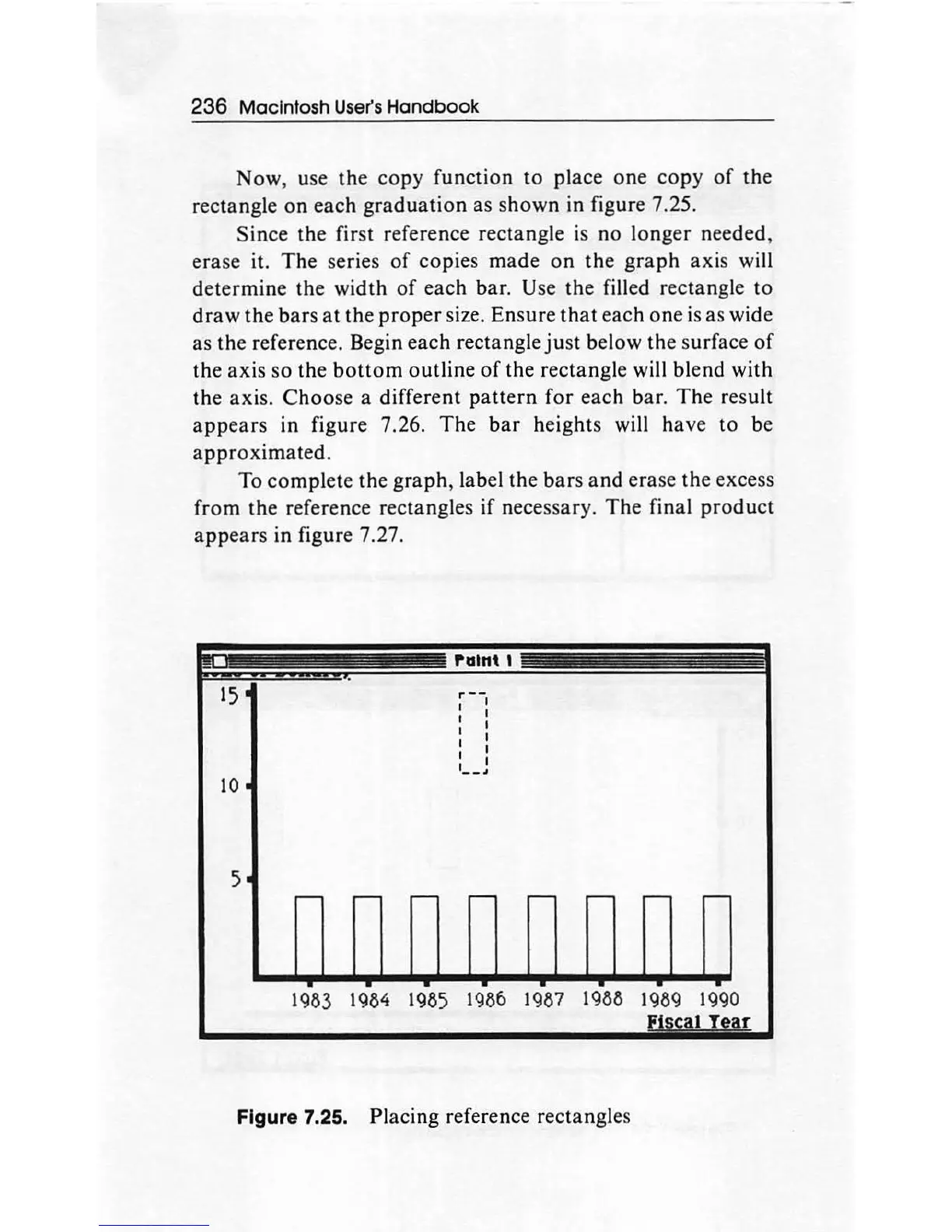
Now, use
the
co
py function
to
place one
copy
of
the
rectangle
on
each
graduation
as
shown
in figure 7.25.
Since
the
first reference rectangle
is
no
longer needed,
erase it.
The
series
of
copies
made
on
the
graph
axis will
determine
the
width
of
each
bar
. Use the filled rectangle
to
draw
the
bars
at
the
proper
size. Ensure
that
each
one
is as wide
as
the reference. Begin each rectangle
ju
st below
the
surface
of
the
axis
so
the
bottom
outline
of
the rectangle will blend with
the axis.
Choose
a different
pattern
for
each bar.
Th
e result
appears
in figure 7.26.
The
bar
heights will have
to
be
approximated.
To complete
the
graph, label the bars
and
erase the excess
from
the
reference rectangles
if
necessary.
The
final
product
appears
in
figure 7.27.
10
5
rutnt 1
..
--
1 I
I I
I I
I I
I I
I I
--·
~
----
~
1983 1984
1985
1986 1987 1988 1989 1990
1 T
ar
Figure 7.2
5.
Placing reference rectangles

Other manuals for Apple Macintosh

Related product manuals