EasyManua.ls Logo

Apple Macintosh - Page 239

Apple Macintosh
321 pages
Print Icon
To Next Page IconTo Next Page
To Previous Page IconTo Previous Page
Loading...
242 Macintosh Use(s
Ha
n
dbook
F-1
l"dlnt
II
('
....
_____
···"
-....--
----···
--
- -
--
t
....
-----
--.
··-
..
~
--
I
I
I
l
I
I
I
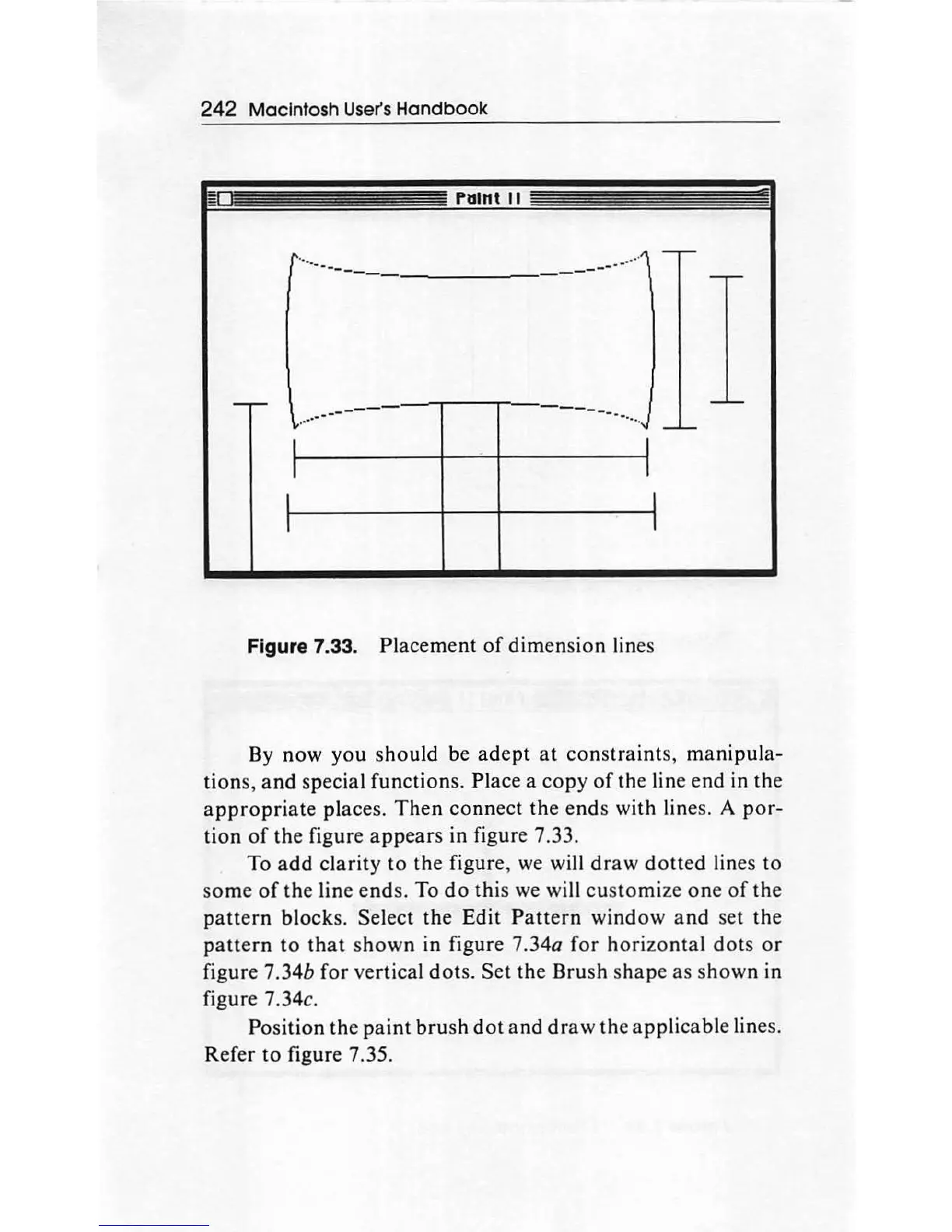
Figure 7.33. Placement
of
dimension
lines
By
now
you
should
be
adept
at
constraints,
manipula
-
tions
,
and
special functions. Place a
copy
of
the line end in the
appropriate
places.
Th
en
connect the
ends
with lines. A
por-
tion
of
the
figure
appears
in figure 7.33.
To
add
clarity
to
the
figure, we will
draw
dotted
lines to
so
me
of
the
line
ends.
To
do
this we will
customize
one
of
the
patt
e
rn
bl
ock
s.
Select the Edit
Pattern
window
and
set the
pattern
to
that
shown
in figure 7.34a
for
horiz
onta
l
dots
or
figure 7 .34b
for
vertical
dots
. Set the Brush shape as shown in
figure 7.34c.
Po
sition the
paint
bru
sh
dot
and
draw
the
app
licable lines.
Refer
to
figure 7.35.

Other manuals for Apple Macintosh

Related product manuals