244 Macintosh
User's
Handbook
Paint
II
····------
-------
........
-:-7'"7":-~-~·:··
.....
.
.............
..:....:.~..:...:..:.~
• 0
••••••
·-
....
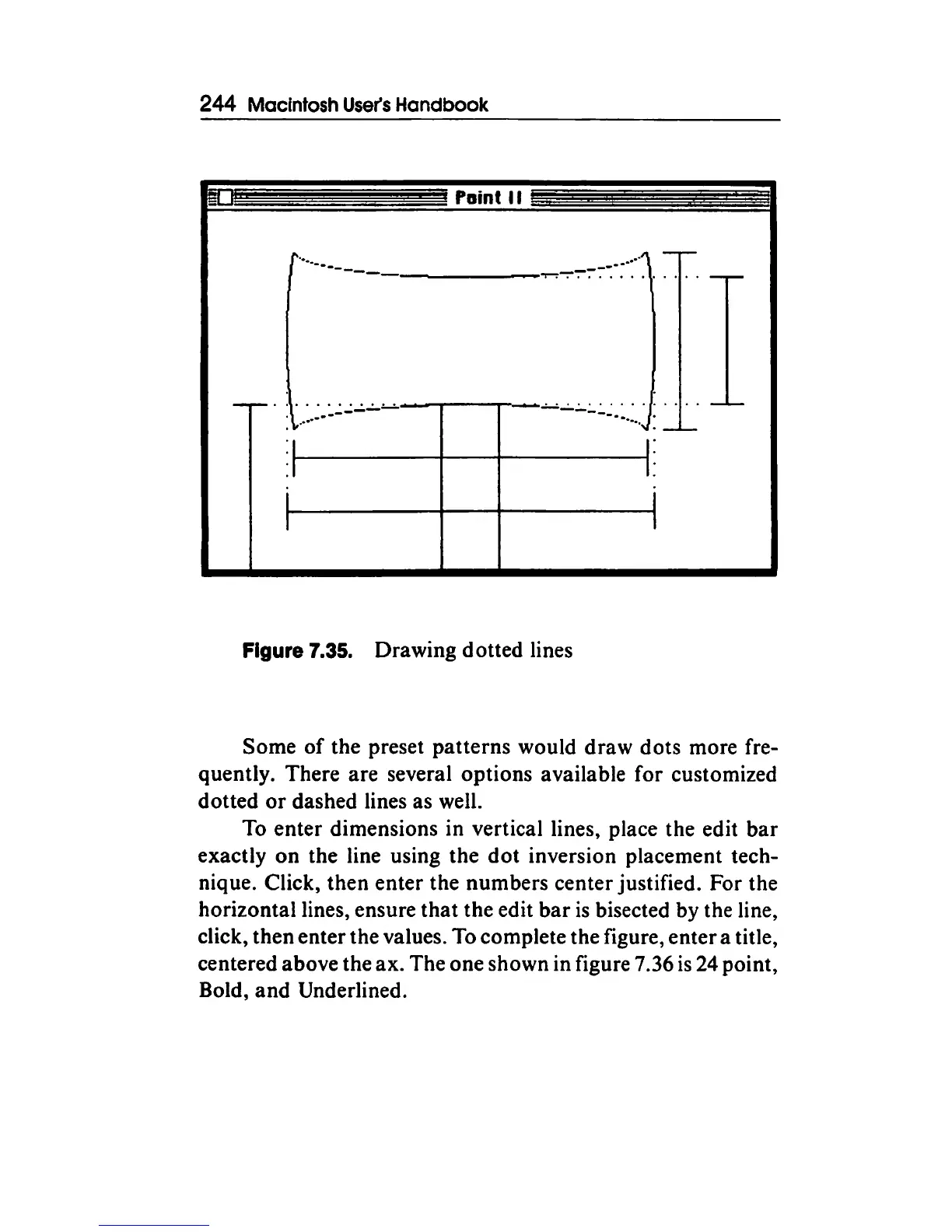
Figure 7.35. Drawing dotted lines
Some
of
the preset patterns would
draw
dots more fre-
quently. There are several options available for customized
dotted
or
dashed lines as well.
To enter dimensions in vertical lines, place the edit
bar
exactly
on
the line using the
dot
inversion placement tech-
nique. Click, then enter the numbers center justified. For the
horizontal lines, ensure
that
the edit
bar
is
bisected by the line,
click, then enter the values. To complete the figure, enter a title,
centered above the ax. The one shown in figure 7.36
is
24 point,
Bold,
and
Underlined.



 To Next Page