EasyManua.ls Logo

Apple Macintosh - Page 284

Apple Macintosh
321 pages
Print Icon
To Next Page IconTo Next Page
To Previous Page IconTo Previous Page
Loading...
Macintosh Communications
287
In
order
to
illus
trate
th
e final
keypad
m
en
u
displa
y, we
will need
to
alt
er
the
Terminal
Setting
s
window.
Access this
wind
ow
a
nd
select
IBM
3278.
With
th
is
mode,
th
e
Mac
em
u-
lates a st
andard
IBM
main
frame
te
rminal.
Se
l
ect
OK
from
this
window
and
pull d
ow
n the K
ey
pad
me
nu
aga
in.
Figur
e 8.21
sh
ows
th
e result.
Th
ese
function
s a re
availab
le
for
use
with
the
IBM
co
mp
atible co
mputer.
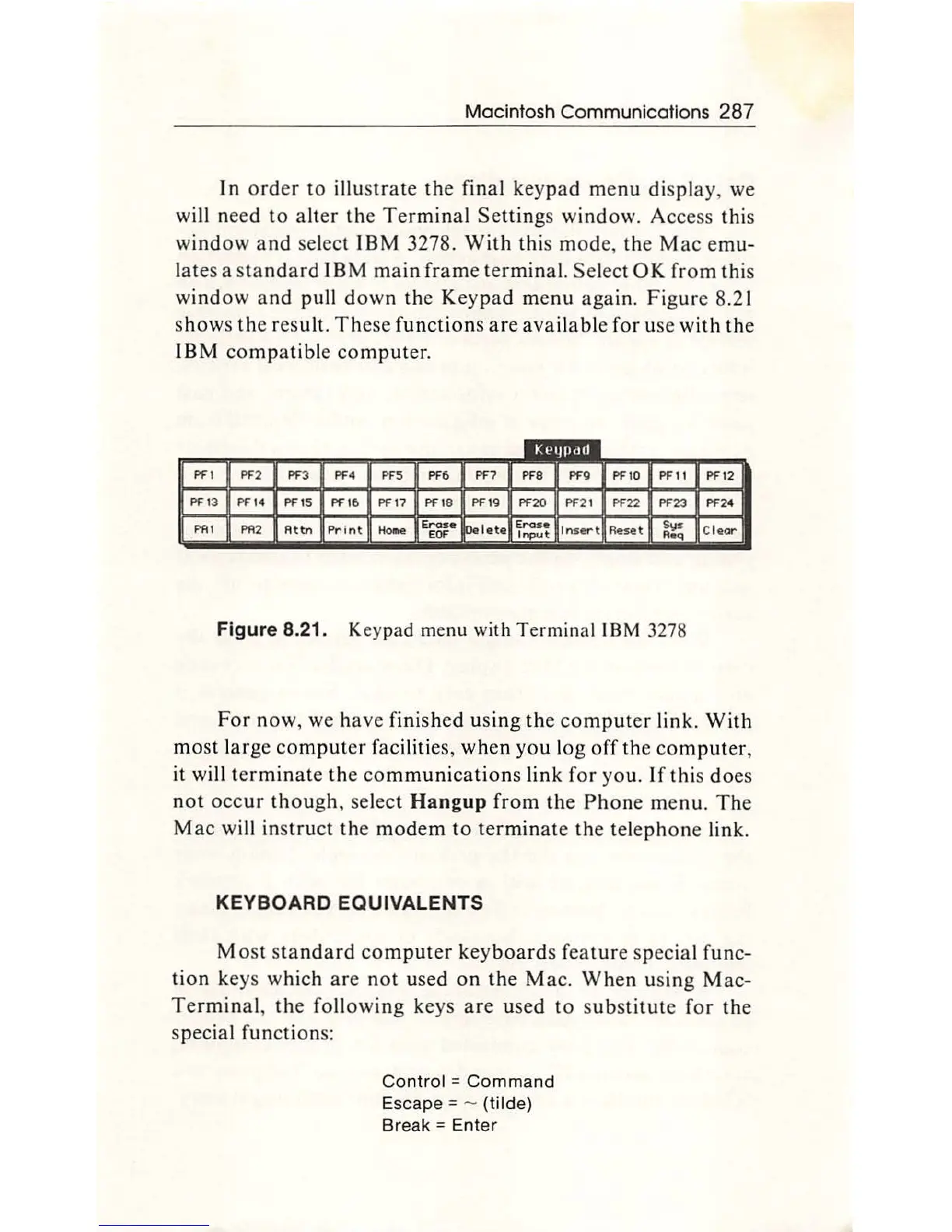
Figure 8.21. Keypad menu with
Term
inal I
BM
3278
For
now
, we h
ave
finished us
in
g the
co
mputer
link
.
With
most l
arge
computer
facilities,
wh
en
you
l
og
off
th
e
co
mput
er,
it will te
rmin
a
te
the
co
mmunication
s
link
f
or
yo
u.
If
this
do
es
not
occ
ur
though
, sel
ect
Hang
up
from
th
e P
hon
e me
nu.
Th
e
Mac
will
in
s
tru
ct
the
mod
em
to te
rminate
th
e tel
ep
h
one
li
nk.
KEYBOARD
EQUIVALENTS
Most
stan
d
ard
co
mput
er key
board
s fea
tur
e
special
func-
ti
on
keys which
are
n
ot
us
ed
on
the
Mac.
When
using
Mac-
Ter
min
al,
th
e
follow
i
ng
keys are used
to
s
ubstitut
e
for
the
special functions:
Con
tr
ol =
Command
Escape=
- (tilde)
Break =
Enter

Other manuals for Apple Macintosh

Related product manuals