EasyManua.ls Logo

Apple Macintosh - Disk File Recovery Procedures

Apple Macintosh
321 pages
Print Icon
To Next Page IconTo Next Page
To Previous Page IconTo Previous Page
Loading...
Troubleshooting
and
Operation Hints 303
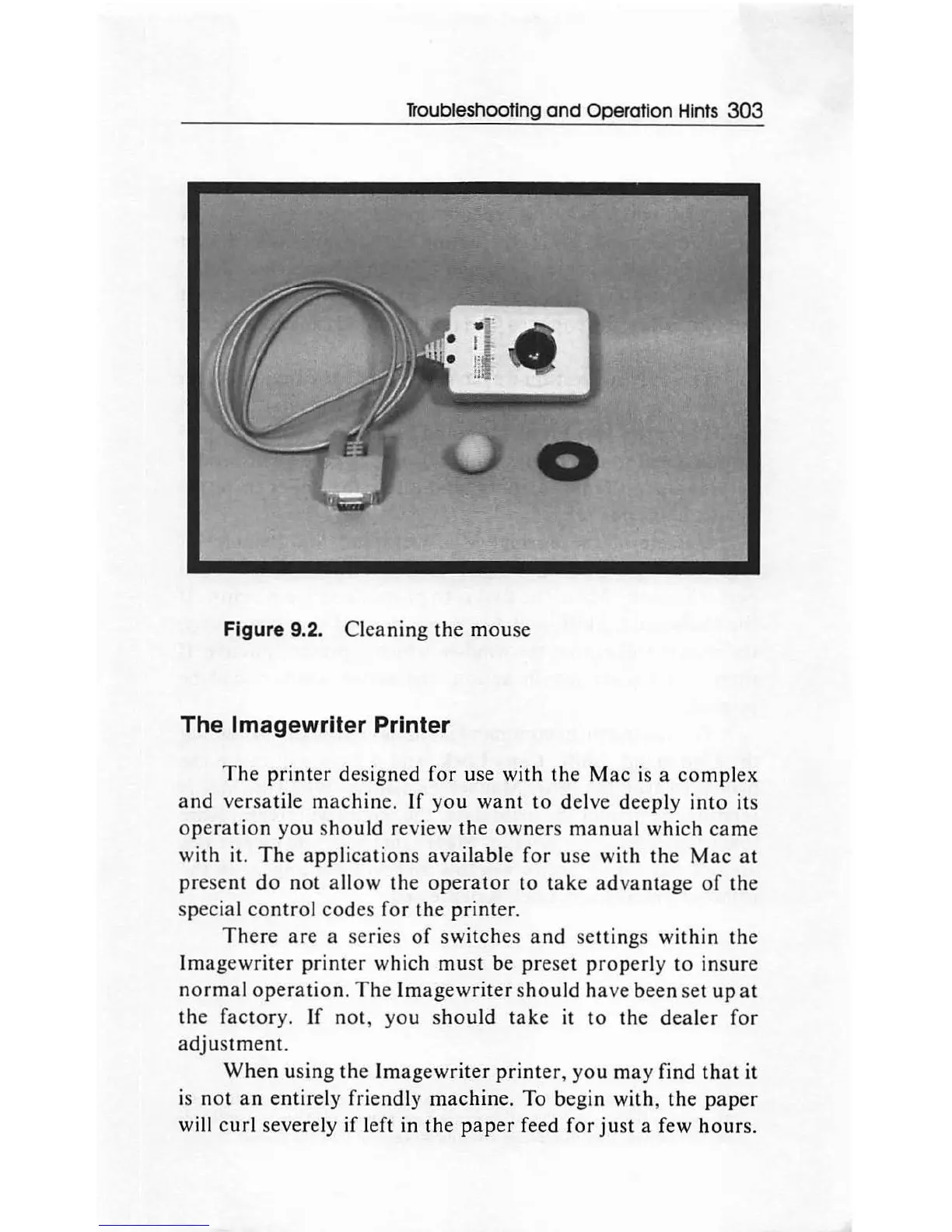
Figure 9.2.
Cleaning
the
mou
se
The lmagewriter Printer
The
printer
de
sign
ed
for
use with
the
Mac
is
a
comp
l
ex
and
versat
ile
machine.
If
you
want
to
delve
deeply
into
its
operation
you
s
hould
review
th
e
own
ers
manual
which
came
with
it.
The
applications
available
for
use with
the
Mac
at
pr
ese
nt
do
n
ot
allow
the
operator
to
take
a
dv
an
t
age
of
th
e
special
contro
l
codes
for
the
printer.
There
are
a series
of
swi
tch
es
and
se
ttin
gs
within
the
Imag
e
writer
printer
which
must
be
pre
set
prop
erly
to
insure
normal
operation.
The
Ima
gew
rit
er
sho
uld
have
been
set
up
at
the
factory.
If
not
,
you
sho
uld
take
it
to
th
e d
ea
l
er
for
adjustment.
When
using
the
Im
agewrite
r
printer
,
you
may
find
that
it
is
not
an
entirely
friendly m
ac
hine. To begin
with,
the
paper
will
curl
severely if left
in
the
paper
feed
for
ju
st a few
hours.

Other manuals for Apple Macintosh

Related product manuals