EasyManua.ls Logo

Apple Macintosh - Page 37

Apple Macintosh
321 pages
Print Icon
To Next Page IconTo Next Page
To Previous Page IconTo Previous Page
Loading...
Installation
37
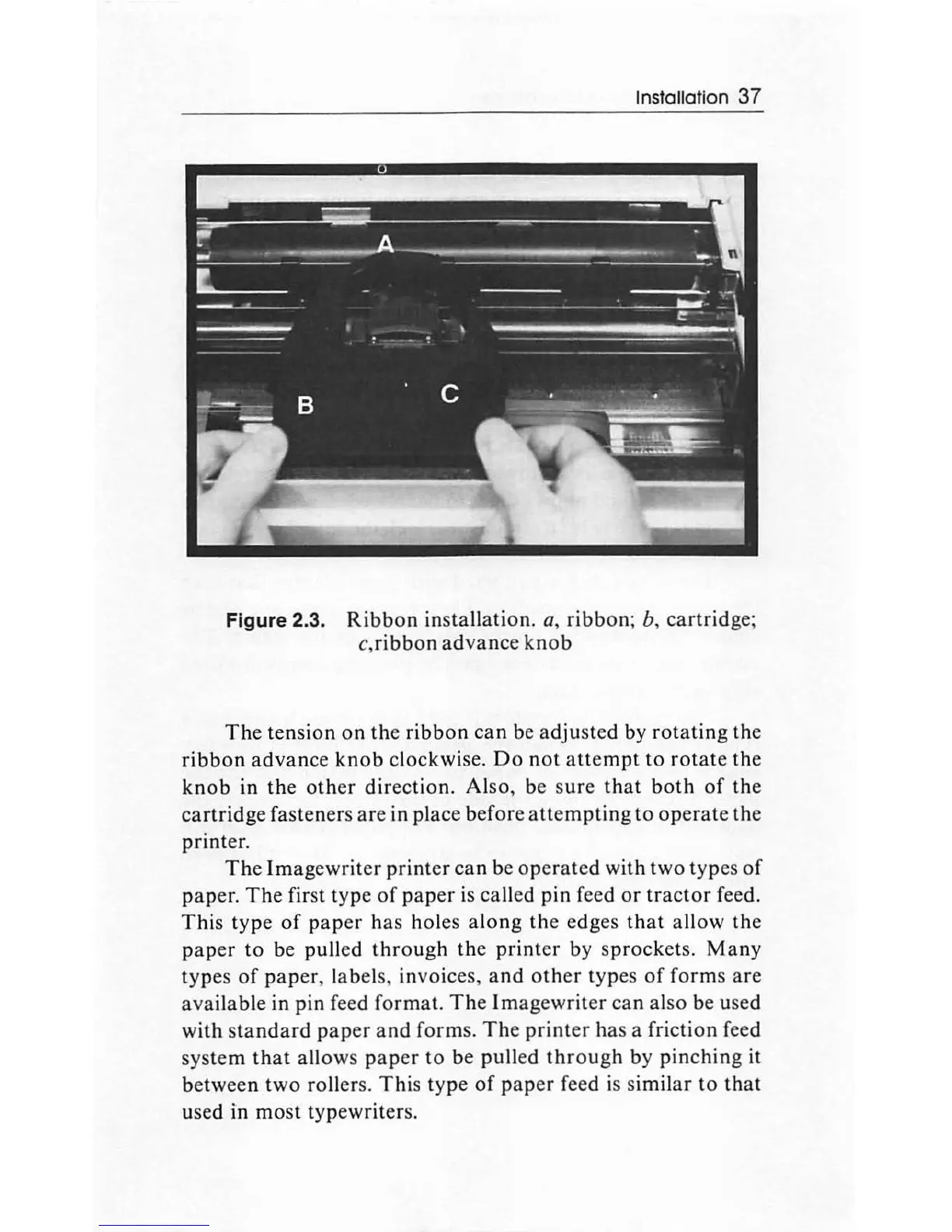
Figure 2.3.
Ribbon
installation.
a,
ribbon;
b,
cartridge;
c,ribbo
n
advance
knob
The
tension
on
the
ribbon
can
be
adjusted
by
rotating
the
ribbon
advanc
e
knob
clockwise.
Do
not
attempt
to
rotate
th
e
knob
in the
other
dir
ection. Also, be s
ure
that
both
of
the
cartridge
fasteners
are
in place before
attempting
to
operate
the
printer.
The
Imag
e
writ
er
print
er
can
be
operated
with two types
of
paper
.
The
first type
of
paper
is called pin feed
or
tractor
feed.
Th
is
typ
e
of
pap
er
ha
s holes
along
th
e edges
that
allow
the
paper
to
be pulled
through
th
e
printer
by s
procket
s.
Many
typ
es
of
pap
er, labels, invoices,
and
other
typ
es
of
forms
are
avail
able
in pin feed format.
The
Im
agewrit
er
can
al
so
be used
with
standard
paper
and
forms.
The
print
er
has a friction feed
system
that
allows
paper
to
be pulled
thr
ou
gh
by
pinching
it
be
tween
two
rollers.
This
type
of
pap
er feed is similar
to
that
used in
most
typewriters.

Other manuals for Apple Macintosh

Related product manuals