EasyManua.ls Logo

Apple Macintosh - Page 70

Apple Macintosh
321 pages
Print Icon
To Next Page IconTo Next Page
To Previous Page IconTo Previous Page
Loading...
70
Macintosh
User's
Handbook
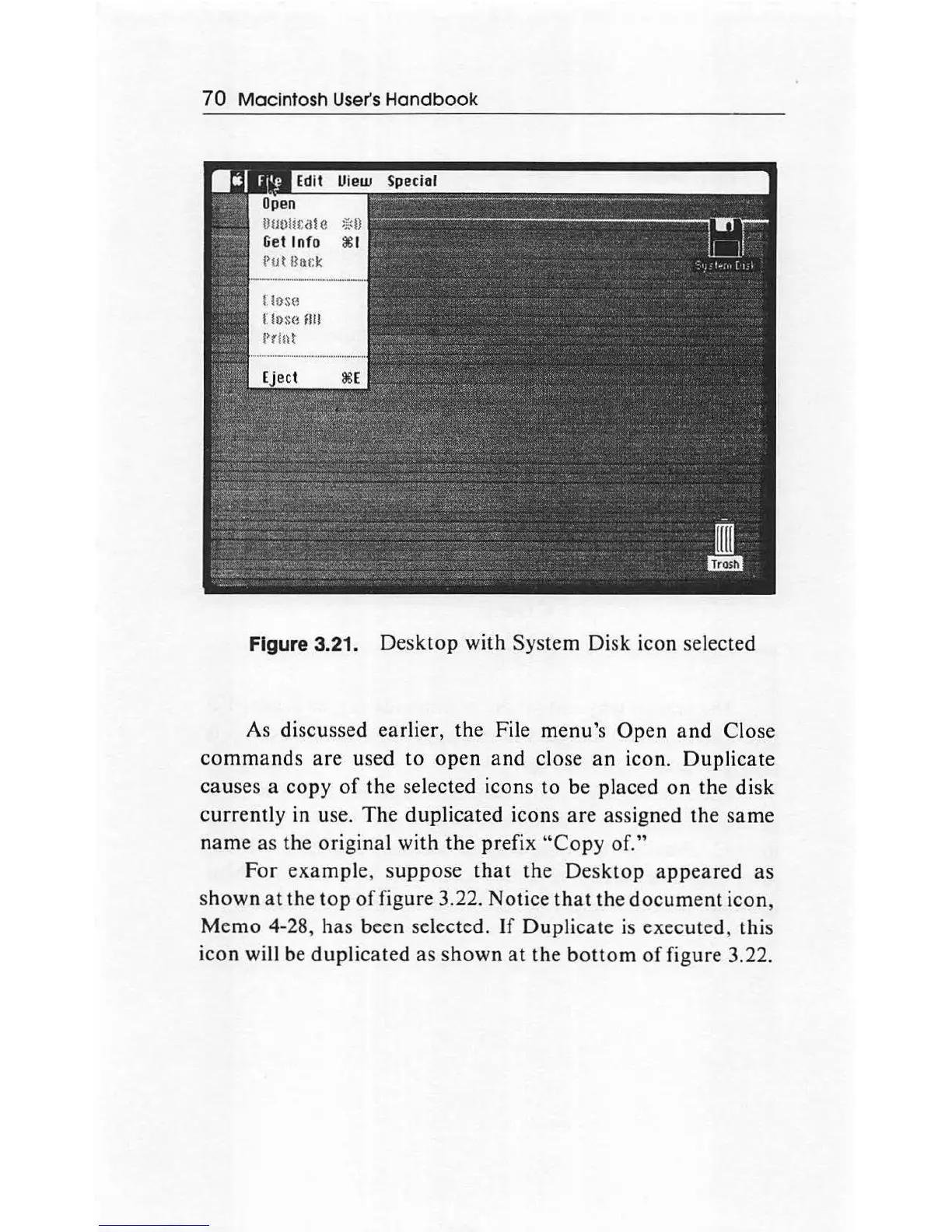
Figure 3.21.
Desktop
with System Disk icon selected
As discussed earlier, the File menu's Open
and
Close
com
m
ands
are
used
to
open
and
close
an
icon.
Duplicate
causes a copy
of
the selected icons to be placed
on
the disk
currently
in
use.
The
duplicated icons
are
assigned
th
e
sa
me
name
as the original with
th
e prefix
"Copy
of."
For
ex
ample,
s
uppo
se
that
the
Desktop
appeared
as
sh
own
at
the
top
of
figure 3.22. Notice
that
the
document
icon,
Memo
4-28,
has
been selected.
If
Duplicate is executed, this
icon will
be
duplicated
as
shown
at
the
bottom
of
figure 3.22.

Other manuals for Apple Macintosh

Related product manuals