EasyManua.ls Logo

Apple Macintosh - Page 77

Apple Macintosh
321 pages
Print Icon
To Next Page IconTo Next Page
To Previous Page IconTo Previous Page
Loading...
Using
the
Finder 77
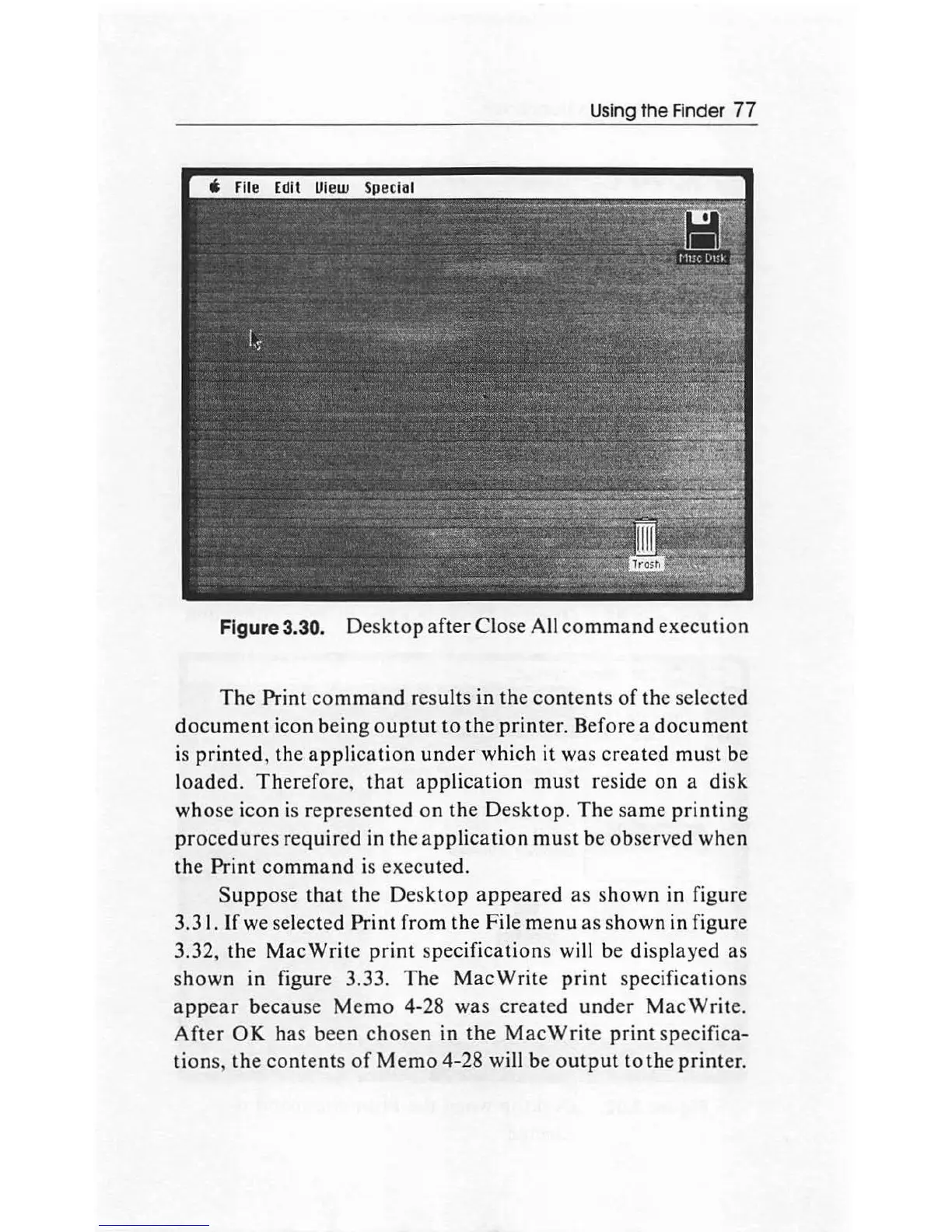
Figure 3.30.
Desktop
after
Close All
command
execution
The
Print
command
results in
the
contents
of
the selected
document
icon being
ouptut
to
the
printer. Before a
document
is
printed,
the
application
under
which it
wa
s
created
must
be
lo
aded.
Therefore
,
that
app
lication
must
reside
on
a
disk
whose icon is re
pr
ese
nted
on
the
Desktop
.
The
same
printing
procedures
required in
the
app
lic
ation
must
be observed when
the
Print
command
is
executed.
Suppose
that
the
Desktop
appeared
as
shown
in figure
3.31. If we selected
Print
from
the
File
menu
as
show
n in figure
3.32,
the
MacWrite
print
specifications
will be displayed
as
shown
in figure 3.33.
The
MacWrite
print
specifications
appear
because
Memo
4-28 was
created
under
MacWrite.
After
OK
has
been
chosen
in
the
MacWrite
print
specifica-
tion
s,
the
contents
of
Memo
4-28 will be
output
to
the printer.

Other manuals for Apple Macintosh

Related product manuals