EasyManua.ls Logo

Apple Macintosh - Page 83

Apple Macintosh
321 pages
Print Icon
To Next Page IconTo Next Page
To Previous Page IconTo Previous Page
Loading...
Using
the
Finder 83
The
selected t
ext
can
be removed by
executing
either
the
Cut
or
the
Clear
commands
from
the Edit menu.
The
Cut
command
causes the selected
information
to
be
removed
and
placed
on
the
Clipboard.
Any
information
which
had
previously existed
on
the
Clipboard
will be replaced
by
the
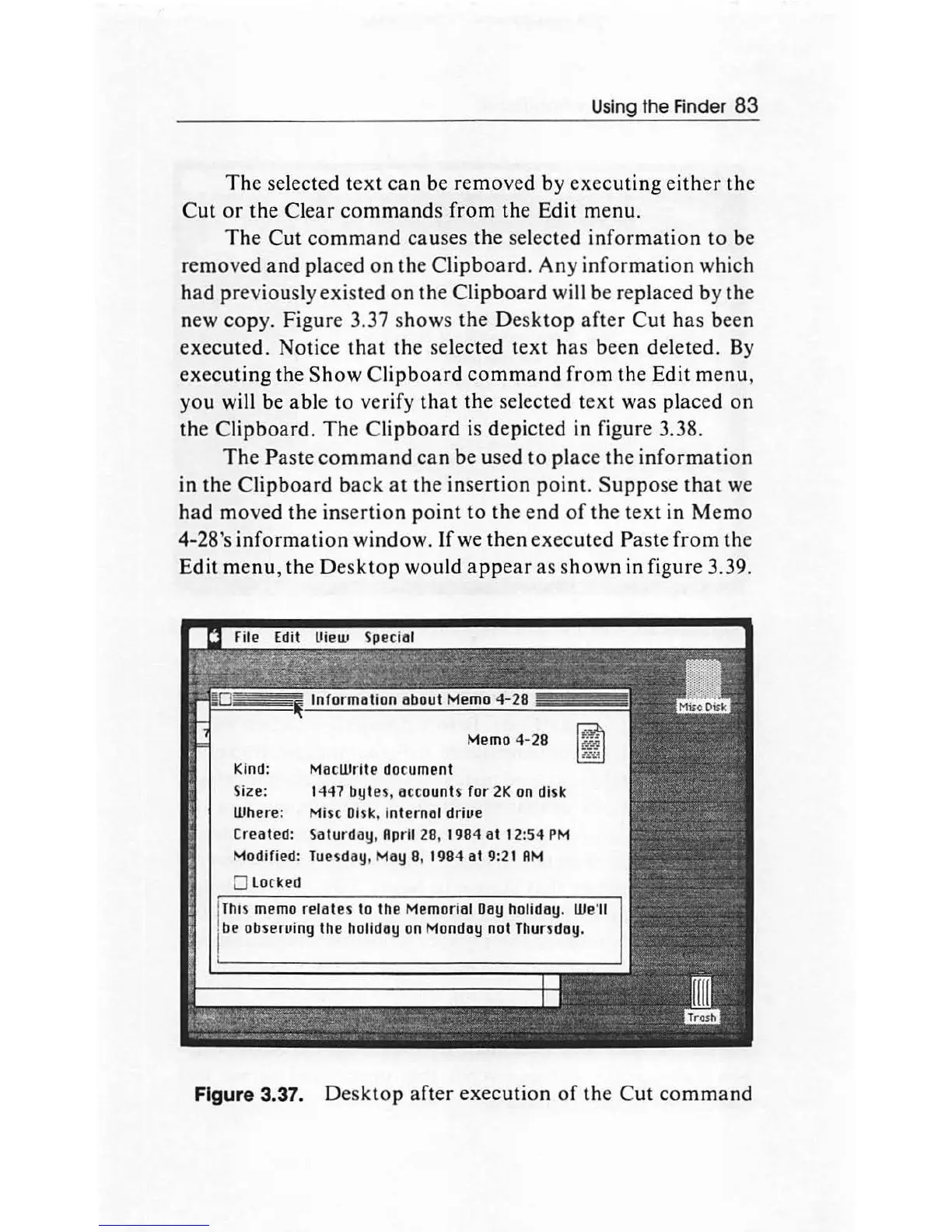
new copy. Figure 3.37 s
how
s the
Desktop
after
Cut
has been
executed.
Notice
that
the
selected
text
ha
s been deleted. By
executing
the
Show
Clipboard
command
from
the Edit me
nu,
you will be able
to
verify
that
the selected
text
was placed
on
the
Clipboard.
The
Clipboard
is depicted in figure 3.38.
Th
e Paste
command
can
be
used
to
place the
informati
on
in the
Clipboard
back
at
the insertion
point.
Suppose
that
we
had
moved
the inserti
on
point
to
the
end
of
the
text
in
Memo
4-28's
information
window.
If
we
then
executed Paste
from
th
e
Edit
menu,
the Des
ktop
would
appear
as
shown
in figure 3.39.
Memo 4-28
Kind: MacWrite do
cu
ment
Size: 1447 bytes, accounts
for
2K
on
disk
Where: Mise
Di
sk, Internal
driue
Createll: Saturday, April 28, 1984
at
12:54
PM
Mollified:
Tueiday,
May
8, 1984
at
9:21
AM
0
Lo
rkell
This memo
re
111t
es to the Memorill1
D11y
holidlly.
We
'
ll
be obseruing
the
holiday on Monday not Thursday.
Figure 3.37. D
esktop
after
execution
of
th
e
Cut
command

Other manuals for Apple Macintosh

Related product manuals