34 Chapter 3 Boost Your Memory
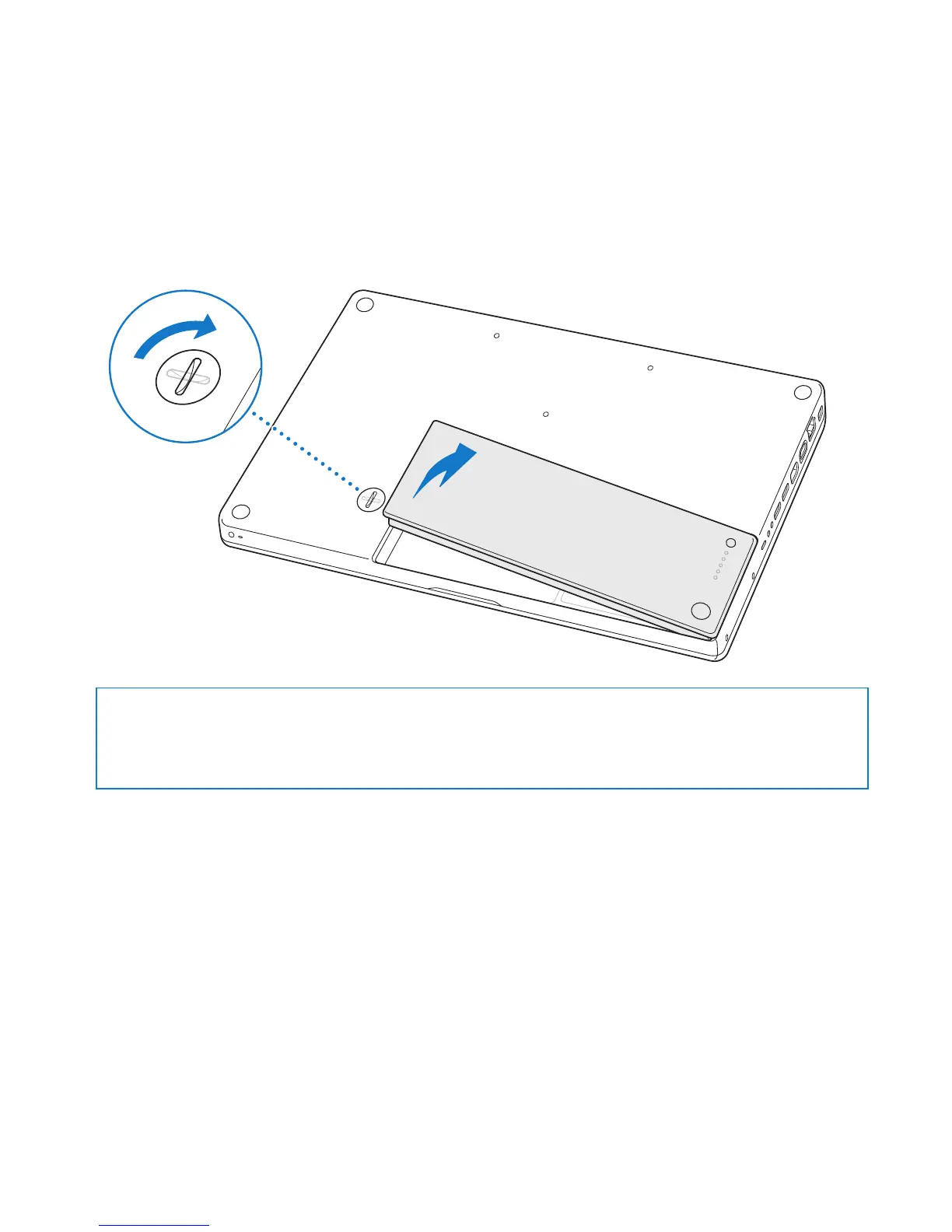
2 Turn over the MacBook and locate the battery latch. Use a coin to turn the latch a
quarter turn clockwise to unlock the battery, and gently remove it.
WARNING: The internal components of your MacBook can be hot. If you have been
using your MacBook, wait 10 minutes after shutting down to let the internal
components cool before continuing.
¥
Á
¥
Á



 To Next Page