Chapter 3 Boost Your Memory 35
Step 2: Installing Memory
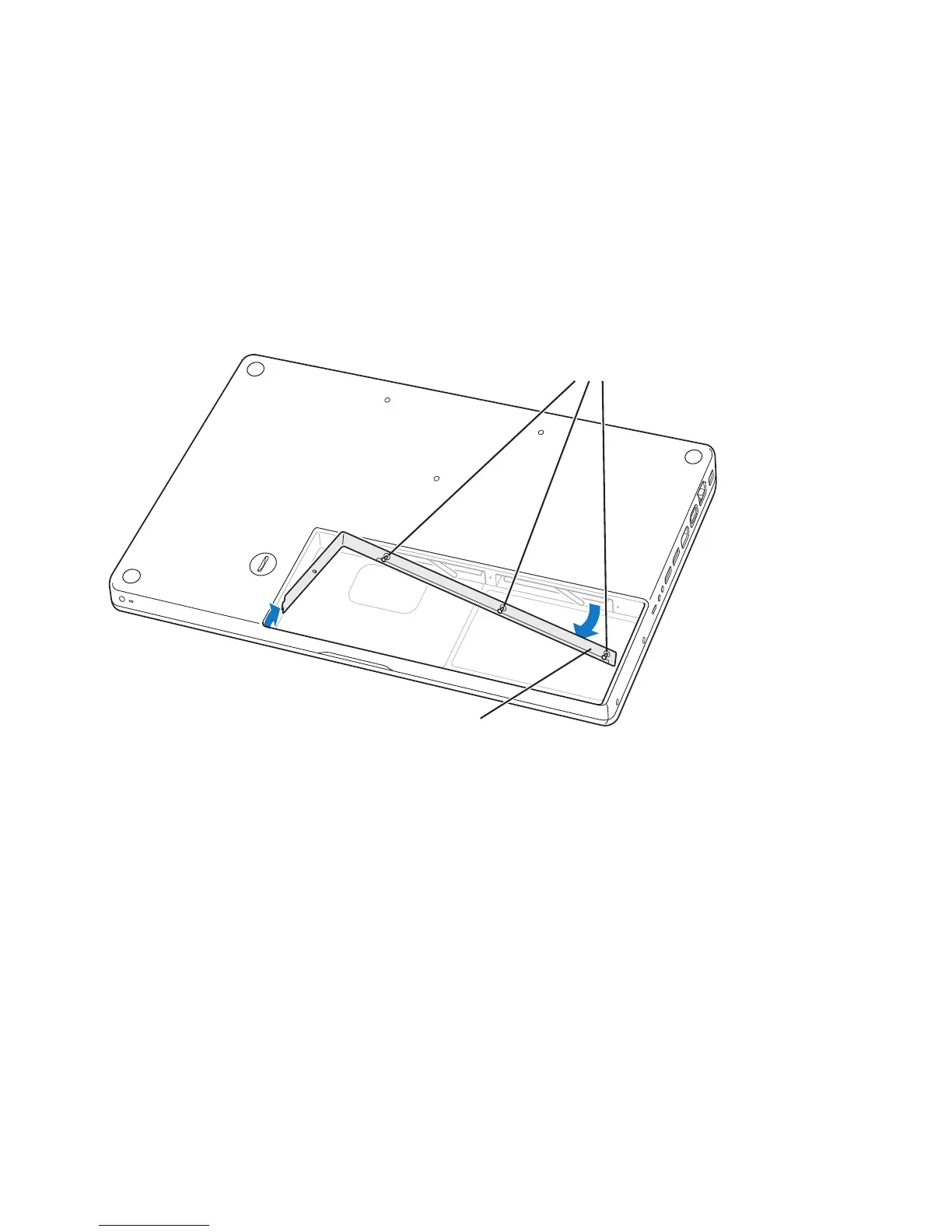
1 Loosen the three captive screws that secure the L-bracket, pull out the long end first to
remove the bracket, and place it to the side.
Levers on the memory slots spring out when you remove the bracket.
2 Touch a metal surface inside the computer to discharge any static electricity from
your body.
Loosen the 3 screws
Pull this side out
¥
Á



 To Next Page