Take Apart CD/DVD Drive, PCI/AGP Graphics/Gigabit Ethernet/Digital Audio - 98
Note: You remove the drive
carrier from the computer
with the drives attached to
the carrier.
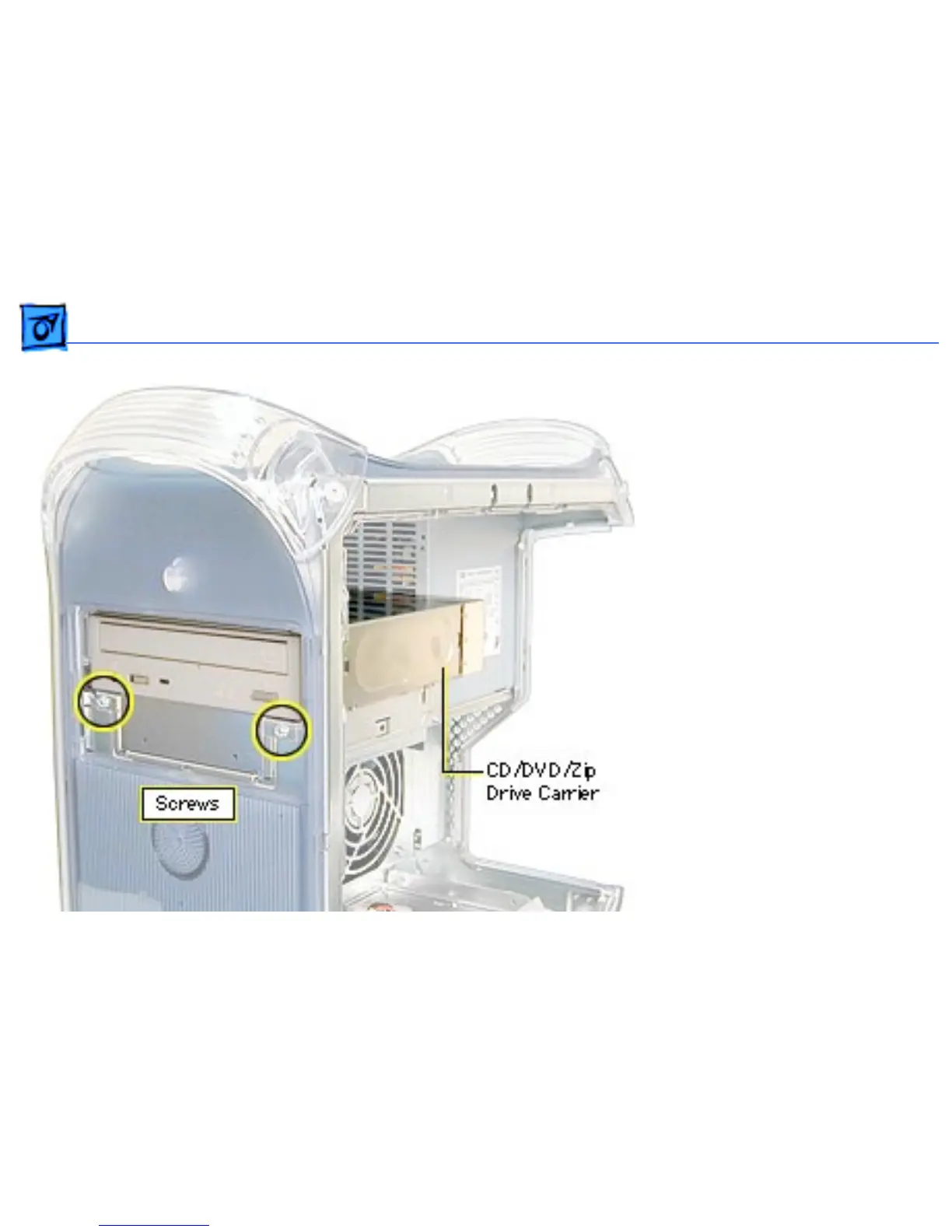
1. Remove the two screws
on the drive carrier.
2. From inside the chassis,
push the drive carrier
forward about 1 inch.
Important: The carrier may
be difficult to push forward
due to EMI tape on the
carrier’s underside holding
it in place. Continue pushing
forward until the carrier is
released.



 To Next Page