Take Apart Fan, PCI Graphics, AGP Graphics/Gigabit Ethernet/Digital Audio - 111
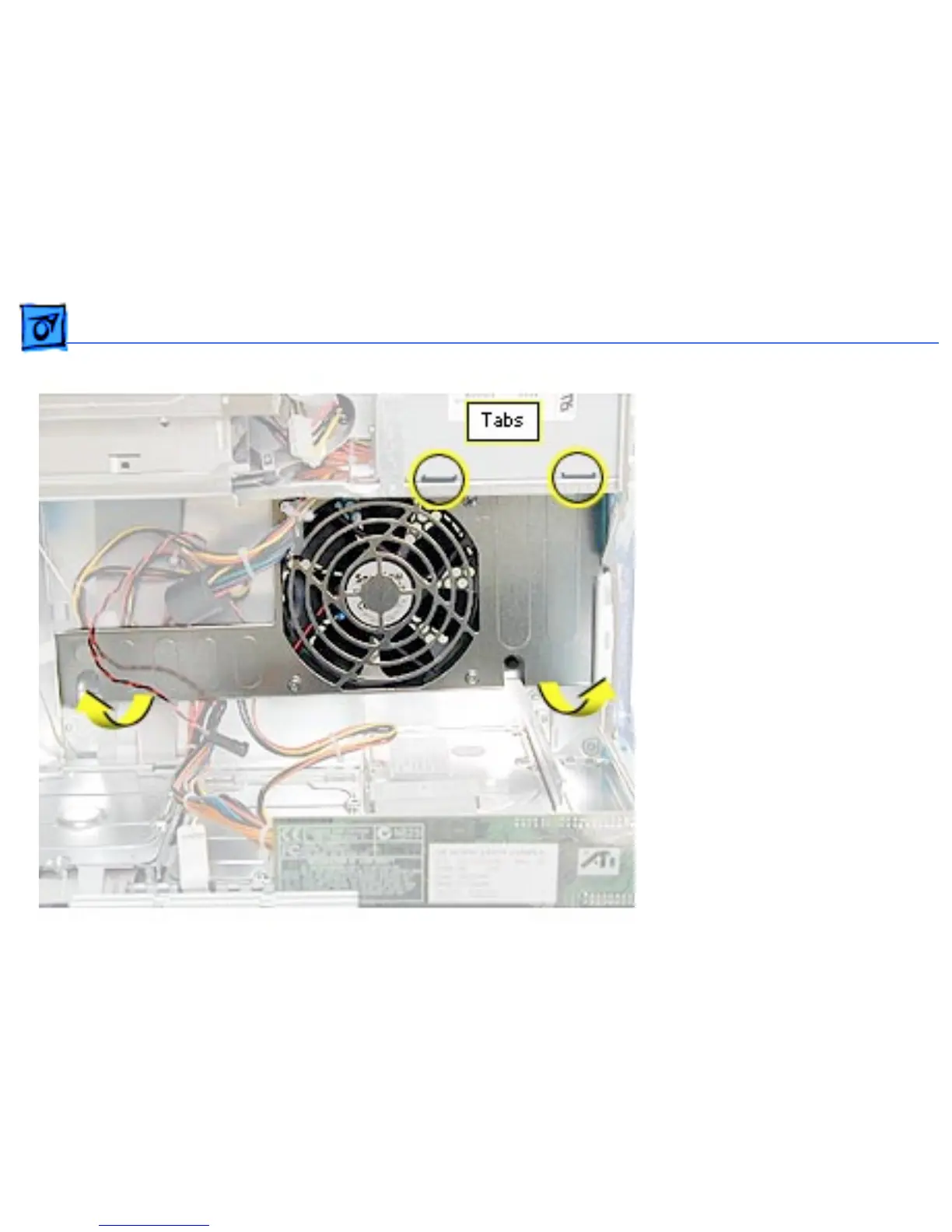
4. Lift the fan bracket out
of the computer.
Replacement Note: The fan
bracket has two holes (on
the top) that join with two
tabs on the chassis. If the
tabs aren’t inserted into the
holes, the screws that
secure the fan bracket to the
chassis won’t align
properly.



 To Next Page