Take Apart Power Supply, PCI/AGP Graphics/Gigabit Ethernet/Digital Audio - 127
and reattach it to the new
power supply.
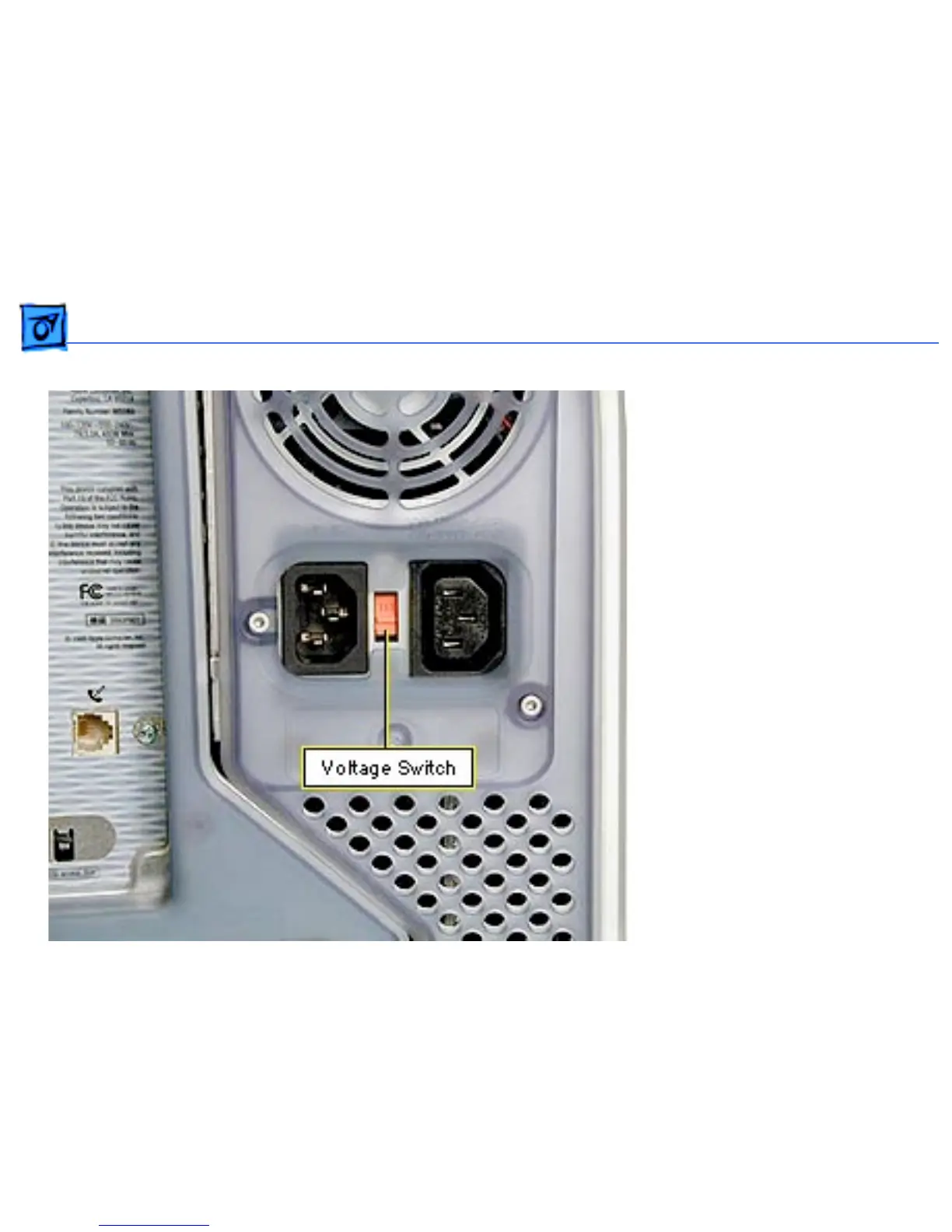
Replacement Note: You must
set the power supply voltage
switch to the correct setting
(115 V in the U.S.) to avoid
damaging the computer.



 To Next Page