Take Apart Logic Board, Power Mac G4 (QuickSilvers) - 49
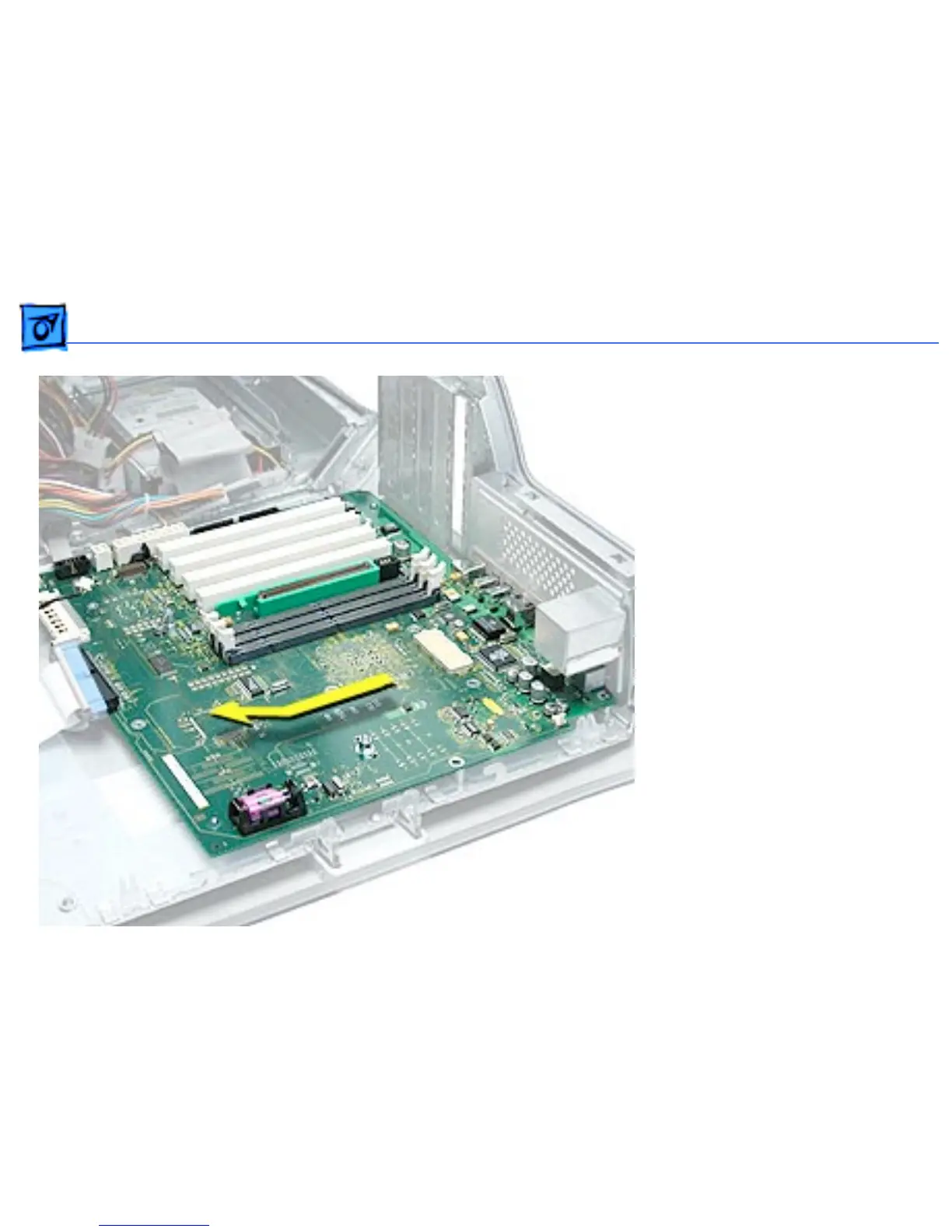
4. Slide the logic board
away from the I/O panel
to clear the board guides.
5. Tilt the logic board so
that the ports clear the
openings in the I/O panel
and lift the board out of
the computer.
Important: If you are
replacing the logic board,
transfer the processor
module, video card, PCI
cards, AirPort card,
memory cards, and modem
from the original logic board
to the replacement board.



 To Next Page